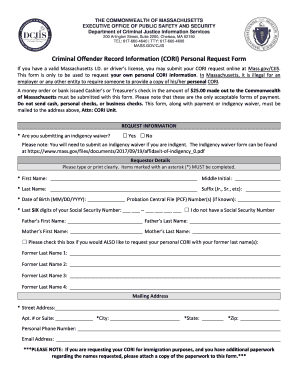
Type text, add images, blackout confidential details, add comments, highlights and more.
02. Sign it in a few clicks
Draw your signature, type it, upload its image, or use your mobile device as a signature pad.
03. Share your form with others
Send it via email, link, or fax. You can also download it, export it or print it out.
How to use or fill out sensitive data sheet with our platform
Ease of Setup
DocHub User Ratings on G2
Ease of Use
DocHub User Ratings on G2
Click ‘Get Form’ to open the sensitive data sheet in the editor.
Begin by filling out your personal information in Section A. Enter your name, date of birth, and social security number for both the petitioner and respondent. Ensure accuracy as this information is crucial.
Proceed to Section B to provide financial account numbers. List each financial institution, type of account, names of account owners, and their respective account numbers. Remember to omit sensitive details like social security numbers unless specified.
In Section C, detail any pension and retirement accounts. Include the financial institution, type of account, names of account owners, and account numbers.
Finally, complete Section D by entering information about life insurance policies. Fill in the insurance company name, type of policy, names of policy owners, and policy numbers.
Start using our platform today to easily fill out your sensitive data sheet for free!
Secure Sensitive Data (SSD). A mechanism to manage sensitive data (such as passwords, keys, and so on) securely on the switch, populating this data to otherRead more
DOJ Regulations Regarding Bulk U.S. Sensitive Data
The program functions similarly to export controls, prohibiting or restricting certain transactions that could grant foreign entities access to sensitive data.Read more
ATLAS No. Respondent / Party B. FAMILY DEPARTMENT SENSITIVE DATA. COVERSHEET WITH CHILDREN. (CONFIDENTIAL RECORD). Fill out. File with Clerk of Superior CourtRead more
Cookie consent notice
This site uses cookies to enhance site navigation and personalize your experience.
By using this site you agree to our use of cookies as described in our Privacy Notice.
You can modify your selections by visiting our Cookie and Advertising Notice.