Type text, add images, blackout confidential details, add comments, highlights and more.
02. Sign it in a few clicks
Draw your signature, type it, upload its image, or use your mobile device as a signature pad.
03. Share your form with others
Send it via email, link, or fax. You can also download it, export it or print it out.
How to use or fill out ky chapter 13 with our platform
Ease of Setup
DocHub User Ratings on G2
Ease of Use
DocHub User Ratings on G2
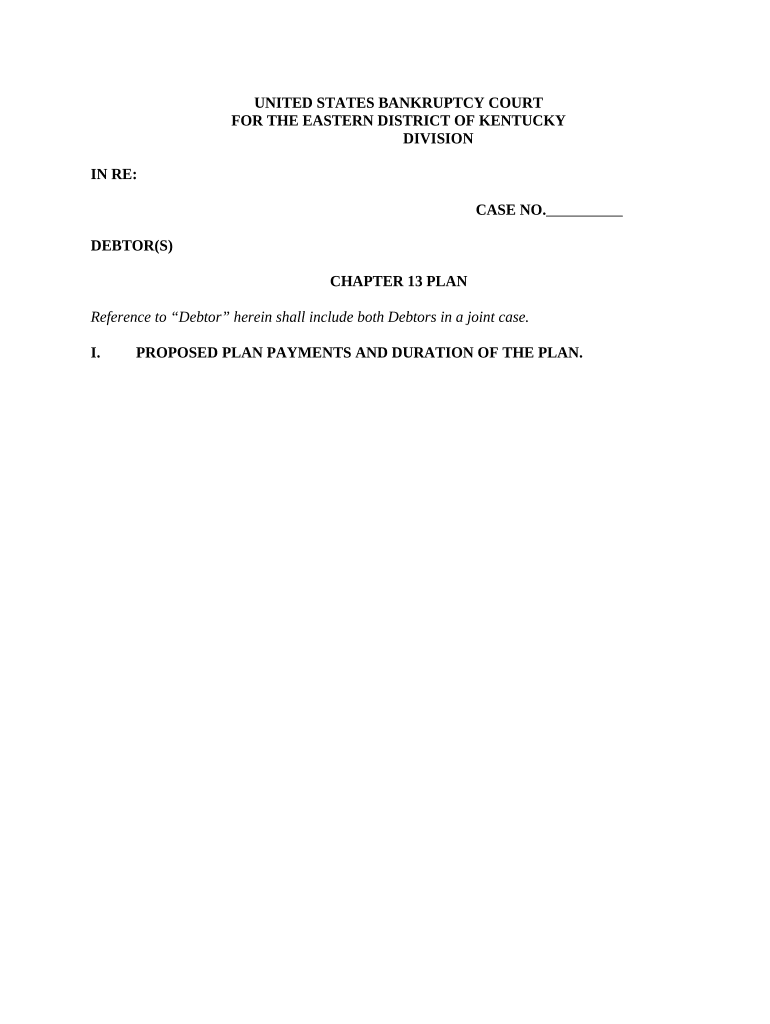
Click ‘Get Form’ to open the ky chapter 13 document in the editor.
Begin by filling out Section I, which details proposed plan payments. Indicate the amount you will pay to the Trustee and select the payment frequency.
In Section II, outline treatment of administrative expenses. Provide an estimated attorney’s fee and any other administrative costs that will be paid through the plan.
Proceed to Section III to address secured claims. List each secured creditor, collateral description, estimated claim amount, and proposed interest rate.
Complete Section IV for priority claims by detailing any claims entitled to priority under U.S. law.
In Section V, estimate your total unsecured debt and specify how general unsecured claims will be treated.
Finally, review all sections for accuracy before saving your completed form.
Start using our platform today for free to streamline your ky chapter 13 form completion!
Chapter 13 ruined my lifeHow to file Chapter 13 with no moneyChapter 13 Trustee payment websiteChapter 13 vs Chapter 11What is Chapter 13Chapter 13 Trustee loginChapter 13 payment plan exampleChapter 13 tips and tricks
Security and compliance
At DocHub, your data security is our priority. We follow HIPAA, SOC2, GDPR, and other standards, so you can work on your documents with confidence.
Little Kotrina, who was all alone with him, ran out screaming for help, and after a while a doctor came, but not until Kristoforas had howled his last howl. No
Consumer Bankruptcy Practice in Kentucky: Chapter 13
Authored by some of Kentuckys premier bankruptcy law practitioners, Consumer Bankruptcy Practice in Kentucky: Chapter 13 Practice, 2d ed. (2015) serves as aRead more
A chapter 13 bankruptcy is also called a wage earners plan. It enables individuals with regular income to develop a plan to repay all or part of their debts.Read more
Cookie consent notice
This site uses cookies to enhance site navigation and personalize your experience.
By using this site you agree to our use of cookies as described in our Privacy Notice.
You can modify your selections by visiting our Cookie and Advertising Notice.