Type text, add images, blackout confidential details, add comments, highlights and more.
02. Sign it in a few clicks
Draw your signature, type it, upload its image, or use your mobile device as a signature pad.
03. Share your form with others
Send it via email, link, or fax. You can also download it, export it or print it out.
How to use or fill out what small claims with our platform
Ease of Setup
DocHub User Ratings on G2
Ease of Use
DocHub User Ratings on G2
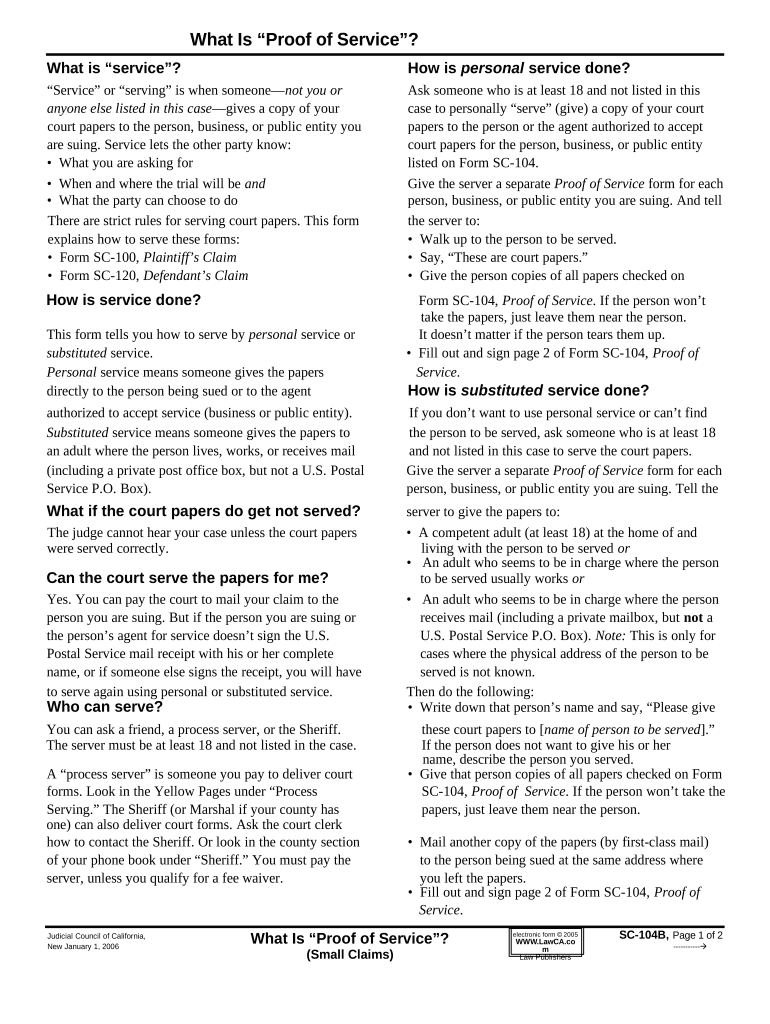
Click ‘Get Form’ to open the SC-104B in the editor.
Begin by filling out your personal information at the top of the form, including your name, address, and contact details. This ensures that the court can reach you regarding your case.
Next, indicate the name of the person or entity you are serving. Make sure to provide accurate details to avoid any delays in processing.
In the section for 'Proof of Service', specify how service was completed—either through personal service or substituted service. Follow the guidelines provided in the document for each method.
Once all fields are filled out, review your entries for accuracy. Use our platform's editing tools to make any necessary adjustments before finalizing.
Finally, save your completed form and either print it for mailing or share it directly from our platform if required.
Start using our platform today to streamline your small claims process for free!
Small Claims court DCIs it worth going to small claims court for $2,000Maryland small claims CourtSmall claims court Maryland maximum amountHow to collect money from small claims courtBaltimore City small claims CourtSmall claims Court Anne Arundel CountySmall Claims Complaint form A
Security and compliance
At DocHub, your data security is our priority. We follow HIPAA, SOC2, GDPR, and other standards, so you can work on your documents with confidence.
Small claims basics. Small claims court allows you to sue a person, business, or government agency that you think owes you money. Generally, you can only sueRead more
Cookie consent notice
This site uses cookies to enhance site navigation and personalize your experience.
By using this site you agree to our use of cookies as described in our Privacy Notice.
You can modify your selections by visiting our Cookie and Advertising Notice.