




01. Edit your chapter 7 discharge letter online
Type text, add images, blackout confidential details, add comments, highlights and more.

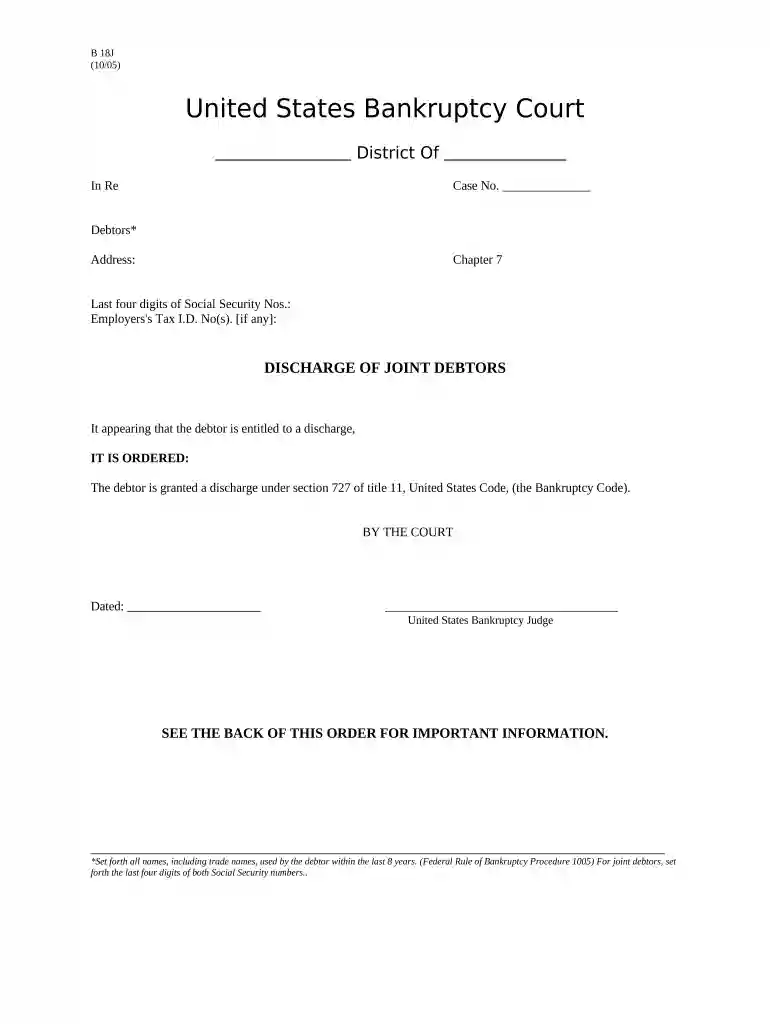
Type text, add images, blackout confidential details, add comments, highlights and more.

Draw your signature, type it, upload its image, or use your mobile device as a signature pad.

Send chapter 7 discharge letter sample via email, link, or fax. You can also download it, export it or print it out.

Start using our platform today to streamline your Chapter 7 form completion for free!
At DocHub, your data security is our priority. We follow HIPAA, SOC2, GDPR, and other standards, so you can work on your documents with confidence.
Frederick Douglass (18181895) was a renowned African American writer and social reformer. He escaped from slavery as a young man, wrote a bestsellingRead more
11 U.S. Code Chapter 7 - LIQUIDATION SUBCHAPTER IOFFICERS AND ADMINISTRATION ( 701 707) SUBCHAPTER IICOLLECTION, LIQUIDATION, AND DISTRIBUTION OF THERead more
This chapter of the Bankruptcy Code provides for liquidation - the sale of a debtors nonexempt property and the distribution of the proceeds to creditors.Read more


