




01. Edit your sc workers comp exemption form online
Type text, add images, blackout confidential details, add comments, highlights and more.

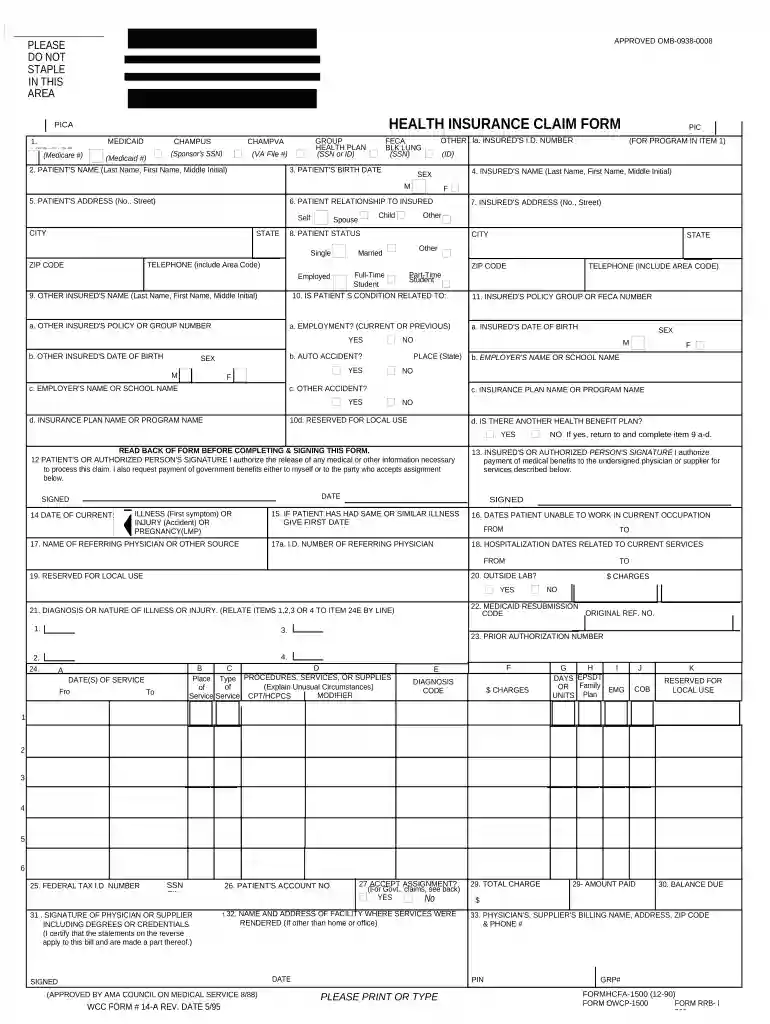
Type text, add images, blackout confidential details, add comments, highlights and more.

Draw your signature, type it, upload its image, or use your mobile device as a signature pad.

Send south carolina workers compensation exemption form via email, link, or fax. You can also download it, export it or print it out.

Start using our platform today to easily complete your SC Workers Compensation form online for free!
At DocHub, your data security is our priority. We follow HIPAA, SOC2, GDPR, and other standards, so you can work on your documents with confidence.
If you have specific questions or concerns that our team can help you address, please contact the Benefits Office at workerscomp@mailbox.sc.edu or 803-777-6650.Read more
Dec 29, 2023 It provides statistical information on the state of the workers compensation market. It also addresses regulatory issues within the SouthRead more
Mar 12, 2026 HawkLaw is an established Personal Injury and Workers Compensation firm with offices in South Carolina founded in 2002. 1st Logo (2010s).Read more


