Type text, add images, blackout confidential details, add comments, highlights and more.
02. Sign it in a few clicks
Draw your signature, type it, upload its image, or use your mobile device as a signature pad.
03. Share your form with others
Send it via email, link, or fax. You can also download it, export it or print it out.
How to use or fill out West Virginia Foreign with our platform
Ease of Setup
DocHub User Ratings on G2
Ease of Use
DocHub User Ratings on G2
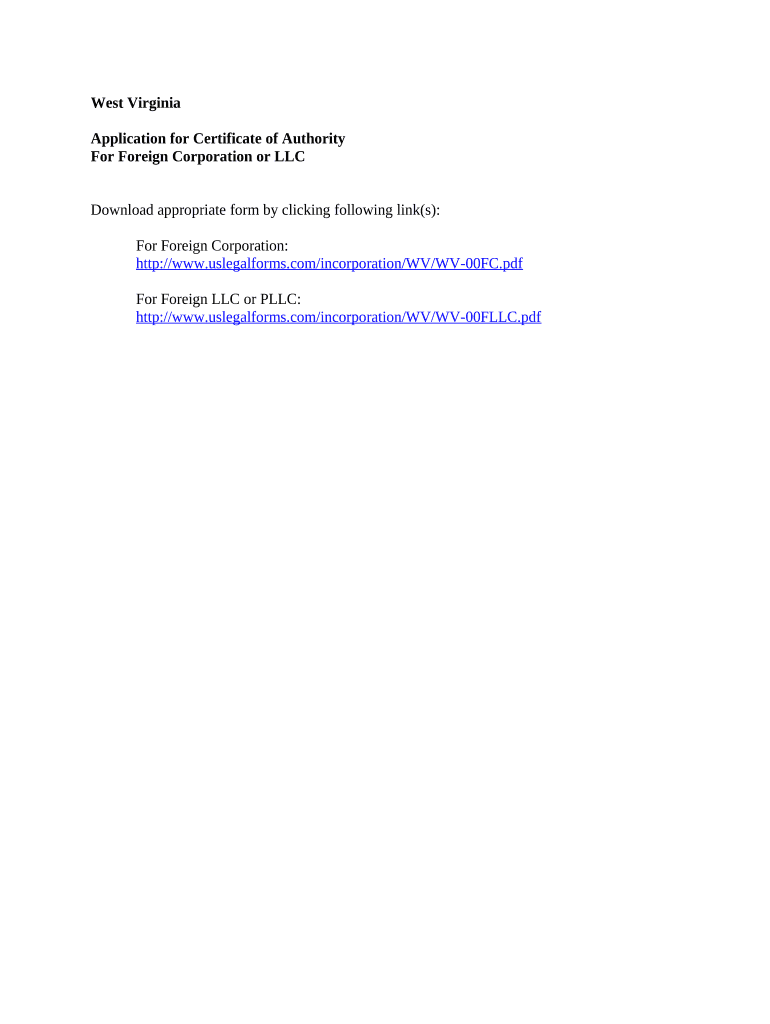
Click ‘Get Form’ to open the West Virginia Application for Certificate of Authority in the editor.
Begin by entering your corporation or LLC name in the designated field. Ensure that it matches the name registered in your home state.
Fill out the principal office address section, providing a complete street address, city, state, and zip code.
In the next section, indicate the date of incorporation and provide details about your registered agent in West Virginia, including their name and address.
Complete any additional fields related to business activities and management structure as required by the form.
Review all entered information for accuracy before proceeding to sign and submit your application electronically through our platform.
Start filling out your West Virginia foreign application today for free using our editor!
West Virginia Secretary of StateWest Virginia foreign LLC registrationWV LLC applicationWV LLC searchWV Business registration searchWest Virginia Secretary of State formsWV business Registration CertificateWV One Stop Business Portal
Security and compliance
At DocHub, your data security is our priority. We follow HIPAA, SOC2, GDPR, and other standards, so you can work on your documents with confidence.
International Coal Group - Global Energy Monitor - GEM.wiki
International Coal Group (ICG) operates 12 mining complexes in Appalachia and one in Illinois. [1] The company is owner of the Sago Mine in West Virginia.Read more
Register an Out-of-State (Foreign) Business | WV Secretary of
Foreign companies are those which are formed in another state or country. In order to transact business in West Virginia these entities must register with theRead more
WVUs Education Abroad helps hundreds of students experience the world each year. Visit Education Abroad Website. International Students Scholar Services.Read more
Cookie consent notice
This site uses cookies to enhance site navigation and personalize your experience.
By using this site you agree to our use of cookies as described in our Privacy Notice.
You can modify your selections by visiting our Cookie and Advertising Notice.