130 certification 2025

Get Form
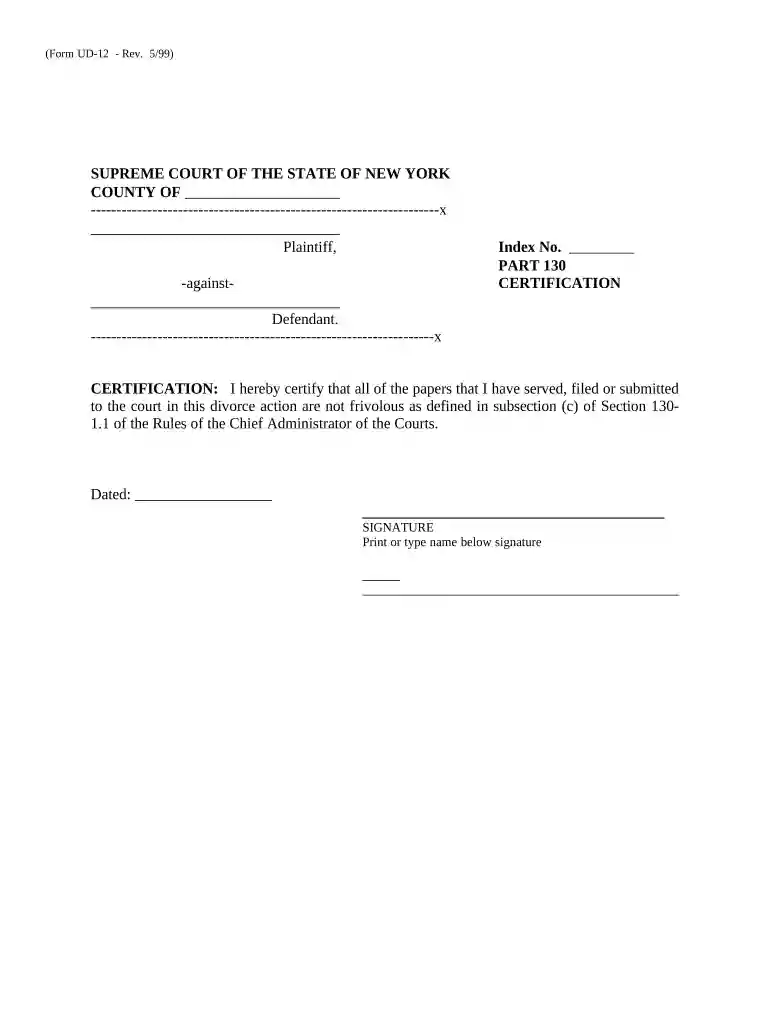
22 nycrr 130 1 1 certification Preview on Page 1

Here's how it works

01. Edit your 22 nycrr 130 1 1 certification online
Type text, add images, blackout confidential details, add comments, highlights and more.

02. Sign it in a few clicks
Draw your signature, type it, upload its image, or use your mobile device as a signature pad.

03. Share your form with others
Send part 130 certification via email, link, or fax. You can also download it, export it or print it out.

How to use or fill out 130 certification with our platform

Form edit decoration
9.5
Ease of Setup
DocHub User Ratings on G2
9.0
Ease of Use
DocHub User Ratings on G2
  1. Click ‘Get Form’ to open the 130 certification in the editor.
  2. Begin by entering the 'County' where the case is filed. This information is crucial for proper identification of your case.
  3. Next, fill in the 'Index No.' which is assigned to your case. Ensure this number is accurate to avoid any processing delays.
  4. In the certification section, confirm that all documents submitted are not frivolous as per Section 1301.1. This affirmation is essential for compliance.
  5. Date the form by selecting today’s date from the calendar tool available in our editor.
  6. Finally, sign the document electronically and print or type your name below your signature for clarity.

Start using our platform today to complete your 130 certification easily and for free!

be ready to get more

Complete this form in 5 minutes or less

Get form

Got questions?

We have answers to the most popular questions from our customers. If you can't find an answer to your question, please contact us.
Contact us

With DocHub, you can rapidly sign your 130 certification or any other document on iOS, even without setting up extra programs. You can access your DocHub account from any internet-connected browser and complete and sign your form in any way you like with just a few clicks.

When you edit your 130 certification with DocHub, you simply will not need to look for other software or services to eSign it. An electronic signature is a component of DocHub’s substantial editing toolset, which enables you to implement changes in your form without switching between platforms. Just complete your form, double-check the correctness of the data and place your electronic signature at the end to make it submission-ready within minutes.

Pursuant to Part 130 of the Rules of the Chief Administrator and the Uniform Civil Rules for the Supreme Court and County Court, the undersigned attorney certifies, under penalty of perjury, that after a reasonable inquiry, the attorney finds neither the pleadings nor the statements of fact to be frivolous or false.
Must have at least one year of configuration and installation experience for PACS. Must have configured and implemented at least one complete PACS system in the field (software set-up and configuration a must) Must have knowledge and experience using contactless smart card ID badges and reader technology.
The addition of � 130-1.1-a requires attorneys to sign all papers filed with New York state courts and further indicates that such signing shall constitute certification that the attorney has made a reasonable inquiry and that to the best of the attorneys knowledge, information and belief the presentation of such

People also ask

ELECTRONIC FILING THROUGH THE NEW YORK STATE COURTS ELECTRONIC FILING SYSTEM IS MANDATORY FOR ALL CASES COMMENCED IN THIS COURT (EXCEPT ARTICLE 70 AND 78 PROCEEDINGS, AND MATRIMONIAL, MENTAL HYGIENE LAW AND ELECTION LAW MATTERS).

Related links