Help Desk Bulletin 2026

Get Form
dochub help Preview on Page 1

Here's how it works

01. Edit your dochub help online
Type text, add images, blackout confidential details, add comments, highlights and more.
02. Sign it in a few clicks
Draw your signature, type it, upload its image, or use your mobile device as a signature pad.
03. Share your form with others
Send it via email, link, or fax. You can also download it, export it or print it out.

How to use or fill out Help Desk Bulletin with our platform

Form edit decoration
9.5
Ease of Setup
DocHub User Ratings on G2
9.0
Ease of Use
DocHub User Ratings on G2
  1. Click ‘Get Form’ to open the Help Desk Bulletin in the editor.
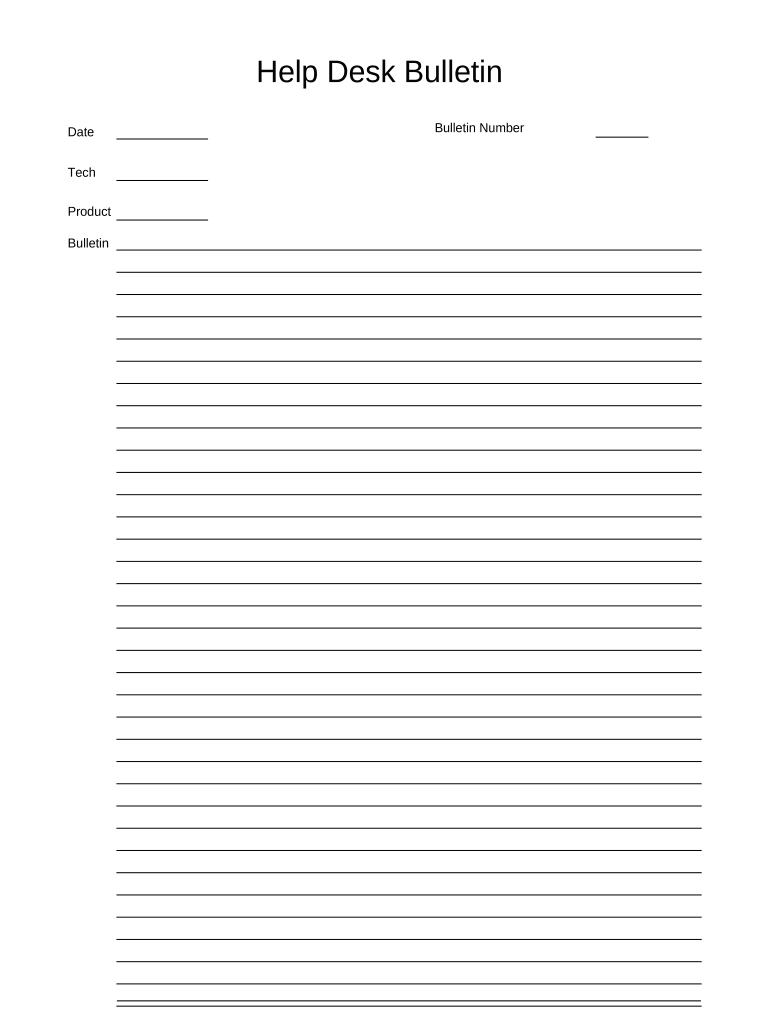
  2. Begin by entering the 'Date' in the designated field. This helps track when the bulletin was created.
  3. Next, fill in the 'Tech' section with the name of the technician responsible for this bulletin. This ensures accountability and clarity.
  4. In the 'Product' field, specify which product this bulletin pertains to. This is crucial for directing inquiries appropriately.
  5. Enter the 'Bulletin Number' to uniquely identify this document. This aids in organization and retrieval of past bulletins.
  6. Review all entries for accuracy before saving or sharing your completed bulletin.

Start using our platform today to streamline your document editing and form completion!

be ready to get more

Complete this form in 5 minutes or less

Get form

Got questions?

We have answers to the most popular questions from our customers. If you can't find an answer to your question, please contact us.
Contact us
A typical tiered help desk should have three tiers: Level 1 (L1): These agents will be responsible for general issues. For example, the L1 tier can handle password reset issues. Level 2 (L2): Tickets that require troubleshooting complex issues will be routed to L2. Level 3 (L3): This tier will include IT specialists.
Tack-board would be the simple name. But it is probably a cork wood board if youre using thumbtacks.
A bulletin board (pinboard, pin board, noticeboard, or notice board in British English) is a surface intended for the posting of messages, for example public ones may advertise items wanted or for sale, announce events, or provide information.
A pin board, also called a bulletin board, pinboard, noticeboard, or notice board (British English), features surfaces made of cork, felt, or magnetic materials. It allows users to pin notices, messages, or decorative items.
Fundamentals. A help desk is a department or a centralized team within a company that serves as a single point of contact for customer inquiries, troubleshooting, and facilitating the resolution of problems through ticketing systems and knowledge bases.

Security and compliance

At DocHub, your data security is our priority. We follow HIPAA, SOC2, GDPR, and other standards, so you can work on your documents with confidence.

Learn more
ccpa2
pci-dss
gdpr-compliance
hipaa
soc-compliance

People also ask

IT Help Desk Burnout, Defined And make no mistake: Being an IT help desk agent is an extremely stressful, high-pressure job.
A drawing pin (in British English) or thumb tack (in North American English), also called a push-pin, is a short, small pin or nail with a flat, broad head that can be pressed into place with pressure from the thumb, often used for hanging light articles on a wall or noticeboard.

Related links