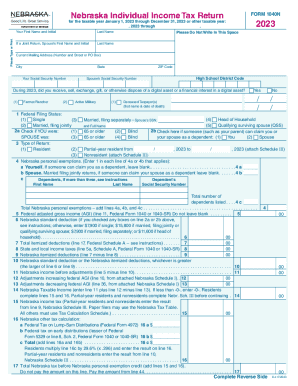
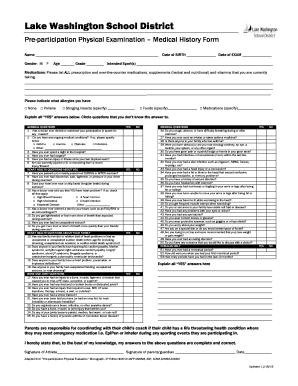
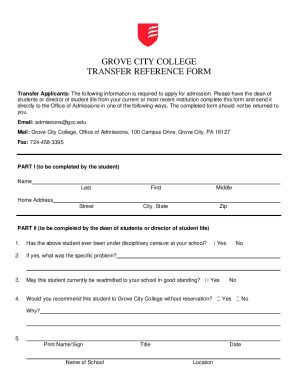
Type text, add images, blackout confidential details, add comments, highlights and more.
02. Sign it in a few clicks
Draw your signature, type it, upload its image, or use your mobile device as a signature pad.
03. Share your form with others
Send it via email, link, or fax. You can also download it, export it or print it out.
How to use or fill out adult adoption co with our platform
Ease of Setup
DocHub User Ratings on G2
Ease of Use
DocHub User Ratings on G2
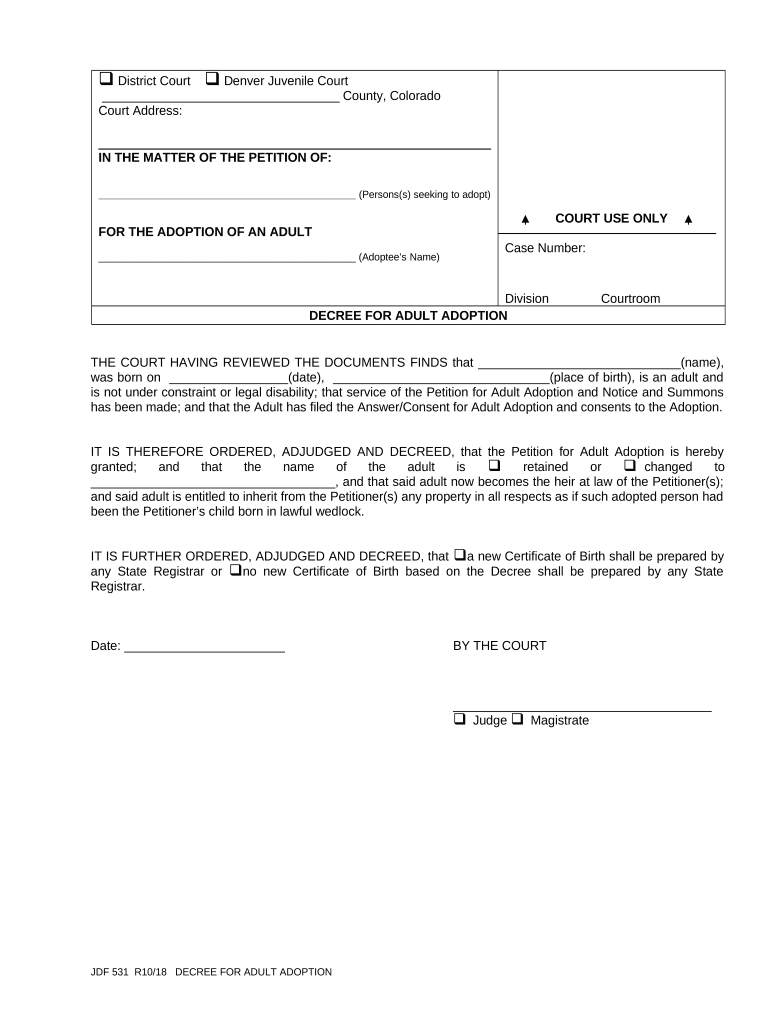
Click ‘Get Form’ to open the adult adoption co document in the editor.
Begin by entering the county and court address at the top of the form. This information is essential for proper filing.
In the section labeled 'IN THE MATTER OF THE PETITION OF', input the names of all persons seeking to adopt. Ensure accuracy as this identifies the petitioners.
Next, fill in the adoptee's name in the designated area. This is crucial for identifying who is being adopted.
Provide the case number and division details as required. These fields help track your case within the court system.
Complete the decree section by confirming whether the adoptee will retain their name or change it, marking the appropriate box.
Finally, indicate if a new Certificate of Birth will be prepared by checking the relevant option before signing and dating your document.
Start using our platform today to streamline your adult adoption process for free!
Adult adoption formsPetition for adult adoptionColorado Adoption formsAdoption DenverChristian Adoption Agencies ColoradoJDF 530How to adopt a child from another countryBest adoption agencies in Colorado
Security and compliance
At DocHub, your data security is our priority. We follow HIPAA, SOC2, GDPR, and other standards, so you can work on your documents with confidence.
Cookie consent notice
This site uses cookies to enhance site navigation and personalize your experience.
By using this site you agree to our use of cookies as described in our Privacy Notice.
You can modify your selections by visiting our Cookie and Advertising Notice.