




Here's how it works
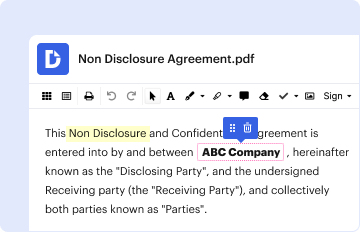
01. Edit your form online
Type text, add images, blackout confidential details, add comments, highlights and more.
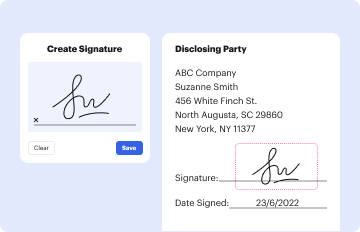
02. Sign it in a few clicks
Draw your signature, type it, upload its image, or use your mobile device as a signature pad.
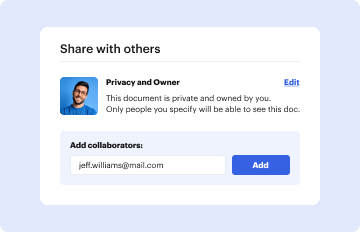
03. Share your form with others
Send it via email, link, or fax. You can also download it, export it or print it out.
How to use or fill out parenting time with our platform

- Click ‘Get Form’ to open the parenting time document in the editor.
- Begin by filling in the court address and case number at the top of the form. Ensure that all information is accurate to avoid delays.
- Indicate whether you are the Petitioner or Co-Petitioner/Respondent by checking the appropriate box. This helps clarify your role in the proceedings.
- In section 1, provide the date of the last order regarding parenting time. This establishes a timeline for your request.
- Complete sections 4 and 5 with personal information about both parties, including dates of birth and contact details. This is crucial for identification purposes.
- If applicable, check any boxes related to criminal convictions or protection orders that may affect parenting time. Provide detailed explanations as needed.
- In sections 10 and 11, outline your requests for modifying or restricting parenting time, providing reasons that prioritize the best interests of the child(ren).
- Finally, review all entries for accuracy before signing and dating at the bottom of the form. Use our platform’s features to save and share your completed document easily.
Start using our platform today to streamline your parenting time documentation process for free!
Fill out parenting time online
It's free
It's free
Security and compliance
At DocHub, your data security is our priority. We follow HIPAA, SOC2, GDPR, and other standards, so you can work on your documents with confidence.
Learn more




