




Here's how it works

01. Edit your plan document online
Type text, add images, blackout confidential details, add comments, highlights and more.

02. Sign it in a few clicks
Draw your signature, type it, upload its image, or use your mobile device as a signature pad.

03. Share your form with others
Send mpiphp via email, link, or fax. You can also download it, export it or print it out.
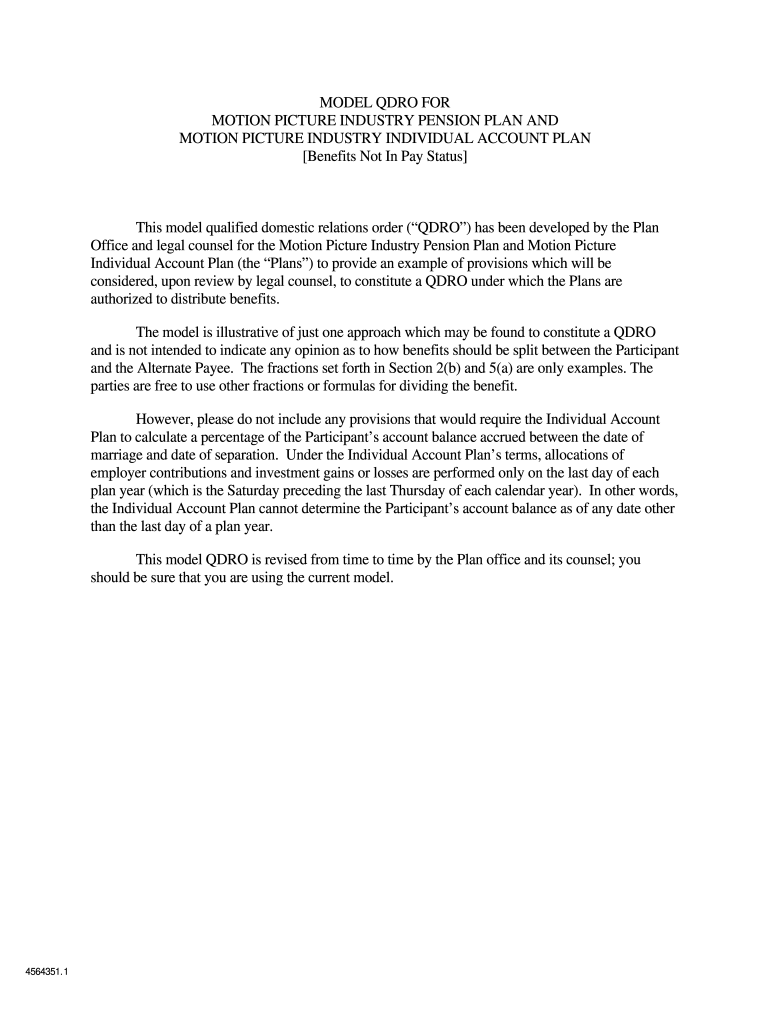
How to use or fill out MODEL QDRO FOR MOTION PICTURE INDUSTRY PENSION PLAN AND - mpiphp with our platform

- Click ‘Get Form’ to open the MODEL QDRO in the editor.
- Begin by filling in the definitions and basic information section. Enter the names, Social Security numbers, and addresses for both the Participant and Alternate Payee.
- In Section 2, specify the Alternate Payee’s Pension Plan Award. Calculate the percentage based on Credited Hours between marriage and separation dates.
- Proceed to Section 3 to outline how benefits will be payable to the Alternate Payee. Ensure you understand the Determination Date and Payment Date options.
- Complete Section 4 regarding other benefits, ensuring any additional employee contributions are accurately reflected.
- Review all entries for accuracy before saving your changes. Utilize our platform's features to sign and distribute the completed document as needed.
Start using our platform today for free to streamline your document editing and signing process!
Fill out MODEL QDRO FOR MOTION PICTURE INDUSTRY PENSION PLAN AND - mpiphp online
It's free
It's free
Security and compliance
At DocHub, your data security is our priority. We follow HIPAA, SOC2, GDPR, and other standards, so you can work on your documents with confidence.
Learn more




