

Castrol msds 2026

Get Form
castrol msds Preview on Page 1

Here's how it works

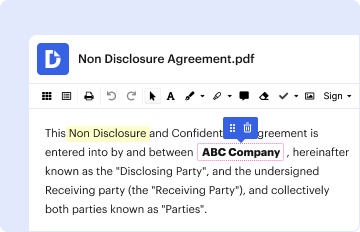
01. Edit your castrol msds online
Type text, add images, blackout confidential details, add comments, highlights and more.
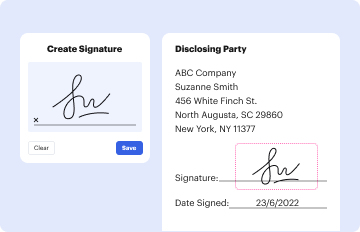
02. Sign it in a few clicks
Draw your signature, type it, upload its image, or use your mobile device as a signature pad.
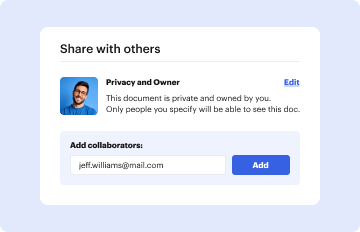
03. Share your form with others
Send castrol sds via email, link, or fax. You can also download it, export it or print it out.

How to use or fill out Castrol MSDS with our platform

Form edit decoration
9.5
Ease of Setup
DocHub User Ratings on G2
9.0
Ease of Use
DocHub User Ratings on G2
  1. Click ‘Get Form’ to open the Castrol MSDS in the editor.
  2. Begin with Section 1, Identification. Fill in the GHS product identifier and product code as indicated. Ensure you have the correct emergency contact information for your records.
  3. Move to Section 2, Hazard Identification. Review the classification and precautionary statements. If applicable, check any relevant hazards that may affect handling.
  4. In Section 3, Composition and Ingredient Information, confirm the ingredient percentages and CAS numbers if required for compliance.
  5. Proceed to Section 4, First Aid Measures. Familiarize yourself with necessary actions in case of exposure; this is crucial for safety protocols.
  6. Continue through each section systematically, ensuring all fields are completed accurately based on your specific needs and compliance requirements.

Start editing your Castrol MSDS today for free on our platform!

be ready to get more

Complete this form in 5 minutes or less

Get form

Got questions?

We have answers to the most popular questions from our customers. If you can't find an answer to your question, please contact us.
Contact us

Electronic document approval demands a software solution that works in compliance with data protection and eSignature regulations. DocHub is a great tool for that, since it meets all the previously mentioned requirements. Whatever method you prefer to sign your msds castrol in DocHub, your eSignature will be legally binding and court-admissible.

If you are searching for a state-specific castrol msds sample, you can find it in our DocHub Forms & Templates catalog. Use the search field, enter your form’s name, and search through the results for your state. You may also filter out irrelevant results while browsing our catalog by groups.



