




01. Edit your sbar online
Type text, add images, blackout confidential details, add comments, highlights and more.

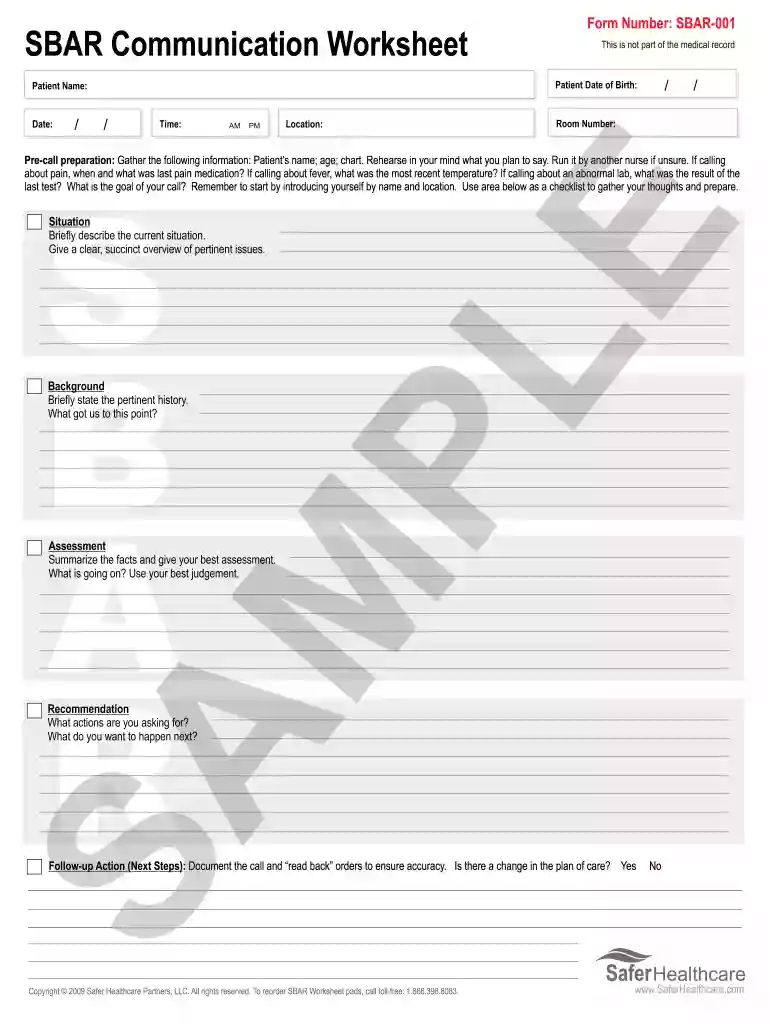
Type text, add images, blackout confidential details, add comments, highlights and more.

Draw your signature, type it, upload its image, or use your mobile device as a signature pad.

Send sbar example via email, link, or fax. You can also download it, export it or print it out.

Start using our platform today to streamline your documentation process for free!
At DocHub, your data security is our priority. We follow HIPAA, SOC2, GDPR, and other standards, so you can work on your documents with confidence.
SBAR Template. Situation: Name/age: BRIEF summary of primary problem: Day of admission/post-op #:. Background: Primary problem/diagnosis: RELEVANT pastRead more
SBAR is a communication framework for sharing information with teams and stands for Situation, Background, Assessment, and Recommendation or Requests.Read more
All PPAP submissions must include a completed RESIDEO Part Submission Warrant (PSW) form. PSW forms along with all supporting documentation should be sentRead more


