




01. Edit your form online
Type text, add images, blackout confidential details, add comments, highlights and more.

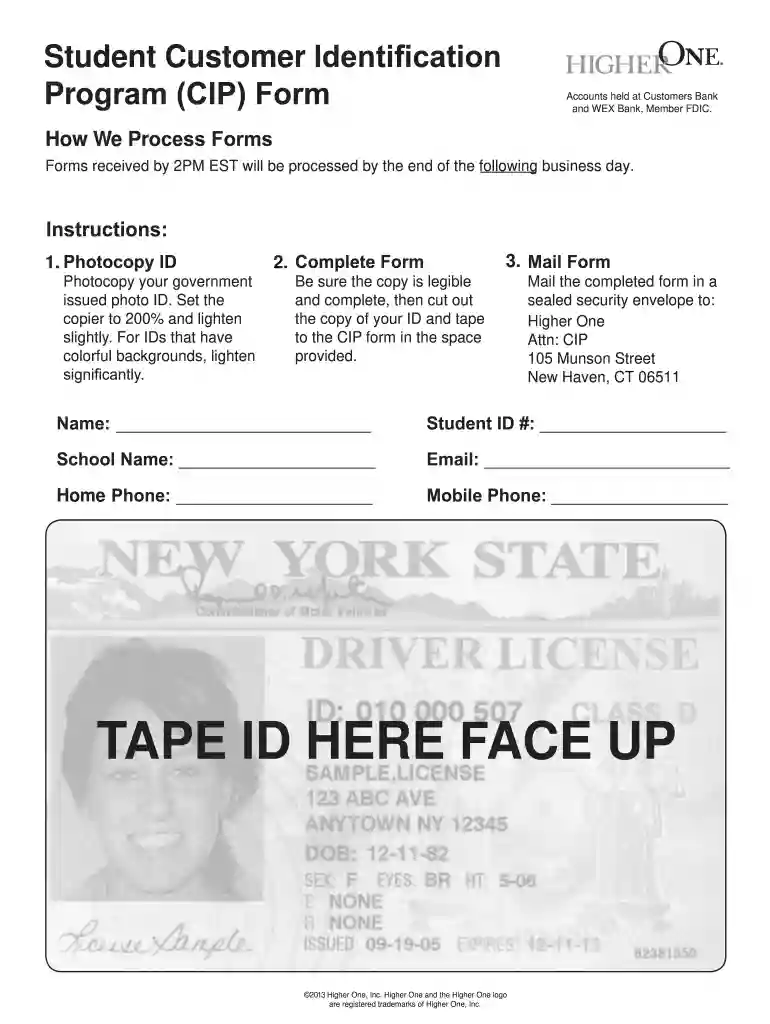
Type text, add images, blackout confidential details, add comments, highlights and more.

Draw your signature, type it, upload its image, or use your mobile device as a signature pad.

Send it via email, link, or fax. You can also download it, export it or print it out.

Start using our platform today to streamline your document editing and submission process for free!
At DocHub, your data security is our priority. We follow HIPAA, SOC2, GDPR, and other standards, so you can work on your documents with confidence.
You can find the major and CIP code in the Program of Study section of I-20s issued after July 2015. For forms issued before July 2015, the major will beRead more
A Cataloging in Publication record (aka CIP data) is a bibliographic record prepared by the Library of Congress for a book that has not yet been published.


