Get and manage US Legal Court Orders online

Boost your form management using our US Legal Court Orders collection with ready-made templates that suit your requirements. Access the document template, change it, complete it, and share it with your contributors without breaking a sweat. Start working more efficiently together with your forms.

The best way to manage our US Legal Court Orders:

  1. Open our US Legal Court Orders and search for the form you need.
  2. Preview your document to ensure it’s what you want, and click Get Form to start working on it.
  3. Modify, include new text, or point out important information with DocHub features.
  4. Prepare your form and preserve the modifications.
  5. Download or share your form template with other recipients.

Explore all of the opportunities for your online file management with our US Legal Court Orders. Get your free free DocHub account today!


Video Guide on US Legal Court Orders management

video background

Commonly Asked Questions about US Legal Court Orders

Use the PACER Case Locator if you are not sure which specific federal court the case was filed. You may also conduct nationwide searches to determine whether or not a party is involved in a federal case. This database updates at midnight each day.
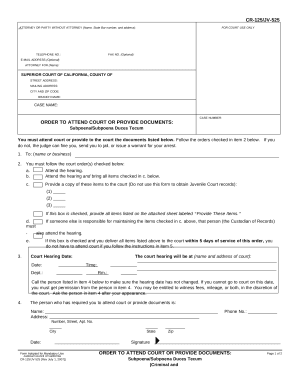
A subpoena is a formal written order that requires a person to appear before a court or other legal proceedings (such as a Congressional hearing).
All court opinions are available through PACER for free for registered users.
Google Scholar includes both federal and state legal opinions. From the main Google Scholar search page, select the radio button for Case law. Type your case citation or case name in the search box and click the Search button. Keyword searches of the full text of case opinions may also be conducted from this screen.
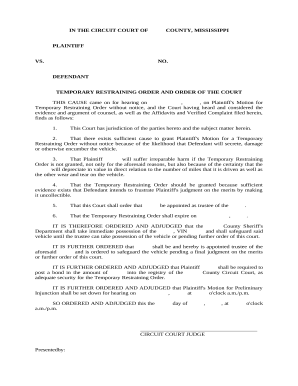
A court order is an official proclamation by a judge (or panel of judges) that defines the legal relationships between the parties to a hearing, a trial, an appeal or other court proceedings. Such ruling requires or authorizes the carrying out of certain steps by one or more parties to a case.
Log in to the PACER Case Locator. If you are a registered PACER user, you automatically have access to the PACER Case Locator with your username and password. A search will return the party name, the court where the case is filed, the case number, date filed, and date closed.
To obtain access to those records, researchers must contact the appropriate federal court. Online access to case and docket information is provided for a fee by the Administrative Office of the U.S. Courts through PACER. The court may refer you to a Federal Records Center to obtain copies.