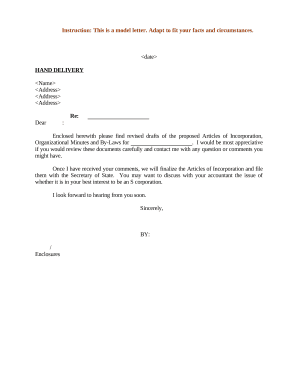
Supercharge your efficiency with Organizational Minutes templates

Papers management occupies to half of your business hours. With DocHub, it is possible to reclaim your time and effort and improve your team's productivity. Get Organizational Minutes templates category and check out all document templates related to your day-to-day workflows.

Effortlessly use Organizational Minutes templates:

  1. Open Organizational Minutes templates and use Preview to obtain the appropriate form.
  2. Click Get Form to begin working on it.
  3. Wait for your form to upload in our online editor and begin modifying it.
  4. Add new fillable fields, symbols, and pictures, change pages, and many more.
  5. Fill out your document or set it for other contributors.
  6. Download or deliver the form by link, email attachment, or invite.

Speed up your day-to-day document management with the Organizational Minutes templates. Get your free DocHub account today to discover all templates.


Video Guide on Organizational Minutes templates management

video background

Commonly Asked Questions about Organizational Minutes templates

Meeting minutes may vary based on the type of meeting they record, but they generally include these key components: Date. Time. Location (online/in person) Attendees and absentees. Agenda. Decisions. Action points.
Alternatively, you can also browse the templates available under the Meeting Minutes category. Select a template: Choose a template that suits your needs and click on it to open it in Word. Customize the template: Fill in the necessary details such as the meeting date, time, location, attendees, and agenda items.
What are corporate meeting minutes? The meetings date, time and location. A list of attendees and absentees, including any present board members or officers. Agenda items. Summaries of all discussion points. Details of all activities completed or agreed upon. Results of any votes or motions. A record of decisions made.
How to write meeting minutes Prepare a template before the meeting. Take notes during the meeting. Collect copies of any reports or presentations. Review your notes. Create a final draft. Request approval from leadership. Deliver the meeting minutes.
Meeting minutes should be objective and avoid including personal opinions or biases. How does a secretary write minutes? By ensuring that they include discussion points like consent agenda, meeting purpose, supplementary documents, and major decisions.
Following are 10 steps that can help you compose an effective meeting minutes report: Make an outline. Include factual information. Write down the purpose. Record decisions made. Add details for the next meeting. Be concise. Consider recording. Edit and proofread.