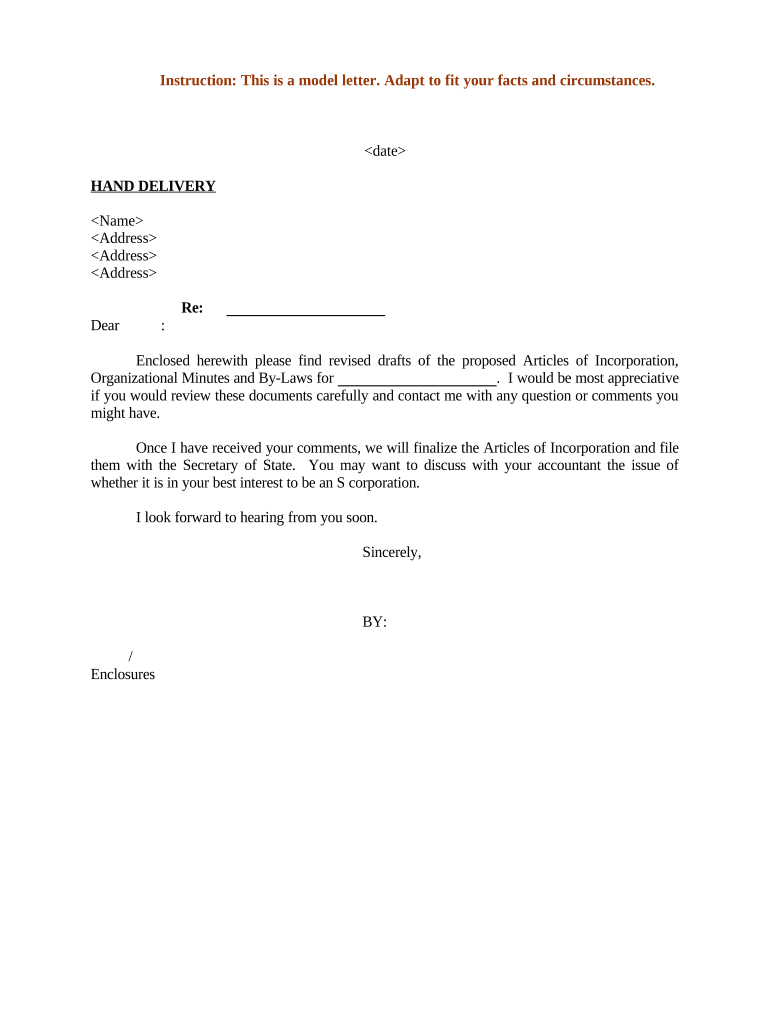
Type text, add images, blackout confidential details, add comments, highlights and more.
02. Sign it in a few clicks
Draw your signature, type it, upload its image, or use your mobile device as a signature pad.
03. Share your form with others
Send it via email, link, or fax. You can also download it, export it or print it out.
How to use or fill out minutes bylaws with our platform
Ease of Setup
DocHub User Ratings on G2
Ease of Use
DocHub User Ratings on G2
Click ‘Get Form’ to open the minutes bylaws document in the editor.
Begin by entering the date at the top of the document. This is crucial for record-keeping and ensures that all parties are aware of when the meeting took place.
Fill in the name and address fields with the relevant information. This identifies who is responsible for the minutes and provides a point of contact.
In the body of the document, clearly outline any decisions made during the meeting. Use bullet points for clarity and ensure each decision is concise.
Review all sections carefully, ensuring that all necessary details are included. Utilize our platform’s commenting feature to collaborate with others if needed.
Once completed, save your changes and consider using our signing feature to finalize approvals before distribution.
Start using our platform today to streamline your minutes bylaws process for free!
Bylaws, Minutes, and Resolutions - Lewis Clark Law School
Meeting Minutes. Every SBA meeting is open to the student body. Minutes are recorded during the meeting and are accessible to all students to review the topicsRead more
Mar 25, 2012 Minutes of each meeting of any committee shall be kept and shall be filed with the records of the Corporation. The Board may adopt rules for theRead more
Cookie consent notice
This site uses cookies to enhance site navigation and personalize your experience.
By using this site you agree to our use of cookies as described in our Privacy Notice.
You can modify your selections by visiting our Cookie and Advertising Notice.