
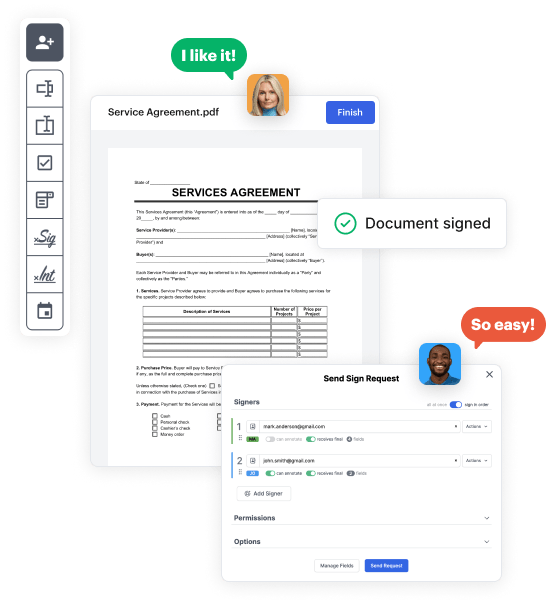
Create your Oregon State Form from scratch

Start Building Now
Title decoration

Here's how it works

01. Start with a blank Oregon State Form
Open the blank document in the editor, set the document view, and add extra pages if applicable.
02. Add and configure fillable fields
Use the top toolbar to insert fields like text and signature boxes, radio buttons, checkboxes, and more. Assign users to fields.
03. Distribute your form
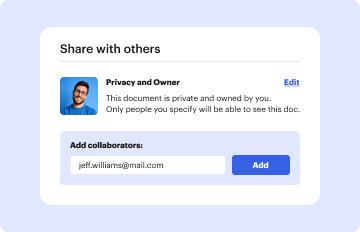
Share your Oregon State Form in seconds via email or a link. You can also download it, export it, or print it out.

Design your Oregon State Form in a matter of minutes

Form edit decoration

Step 1: Access DocHub to build your Oregon State Form.

Begin signining into your DocHub account. Try out the pro DocHub functionality at no cost for 30 days.

Step 2: Navigate to the dashboard.

Once logged in, go to the DocHub dashboard. This is where you'll create your forms and handle your document workflow.

Step 3: Create the Oregon State Form.

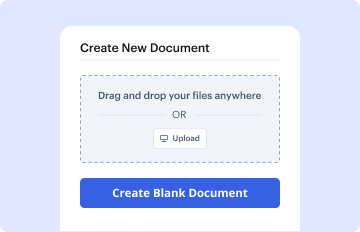
Hit New Document and choose Create Blank Document to be taken to the form builder.

Step 4: Design the form layout.

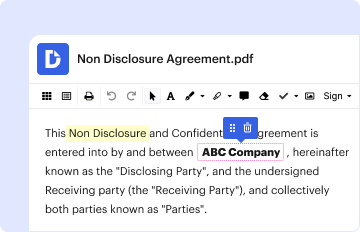
Use the DocHub toolset to add and arrange form fields like text areas, signature boxes, images, and others to your form.

Step 5: Add text and titles.

Add needed text, such as questions or instructions, using the text tool to assist the users in your form.

Step 6: Configure field properties.

Modify the properties of each field, such as making them required or formatting them according to the data you expect to collect. Designate recipients if applicable.

Step 7: Review and save.

After you’ve managed to design the Oregon State Form, make a final review of your form. Then, save the form within DocHub, transfer it to your preferred location, or share it via a link or email.


be ready to get more

Build your Oregon State Form in minutes

Start creating now

Got questions?

We have answers to the most popular questions from our customers. If you can't find an answer to your question, please contact us.
Contact us
If your gross income is greater than the amount corresponding to your filing status and boxes checked, you are required to file an Oregon state tax return. Note: If you are being claimed as a dependent on another taxpayers return, your filing threshold is $1,250.
Subject employers are required to provide Unemployment Insurance coverage for their workers.
You qualified as an Oregon resident living abroad for the entire year. Forms OR-40, OR-40-P, and OR-40-N can be found at .oregon.gov/dor/forms or you can contact us to order it. Nonresidents stationed in Oregon.
A Form 1099 is a tax form we send to people who have received a Paid Leave Oregon benefit. You use it when you are filing federal and state income taxes. We will mail all 1099 forms by Jan. 31, 2024.
Forms may be obtained by writing to the Oregon Department of Revenue or by calling. They may also be obtained from the Departments website at .
be ready to get more

Build your Oregon State Form in minutes

Start creating now

Related Q&A to Oregon State Form

You must file an Oregon Annual Withholding Reconciliation Report, Form WR, even if you submit your W-2 information electronically.
Form 132 is filed with Form OQ on a quarterly basis. Form 132 Domestic Oregon Employee Detail Report. Use this form to report hours worked, State income tax withholding, Unemployment Insurance subject wages, and Paid Leave subject wages.
Withholding is required of employers situated outside the state upon wages, commissions, or other emoluments paid to an employee or agent for services performed within the state, even though the employee or agent may be a nonresident and their Oregon employment may be of short duration.

Additional resources on building your forms


