Manage Legal Lease Forms quickly online

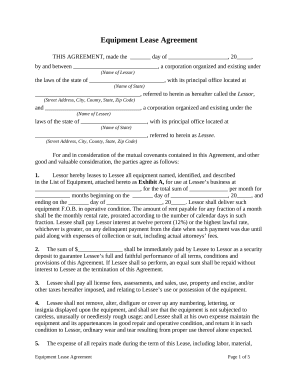
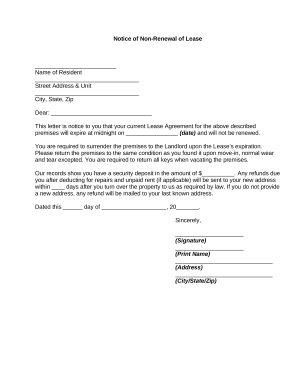
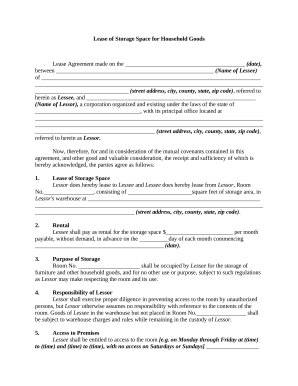
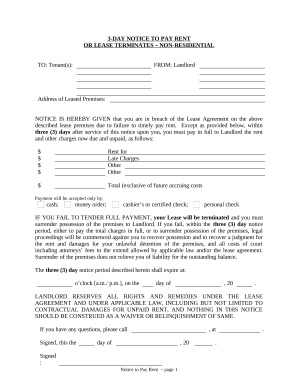
Document management can overwhelm you when you can’t locate all of the documents you need. Fortunately, with DocHub's extensive form categories, you can discover everything you need and quickly deal with it without the need of switching among apps. Get our Legal Lease Forms and start working with them.

Using our Legal Lease Forms using these basic steps:

  1. Examine Legal Lease Forms and select the form you need.
  2. Review the template and click Get Form.
  3. Wait for it to open in our online editor.
  4. Alter your template: include new information and pictures, and fillable fields or blackout certain parts if needed.
  5. Complete your template, save adjustments, and prepare it for delivering.
  6. When all set, download your form or share it with other contributors.

Try out DocHub and browse our Legal Lease Forms category without trouble. Get a free profile today!


Video Guide on Legal Lease Forms management

video background

Commonly Asked Questions about Legal Lease Forms

How to create a contract amendment Pinpoint what you want to change or add. Look at your contract and write down the parts you need to change. Date and title the new amendment. Next, add the current date and the title and date of the original agreement to the document. Draft and describe the changes. Finalize the changes.
The amendment should be clear and concise. It should state the changes that are being made and the effective date of the changes. All parties should sign the amendment, ensuring that everyone has agreed that these changes have been made. You could use a template for your contract amendments.
Step 1: Write a Cover Letter. Firstly, open a new file in any Word document and create a title page. Step 2: Provide a Summary of the Proposal. Step 3: Specify the Operations of the Tenant. Step 4: Present the Cost Summary. Step 5: List the Terms of the Contract. Step 6: Mention the Benefits.
Yes, Google Docs offers a variety of templates, including rental agreement templates.
Definition: Any amendment to a lease contract is a lease modification unless the lessees right to use the underlying asset has been diminished.
Yes, Microsoft Word has a free lease agreement template that you can customize to create your own contract and minimize any potential problems between tenant and landlord.
To draft a comprehensive lease amendment, follow these steps: Step 1: Identify Lease Agreement Details. Step 2: Fill in Landlord and Tenant Details. Step 3: Restate Lease Agreement Details. Step 4: Identify Provisions. Step 5: Document Sentence Amendments. Step 6: Note Sentence Deletions. Step 7: Confirm Section Deletions.
A contract amendment is a formal alteration or modification made to an already signed contract. A contract addendum is an additional document that is attached to the original contract. The decision to use an addendum or an amendment depends on the nature of the changes being made.