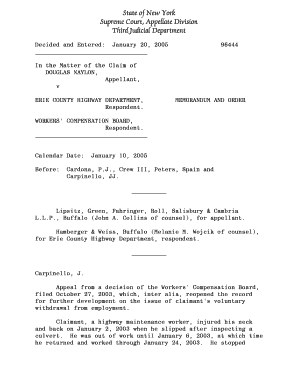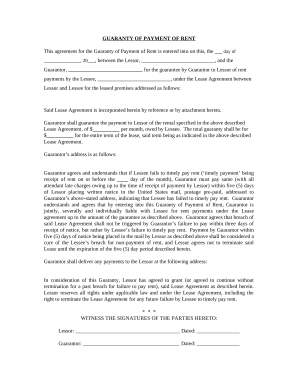
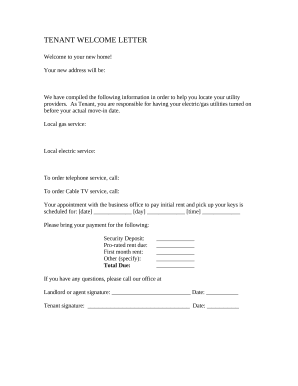
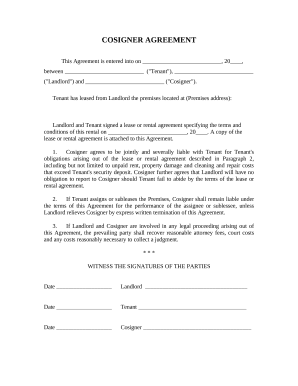
Get and manage Lease Contracts online

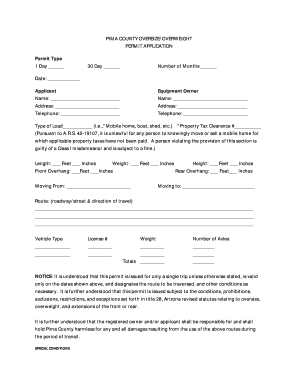
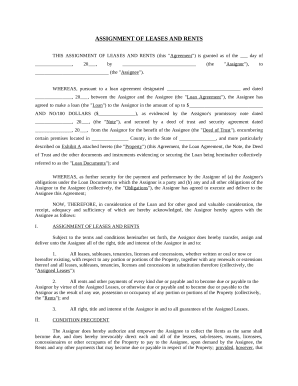
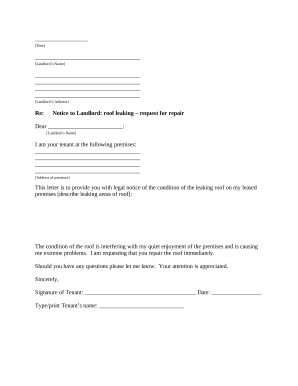
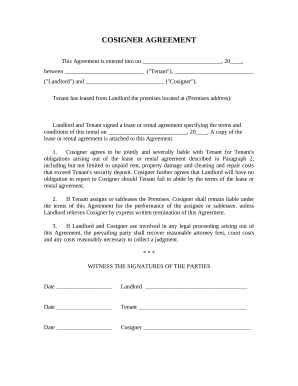
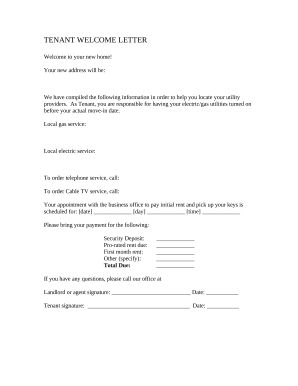
Speed up your file administration with our Lease Contracts collection with ready-made document templates that meet your requirements. Get your form, modify it, fill it, and share it with your contributors without breaking a sweat. Begin working more effectively with the documents.

How to use our Lease Contracts:

  1. Open our Lease Contracts and search for the form you need.
  2. Preview your form to ensure it’s what you want, and click on Get Form to start working on it.
  3. Edit, add new text, or highlight important information with DocHub features.
  4. Fill out your form and preserve the changes.
  5. Download or share your document with other people.

Examine all the possibilities for your online document management using our Lease Contracts. Get a totally free DocHub account today!

Video Guide on Lease Contracts management

video background

Commonly Asked Questions about Lease Contracts

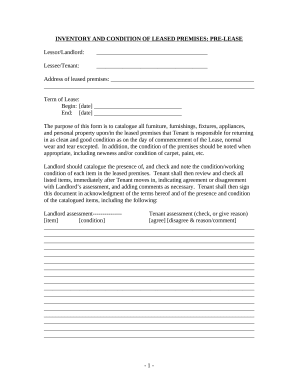
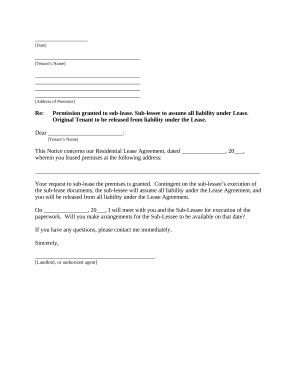
A lease is a legally binding agreement between a lessor and a lessee. A lease agreement outlines the terms of the contract and the agreed-upon length of time that the lessee will live on the property and make consistent payments to the lessor.
How to write a California lease agreement Identify the parties involved. Clearly state the names and contact information of both the landlord and the prospective tenant. Define the rental property. Specify the lease term. Outline rent and payment terms. Include important provisions. Comply with legal requirements.
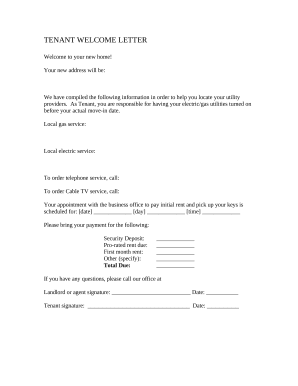
Heres a list of common fields that should be covered in your lease agreement: Basic information about all tenants. Include the full name and contact information of each tenant. Description of rental property. Security deposit. Monthly rent amount. Utilities. Lease term. Policies. Late fees.
Create an Agreement in Microsoft Word Step-by-Step Guide Step 1: Select an Agreement Template. Step 2: Download the Agreement Template in MS Word. Step 3: Personalize the Cover Page. Step 4: Write the Parties, Nature of the Agreement, and Consideration Payment Sections. Step 5: Customize the Sections on the Second Page.
The tenancy agreement for real estate is often called a lease, and usually involves specific property rights in real property, as opposed to chattels.
Step 1: Write a Cover Letter. Firstly, open a new file in any Word document and create a title page. Step 2: Provide a Summary of the Proposal. Step 3: Specify the Operations of the Tenant. Step 4: Present the Cost Summary. Step 5: List the Terms of the Contract. Step 6: Mention the Benefits.
Get a Well-Defined Rental Agreement That Lays Out the Terms and Rights of Both Lessor and Lessee with Template.
Yes, Microsoft Word has a free lease agreement template that you can customize to create your own contract and minimize any potential problems between tenant and landlord.