
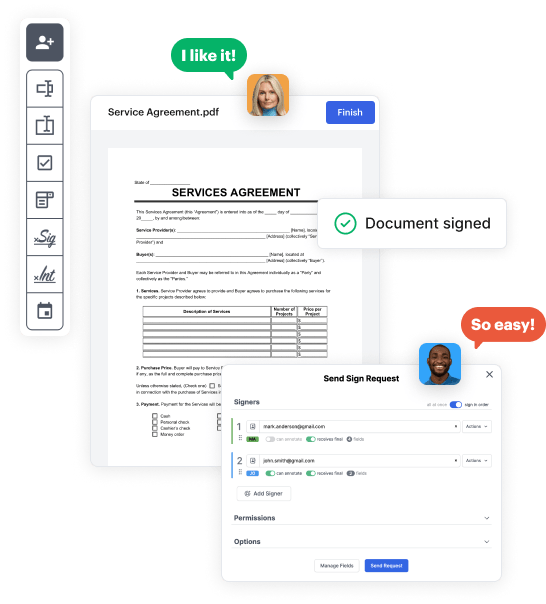
Create your Individual to Trust Deed Form from scratch

Start Building Now
Title decoration

Here's how it works

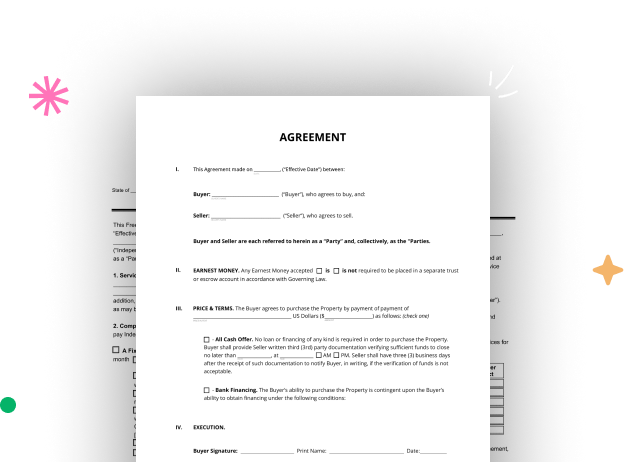
01. Start with a blank Individual to Trust Deed Form
Open the blank document in the editor, set the document view, and add extra pages if applicable.
02. Add and configure fillable fields
Use the top toolbar to insert fields like text and signature boxes, radio buttons, checkboxes, and more. Assign users to fields.
03. Distribute your form
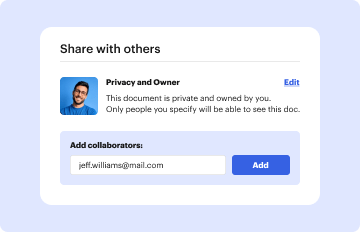
Share your Individual to Trust Deed Form in seconds via email or a link. You can also download it, export it, or print it out.

A detailed walkthrough of how to design your Individual to Trust Deed Form online

Form edit decoration

Step 1: Start with DocHub's free trial.

Go to the DocHub website and register for the free trial. This provides access to every feature you’ll need to create your Individual to Trust Deed Form with no upfront cost.

Step 2: Access your dashboard.

Sign in to your DocHub account and proceed to the dashboard.

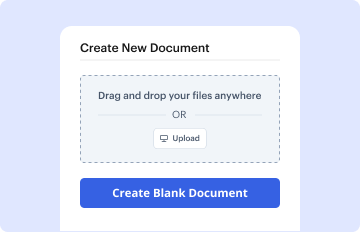
Step 3: Initiate a new document.

Click New Document in your dashboard, and select Create Blank Document to create your Individual to Trust Deed Form from scratch.

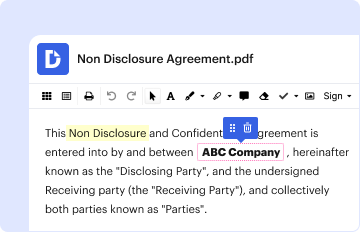
Step 4: Use editing tools.

Add different elements such as text boxes, radio buttons, icons, signatures, etc. Arrange these elements to suit the layout of your document and assign them to recipients if needed.

Step 5: Modify the form layout.

Rearrange your document easily by adding, moving, removing, or combining pages with just a few clicks.

Step 6: Set up the Individual to Trust Deed Form template.

Transform your newly crafted form into a template if you need to send many copies of the same document numerous times.

Step 7: Save, export, or distribute the form.

Send the form via email, distribute a public link, or even publish it online if you want to collect responses from more recipients.


be ready to get more

Build your Individual to Trust Deed Form in minutes

Start creating now

Got questions?

We have answers to the most popular questions from our customers. If you can't find an answer to your question, please contact us.
Contact us
Disadvantages of a trust deed If you do not cooperate with the trustee, they can try to make you bankrupt. You cannot continue to be the director of a limited company unless your trustee agrees and unless the rules of the limited company allow you to enter into a trust deed.
A deed of trust, also called a trust deed, is the functional equivalent of a mortgage. It does not transfer the ownership of real property, as the typical deed does. Like a mortgage, a trust deed makes a piece of real property security (collateral) for a loan.
A deed of trust will include the same type of information stated in a mortgage document, such as: The identities of the borrower, lender, and trustee. A full description of the property to be placed in trust. Any restrictions or requirements on the use of the property while it is in trust.
Personal property can be transferred to a living trust by specifically naming the items in the trust document and indicating that their ownership is being transferred to the trust. This includes categories of personal belongings such as: jewelry. A DIY guide to transferring assets into a living trust | Estate Planning Estate Planning
To draft a warranty deed, you need to include the following information: the names and addresses of the seller and the buyer; the legal description and address of the property; the consideration or price paid for the property; the date and place of execution; the warranties or covenants of the seller; and the
be ready to get more

Build your Individual to Trust Deed Form in minutes

Start creating now

Related Q&A to Individual to Trust Deed Form

How to get a Deed of Trust The borrower, lender, and trustees names and addresses. The property address. The amount being borrowed. The interest rate. The interest adjustment date. The frequency of principal and interest payments. The payment amounts and due dates. The due date of the final payment. Free Deed of Trust Template (US) - contracts deed-of-trust-f contracts deed-of-trust-f

Additional resources on building your forms