
Create your Healthcare Legal Form from scratch

Start Building Now
Title decoration

Here's how it works

01. Start with a blank Healthcare Legal Form
Open the blank document in the editor, set the document view, and add extra pages if applicable.
02. Add and configure fillable fields
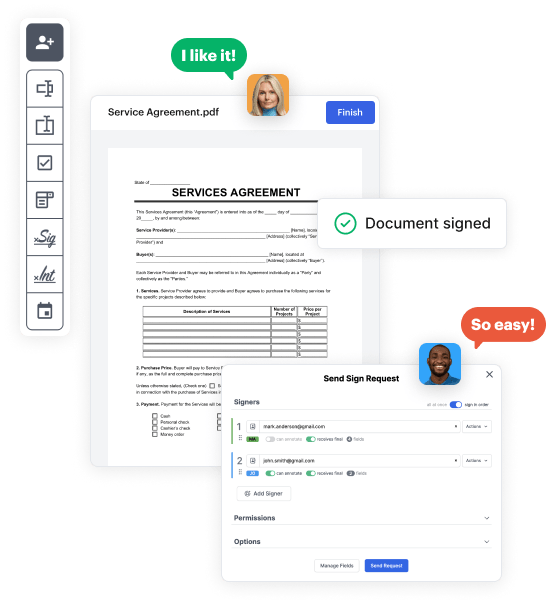
Use the top toolbar to insert fields like text and signature boxes, radio buttons, checkboxes, and more. Assign users to fields.
03. Distribute your form
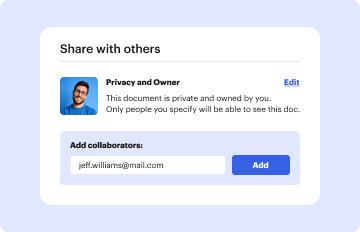
Share your Healthcare Legal Form in seconds via email or a link. You can also download it, export it, or print it out.

A brief guide on how to create a polished Healthcare Legal Form

Form edit decoration

Step 1: Sign in to DocHub to create your Healthcare Legal Form.

First, log in to your DocHub account. If you don't have one, you can simply register for free.

Step 2: Navigate to the dashboard.

Once you’re in, go to your dashboard. This is your main hub for all document-based processes.

Step 3: Launch new document creation.

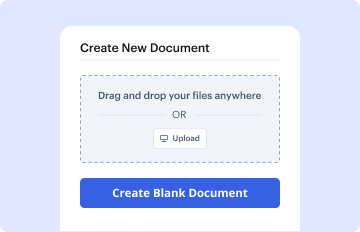
In your dashboard, select New Document in the upper left corner. Hit Create Blank Document to build the Healthcare Legal Form from scratch.

Step 4: Insert template fillable areas.

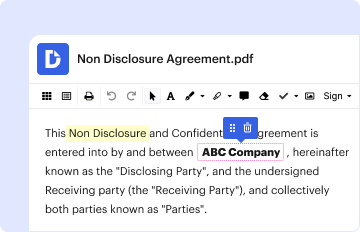
Add various elements like text boxes, photos, signature fields, and other options to your template and designate these fields to specific users as necessary.

Step 5: Adjust your form.

Personalize your template by including guidelines or any other vital information using the text feature.

Step 6: Go over and adjust the form.

Attentively go over your created Healthcare Legal Form for any mistakes or essential adjustments. Make use of DocHub's editing tools to fine-tune your form.

Step 7: Share or export the form.

After finalizing, save your work. You may opt to retain it within DocHub, transfer it to various storage options, or forward it via a link or email.


be ready to get more

Build your Healthcare Legal Form in minutes

Start creating now

Got questions?

We have answers to the most popular questions from our customers. If you can't find an answer to your question, please contact us.
Contact us
To obtain or create an advance health care directive form: Contact your health care provider. Consult with private legal counsel. Refer to the Office of the Attorney Generals website. Refer to Probate Code section 4701.
Furthermore, Advance Directives are legally binding documents that are recognized in all 50 states. It is vital that you take the time to create an Advance Directive so that your wishes are known and followed in the future.
These signatures and the notarial act may be the linchpin between a document that is valid and legally binding, or not. Whether or not your home state calls for an official notarization by a notary public, every state in the U.S. requires your advance directive to be signed by witnesses.
In Maryland, a valid will must be (1) in writing, (2) signed, and (3) attested and signed by two credible witnesses. It may be handwritten or typed and any two adults can be witnesses. A will does not require a notary, though a notary can be a witness. Electronic, oral, and video wills are not valid in Maryland.
A MOLST form contains medical orders related to a patients current medical condition. An advance directive provides guidance to a health care practitioner but treatment decisions need to be based upon medical orders. Even if a patient has prepared an advance directive, a MOLST form is needed to implement those orders.
be ready to get more

Build your Healthcare Legal Form in minutes

Start creating now

Related Q&A to Healthcare Legal Form

You can appoint someone to make medical decisions for you by completing the Maryland Advance Directive Form. Two witnesses must co-sign the form. The form does not need to be docHubd.
As mentioned above, in Maryland, you should have your POA docHubd and witnessed. The notary public can act as one of the two required witnesses.
The two most common advance directives for health care are the living will and the durable power of attorney for health care.

Additional resources on building your forms


