Boost your productivity with Downloadable Legal Forms

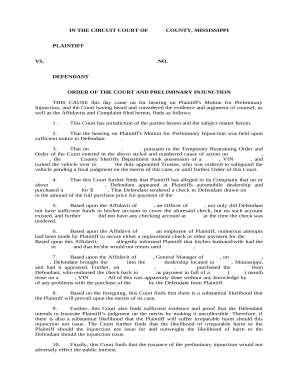
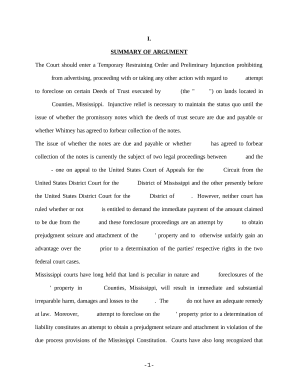
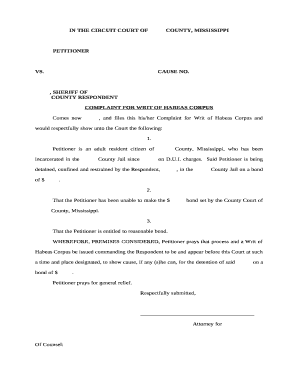
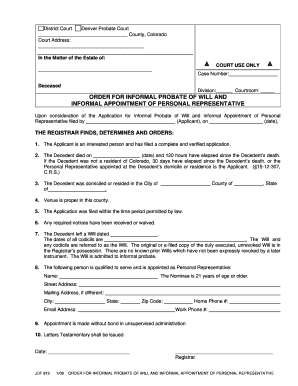
Document administration occupies to half of your office hours. With DocHub, you can reclaim your time and enhance your team's efficiency. Access Downloadable Legal Forms category and discover all form templates related to your everyday workflows.

The best way to use Downloadable Legal Forms:

  1. Open Downloadable Legal Forms and employ Preview to find the relevant form.
  2. Click Get Form to begin working on it.
  3. Wait for your form to open in our online editor and start editing it.
  4. Add new fillable fields, symbols, and pictures, change pages, etc.
  5. Fill your form or prepare it for other contributors.
  6. Download or deliver the form by link, email attachment, or invite.

Accelerate your everyday file administration with the Downloadable Legal Forms. Get your free DocHub profile today to explore all forms.


Video Guide on Downloadable Legal Forms management

video background

Commonly Asked Questions about Downloadable Legal Forms

The findings highlighted four potential pitfalls of incautious use of downloadable legal documents. They are as follows. Online legal documents can be out of date, inaccurate or downright wrong which makes them flawed and could be legally rejected.
More Best Legal Services Overall: Rocket Lawyer Best Budget Legal Services: LegalShield Best Legal Services for Small Businesses: ZenBusiness Best for Business Formation: Bizee Best for IP Protection: : Best for Self-Service Legal Documents: Nolo Best for Outsourcing Legal Operations: UpCounsel
Legal Templates is a Free Online Legal Form Document Creator.
What is Legal Templates? Legal form contract creation solution that helps businesses generate custom documents for real estate, legal, and financial purposes.
Online legal document preparing services do not guarantee the accuracy or legal sufficiency of their documents. In fact, even publishes a disclaimer at the bottom of their website that states, We are not a law firm or a substitute for an attorney or law firm.
, one of the most prominent sellers of do-it-yourself wills and other estate planning documents, is the target of a class action lawsuit in California charging that the company engages in deceptive business practices and is practicing law without a license.
Important points to include in a legal document. Party details. List the names, numbers, addresses (email or physical), and any other relevant information of all parties involved. Background information. Motion. Roles and responsibilities. BdocHubes or contingencies. Dates and signatures.
Google Forms are not legally binding by default. However, the content or agreements entered into through a Google Form can be legally binding, depending on the context and adherence to legal requirements. If the form is used to create a contract or agreement, the standard legal principles of contract law apply.