

Get and handle Corporate Legal Templates online

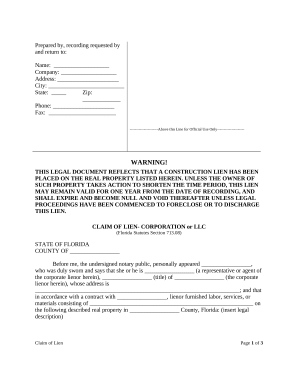
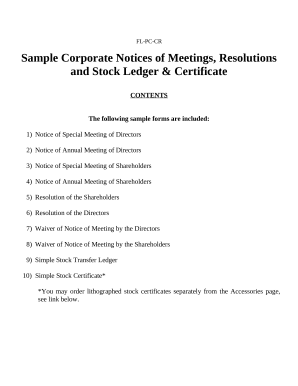
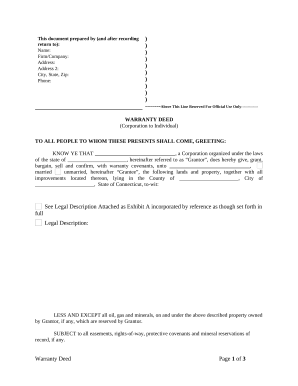
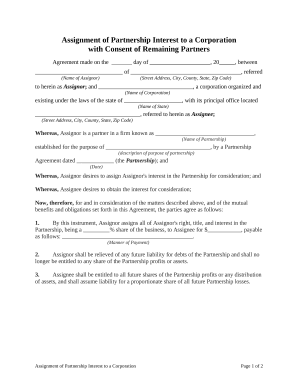
Accelerate your file managing using our Corporate Legal Templates category with ready-made document templates that meet your needs. Access the form, change it, fill it, and share it with your contributors without breaking a sweat. Begin working more efficiently with your documents.

How to use our Corporate Legal Templates:

  1. Open our Corporate Legal Templates and find the form you need.
  2. Preview your document to ensure it’s what you want, and click Get Form to start working on it.
  3. Alter, add new text, or point out important information with DocHub tools.
  4. Complete your form and save the changes.
  5. Download or share your form with other people.

Explore all of the possibilities for your online document administration with the Corporate Legal Templates. Get your totally free DocHub account right now!


Video Guide on Corporate Legal Templates management

video background

Commonly Asked Questions about Corporate Legal Templates

Most lawyers draft their own templates based on the specific areas on contract law they practice and the laws in the state they operate in.
Legal Templates is a Free Online Legal Form Document Creator.
Heres how to write a legal document in 10 simple steps: Plan Out the Document Before You Begin. Write with Clear and Concise Language. Ensure the Correct Use of Grammar. Be as Accurate as Possible. Make Information Accessible. Ensure All Necessary Information Is Included. Always Use an Active Voice.
The Bluebook style guide is used in the American legal profession for citation of all relevant sources. Additionally, the Chicago Manual of Style recommends its use for all citation of legal material. Bluebook Citation for Legal Materials - Purdue OWL Purdue OWL - Purdue University owl researchandcitation b Purdue OWL - Purdue University owl researchandcitation b
Court-approved legal document fonts. While theres no one official font style for preparing legal documents, there are a few court-approved fonts that are considered most easily readable: Arial. Century (and Century-related fonts like Century Schoolbook) Verdana. Choose the best font style and size for legal documents | Acrobat Sign docHub acrobat business hub font docHub acrobat business hub font
There are many great note-taking app options for lawyers to consider, including Microsoft OneNote, Evernote, Google Keep and AI-powered options. However, there is no single best application. Modern Note-Taking - North Carolina Bar Association North Carolina Bar Association 2024/03/25 modern-note-taking North Carolina Bar Association 2024/03/25 modern-note-taking
While those documents are usually 8.5 x 11 inches, legal documents are 8.5 x 14 inches. If youll be printing on that size paper, start your document formatting by choosing the right size for your document. Go to Layout and choose the Size option.
In todays fast-paced legal environment, lawyers use a combination of laptops and handwritten notes, depending on the situation, personal preference, and the specific needs of their work. Both methods have unique advantages that can help lawyers be more effective and efficient in their practice. Do practicing lawyers prefer paper or paperless offices? - Quora Quora Do-practicing-lawyers-prefer-p Quora Do-practicing-lawyers-prefer-p
