




01. Edit your special meeting minutes template online
Type text, add images, blackout confidential details, add comments, highlights and more.

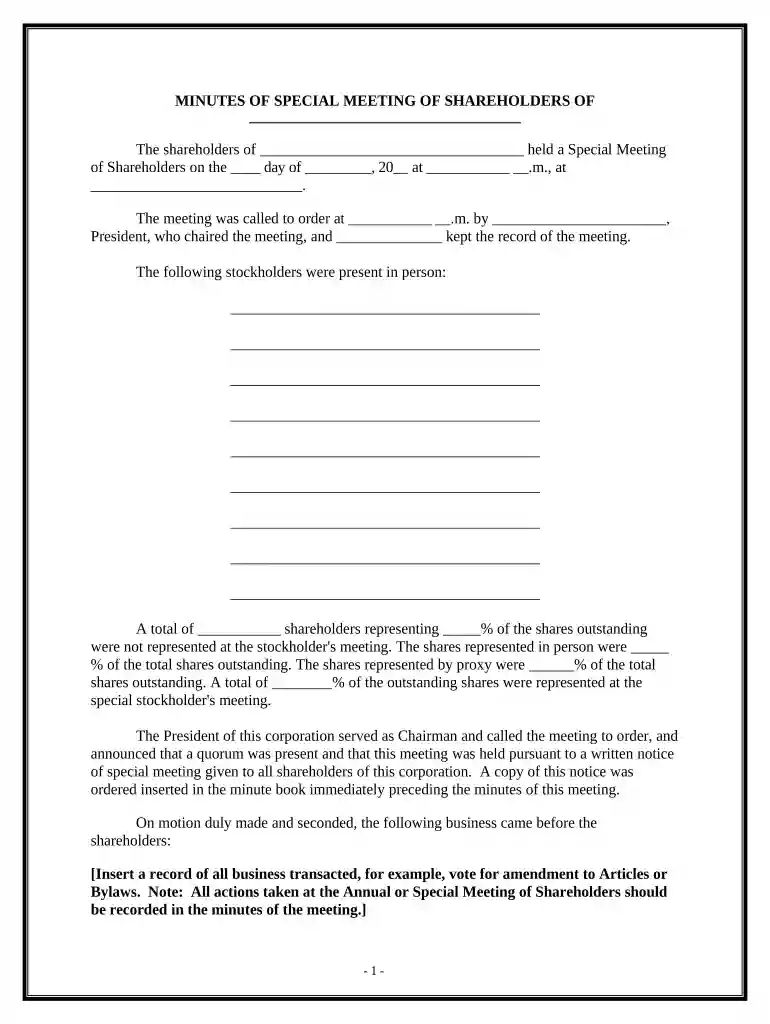
Type text, add images, blackout confidential details, add comments, highlights and more.

Draw your signature, type it, upload its image, or use your mobile device as a signature pad.

Send special meeting example via email, link, or fax. You can also download it, export it or print it out.

Start using our platform today to streamline your document editing and ensure efficient meeting documentation!
At DocHub, your data security is our priority. We follow HIPAA, SOC2, GDPR, and other standards, so you can work on your documents with confidence.


Meeting Minutes are the official record of what occurred at a meeting. They protect against liability, provide evidence of decisions, and create a clear.Read more
MDU Resources Group is a diversified energy company with electric and natural gas utility distribution operations. Phone: (800) 437-8000. Meeting Minutes,


