
Profit and loss Balance Sheet Templates
View and get Profit and loss Balance Sheet Templates to ensure the accuracy and transparency of your financial statement documents. The DocHub online catalog offers numerous ready-made modifiable documents.

Create a new Profit and loss Balance Sheet Template
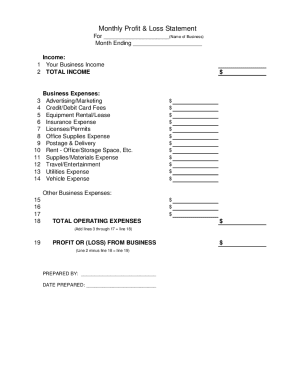
Profit and loss statement template
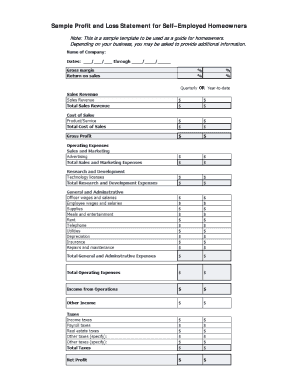
Fillable profit and loss statement for self employed

Personal financial statement template
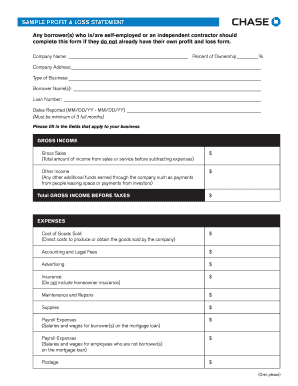
Sample loss and profit statement
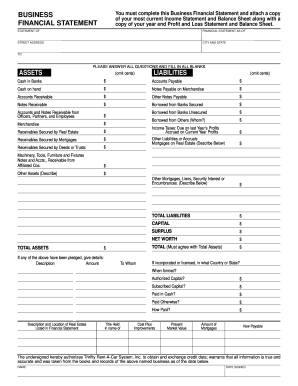
Business financial statement template
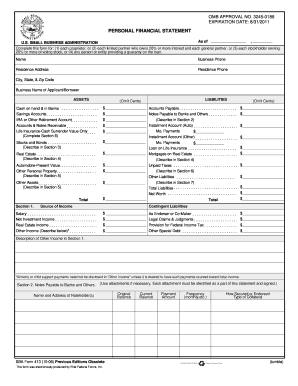
Personal financial statement template 2008 form

Profit and loss statement centrelink
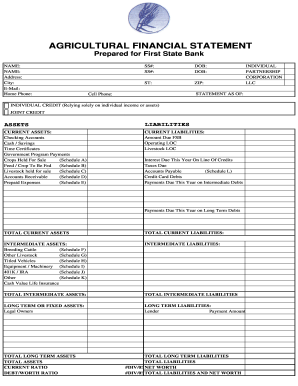
Agriculture financial statement excel

Profit and loss statement for self employed hairdresser
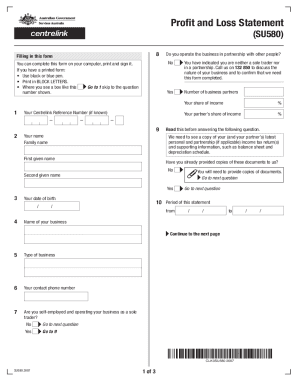
Profit and loss statement centrelink
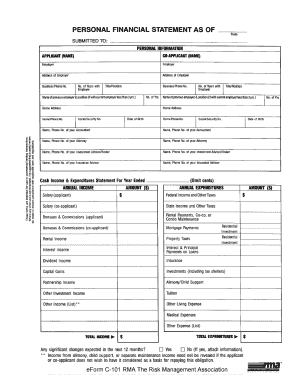
Rma personal financial statement pdf
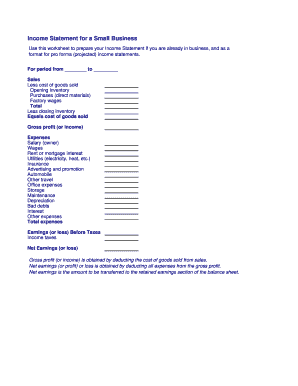
Business income statement
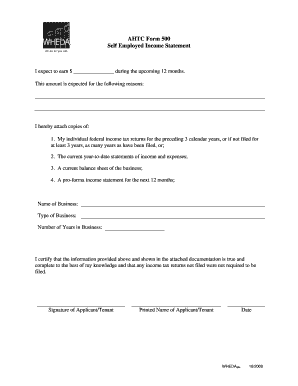
Employed income statement

Rental property statement
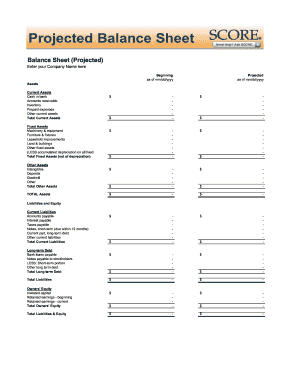
Balance sheet fill in the blank
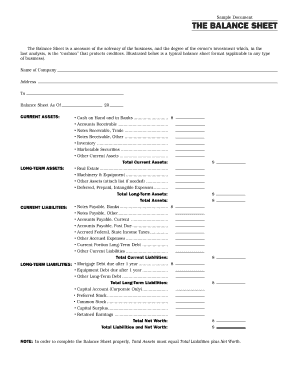
Interim ytd balance sheet pdf
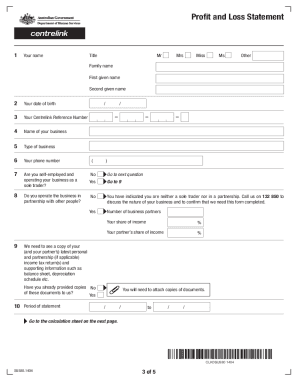
Profit and loss statement centrelink
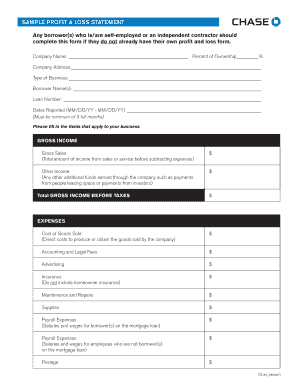
Sample Profit and Loss Statement PDF - Chase
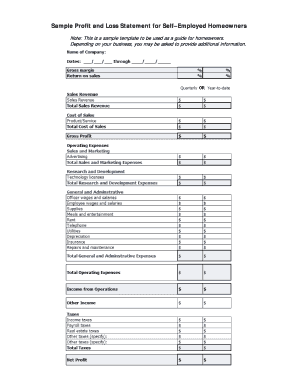
Sample Profit and Loss Statement for SelfEmployed Borrowers
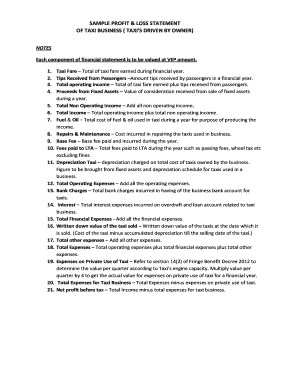
Profit and loss statement for uber driver
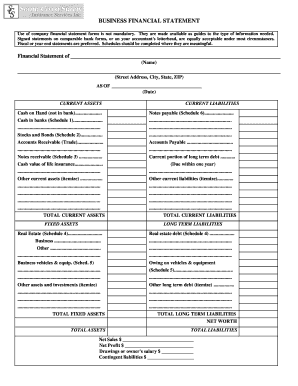
Business financial statement form
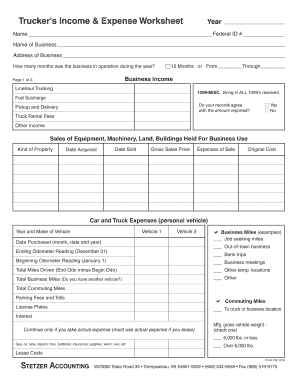
Profit and loss statement for trucking company pdf
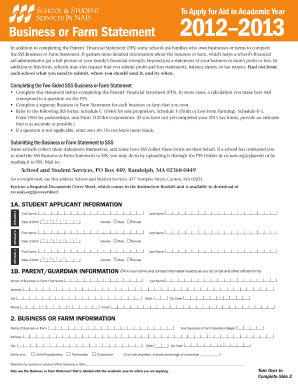
Farm statement
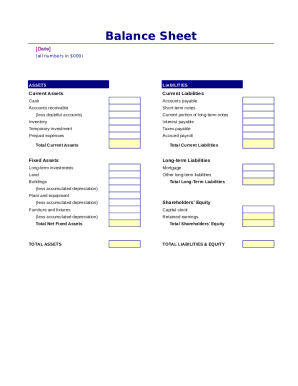
Simple balance sheet
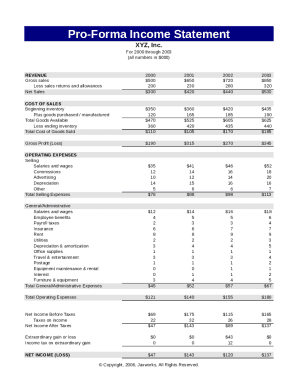
Pro forma income statement

Lost report

Fillable personal financial statement form
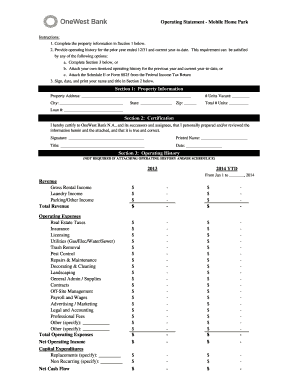
Project operating statement

Financial report template
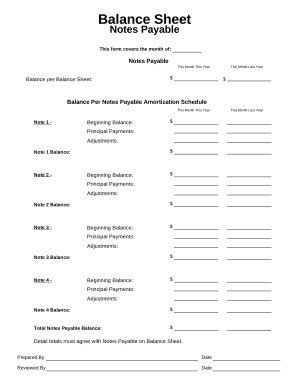
Balance sheet form
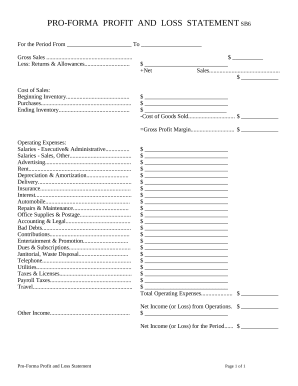
Profit and Loss Statement
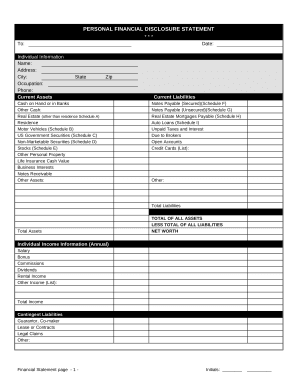
Financial statement form
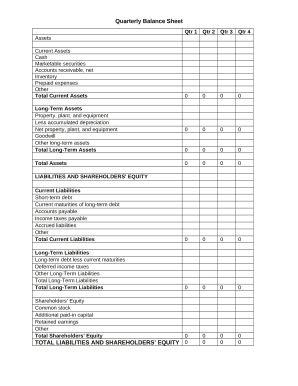
Quarterly Balance Sheet

Family Financial Statement

Sba form 413
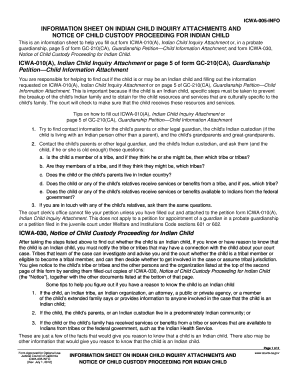
Icwa information form online
-
1
- 2
Improve your form management with Profit and loss Balance Sheet Templates
Your workflows always benefit when you can easily discover all the forms and files you will need on hand. DocHub delivers a vast array of forms to alleviate your everyday pains. Get hold of Profit and loss Balance Sheet Templates category and quickly find your form.
Start working with Profit and loss Balance Sheet Templates in a few clicks:
- Open Profit and loss Balance Sheet Templates and discover the document you require.
- Click on Get Form to open it in the editor.
- Begin adjusting your document: add fillable fields, highlight paragraphs, or blackout sensitive data.
- The application saves your modifications automatically, and after you are all set, you are able to download or share your file with other contributors.
Enjoy fast and easy record administration with DocHub. Check out our Profit and loss Balance Sheet Templates category and discover your form right now!
Video Guide on Profit and loss Balance Sheet Templates management

Commonly Asked Questions about Profit and loss Balance Sheet Templates
How do you show profit and loss on a balance sheet?
Add all revenue earned over the accounting period. Add all expenditures made throughout the accounting period. Subtract total expenses from total revenue to know the difference. If the value is positive, it represents profit; if it is negative, it represents a loss.
Does Excel have financial templates?
Creating a budgeting plan for your household can feel overwhelming and hard, but Excel can help you get organized and on track with a variety of free and premium budgeting templates.
Can I do a profit and loss on Excel?
Maintaining a profit and loss account in Excel allows you to make informed business decisions that improve your chances of profitability over time. Keep an extended record of each reporting period by creating a column for each month or quarter. Statement maintenance is crucial to monitoring finance trends over time.
Does Excel have a profit and loss template?
Yes, there is a profit and loss template in Excel that you can use to create your own statement. The template includes formulas to calculate revenue, expenses, and net income. You can enter your own data to get started.
Does Excel have an accounting template?
If you open up Excel and then use the relevant keyword in the Search All Templates box, you should be able to find a basic template that will fit your needs. For example, Excel has an inbuilt profit and loss statement template, business expenses budget template, budget planner template, and more.
Does Excel have a financial statement template?
A: Yes. Excel has a range of financial templates, including income statements, cash flow statements, and balance sheets.
How do I create a PL sheet?
Heres a general step-by-step guide to creating a profit and loss statement: Choose a reporting period. Gather financial statements and information. Add up revenue. List your COGS. Record your expenses. Figure your EBITDA. Calculate interest, taxes, depreciation, and amortization. Determine net income.
How to prepare PL and balance sheet in Excel?
How to Create a Profit and Loss Statement in Excel Download, Open, and Save the Excel Template. Input Your Company and Statement Dates. Calculate Gross Profit. Input Sales Revenue to Calculate Gross Revenue. Input the Cost of Goods Sold (COGS) Calculate the Net Income. Input Your Business Expenses.
Related Templates
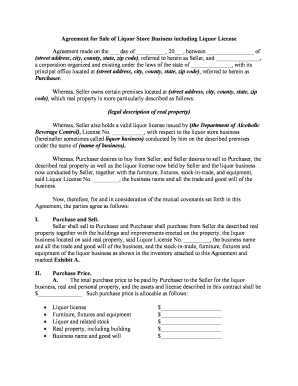
Agreement liquor license
The document is an Agreement for the Sale of a Liquor Store Business, detailing the terms under which the Seller will se ...

Swimming pool water testing record sheet
The document is a Swimming Pool Record Sheet designed for daily monitoring of water quality parameters in swimming pools ...
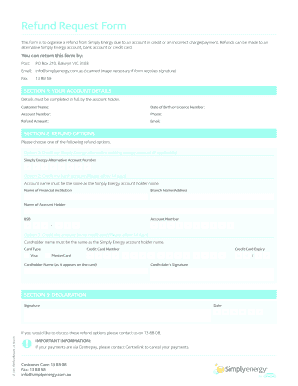
Fillable Online Refund Request Form - Simply Energy Fax
The document is a Refund Request Form for Simply Energy, allowing customers to request refunds due to account credits or ...

Pre-Service Non-Urgent Standard (Physician Signature NOT Required)
The document outlines the process for submitting requests for genetic testing, including different urgency levels (non-u ...
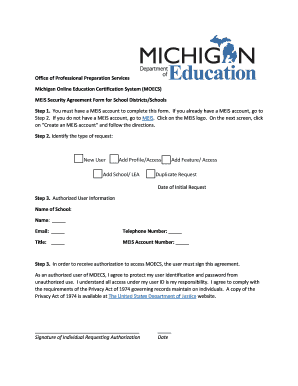
Michigan Online Education Certification System (MOECS)
The document outlines the process for school districts and schools in Michigan to request access to the Michigan Online ...

People first application fillable 2009 form
The document is empty and contains no content to summarize.
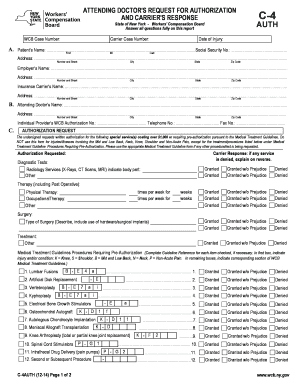
WCB Case Number - wcb ny
The document is a request form for authorization of special medical services related to workers' compensation cases in N ...

Llpyyyy 2011 form
The document is a legally binding Contract for Sale and Purchase approved by the Florida Association of Realtors and the ...