


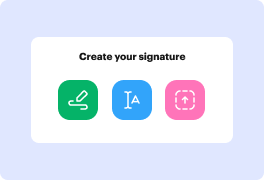
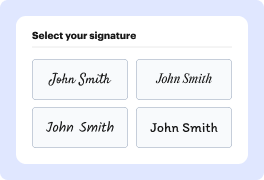
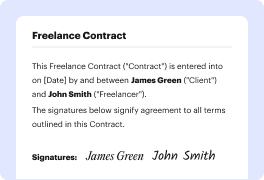

Every signature tells a story. The lines, the composition, and the strokes present your personality every time you leave your autograph on paper. This story is always unique, and it is yours to write. Use our electronic signature generator to tell your story.

Large letters:
Extroverted and confident

No underlined letters:
Proactive and result-oriented

Lucid and clear:
Intelligence and wit

Bold and strong lines:
Strong sense of individuality

Sharp-lined:
Impatient and assertive

Slanted writing:
Friendly and outgoing
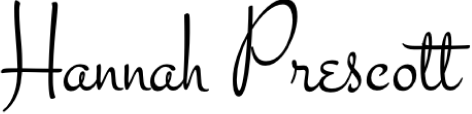
Scribbled:
Sharp intelligence and busy lifestyle

Illegible letters:
Impressionable and creative
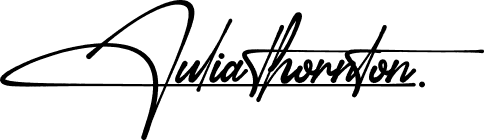
Underlined signature:
Proud and vain character

Elon Musk
Tesla, SpaceX
Bold and futuristic, with a sharp slant to the right. Innovative and forward-thinking, always pushing boundaries and challenging the status quo.


Beyoncé
Singer, Entrepreneur
Elegant and cursive, with a dramatic flair. Confident and charismatic, with a strong sense of self-expression and creativity.
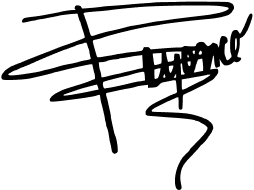

Howard Schultz
Starbucks
Strong and angular, with a distinctive "H" initial. Decisive and action-oriented, with a passion for building and leading successful teams.
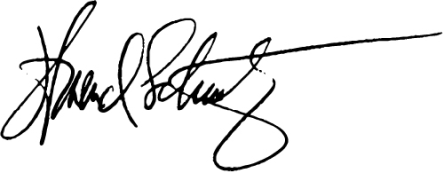

Serena Williams
Tennis Superstar
Bold and dynamic, with a strong slant to the right. Confident and determined, with a fierce competitive spirit and a commitment to excellence.
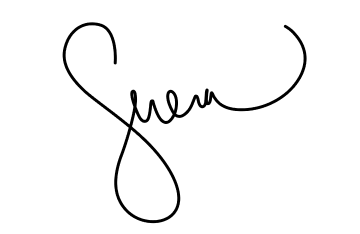

Tim Cook
Apple
Simple and understated, with a focus on clarity. Humble and down-to-earth, with a strong sense of integrity and a commitment to values-driven leadership.
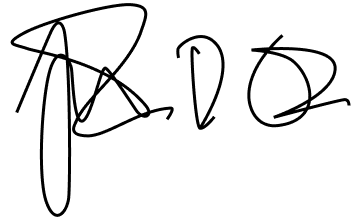

Arianna Huffington
HuffPost, Thrive Global
Elegant and cursive, with a flowing style. Sophisticated and empathetic, with a strong sense of purpose and a commitment to well-being.
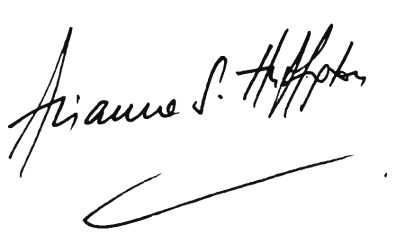

Michael Jordan
NBA Legend, Entrepreneur
Strong and bold, with a distinctive "MJ" initial. Inspired, competitive, and confident, which shows in broadness of the lines in both initial letters.
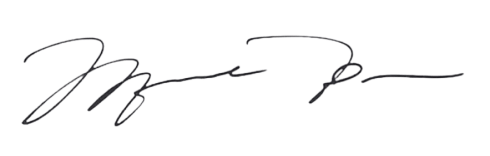

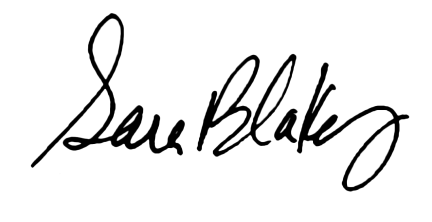
Sara Blakely
Spanx
Playful and creative, with a colorful flair. Innovative and entrepreneurial, with a strong sense of self-expression and a commitment to empowering others.

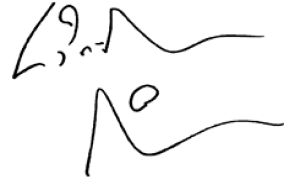
Lin-Manuel Miranda
Creator, Hamilton
Artistic and expressive, with a mix of print and cursive. Creative and imaginative, with a strong sense of storytelling and a commitment to using art to inspire and uplift.
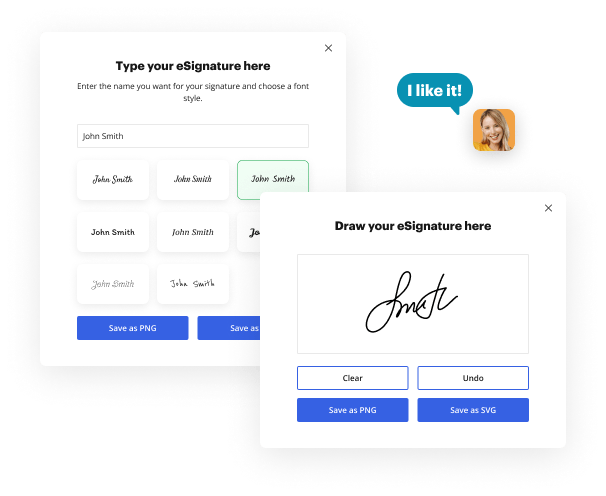
Transform the way you approve your documents with DocHub and its online signature generator. Our solution provides a comprehensive suite of features that enable you to complete your paperwork-related tasks in just a few minutes. Thanks to its top security measures and compliance with the key eSigning regulations, you can use our signature generator to endorse sales contracts, rental agreements, HR forms, tax declarations, medical, and any other documents–they will be legally binding and court-admissible.
DocHub is your time-saving companion for PDF designing, editing, signing, and distribution to get your documents done efficiently. Use it on any device and experience the benefits of its real-time collaboration, Google integration, and other robust functionality. Try it now!


You can use Social worker assistants Signature Generator for documents like contracts, NDAs, agreements as well as other legal forms. Send out and get documents for approval without delays. However, make sure you speak with your legal team or representatives prior to using signatures.
Social worker assistants Signature Generator can benefit many industries, such as healthcare, finance, legal services, real estate, and much more. These industries frequently deal with sensitive and personal documents that require protected and effective signing procedures. In addition, you can be sure that the department also boosts efficiency and reduces paper waste when opting for an eSignature generator, such as product sales teams, HR departments, project supervisors, and much more. By reducing the necessity for physical signatures, businesses can save time and resources while promoting environmental sustainability.
You should have a stable connection to the internet to edit, eSign, and deliver your documents with other contributors. When you are utilizing DocHub, it automatically saves your alterations. When you are back online, you can proceed modifying and signing your forms and documents.




