


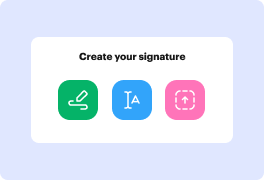
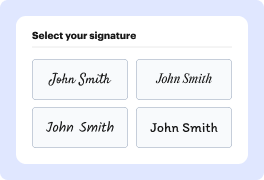
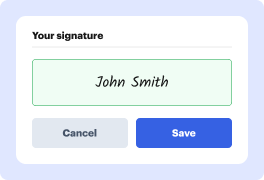
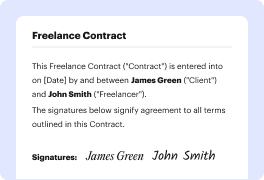

Every signature tells a story. The lines, the composition, and the strokes present your personality every time you leave your autograph on paper. This story is always unique, and it is yours to write. Use our electronic signature generator to tell your story.

Large letters:
Extroverted and confident

No underlined letters:
Proactive and result-oriented

Lucid and clear:
Intelligence and wit

Bold and strong lines:
Strong sense of individuality

Sharp-lined:
Impatient and assertive

Slanted writing:
Friendly and outgoing

Scribbled:
Sharp intelligence and busy lifestyle

Illegible letters:
Impressionable and creative
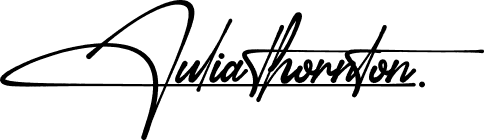
Underlined signature:
Proud and vain character

Elon Musk
Tesla, SpaceX
Bold and futuristic, with a sharp slant to the right. Innovative and forward-thinking, always pushing boundaries and challenging the status quo.


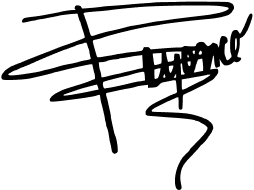
Beyoncé
Singer, Entrepreneur
Elegant and cursive, with a dramatic flair. Confident and charismatic, with a strong sense of self-expression and creativity.

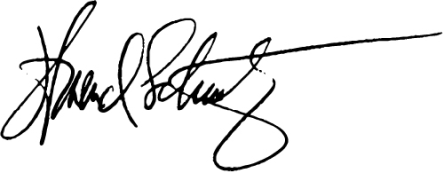
Howard Schultz
Starbucks
Strong and angular, with a distinctive "H" initial. Decisive and action-oriented, with a passion for building and leading successful teams.

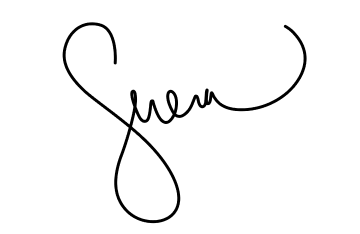
Serena Williams
Tennis Superstar
Bold and dynamic, with a strong slant to the right. Confident and determined, with a fierce competitive spirit and a commitment to excellence.

Tim Cook
Apple
Simple and understated, with a focus on clarity. Humble and down-to-earth, with a strong sense of integrity and a commitment to values-driven leadership.

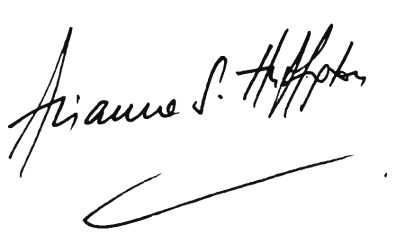
Arianna Huffington
HuffPost, Thrive Global
Elegant and cursive, with a flowing style. Sophisticated and empathetic, with a strong sense of purpose and a commitment to well-being.

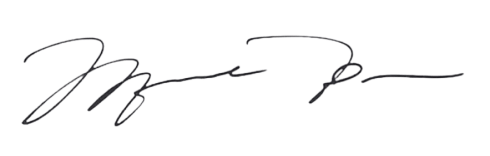
Michael Jordan
NBA Legend, Entrepreneur
Strong and bold, with a distinctive "MJ" initial. Inspired, competitive, and confident, which shows in broadness of the lines in both initial letters.

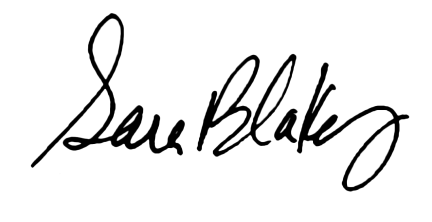
Sara Blakely
Spanx
Playful and creative, with a colorful flair. Innovative and entrepreneurial, with a strong sense of self-expression and a commitment to empowering others.

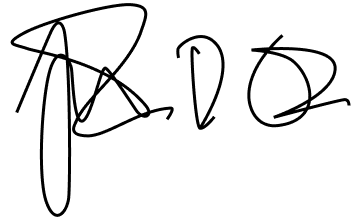
Lin-Manuel Miranda
Creator, Hamilton
Artistic and expressive, with a mix of print and cursive. Creative and imaginative, with a strong sense of storytelling and a commitment to using art to inspire and uplift.
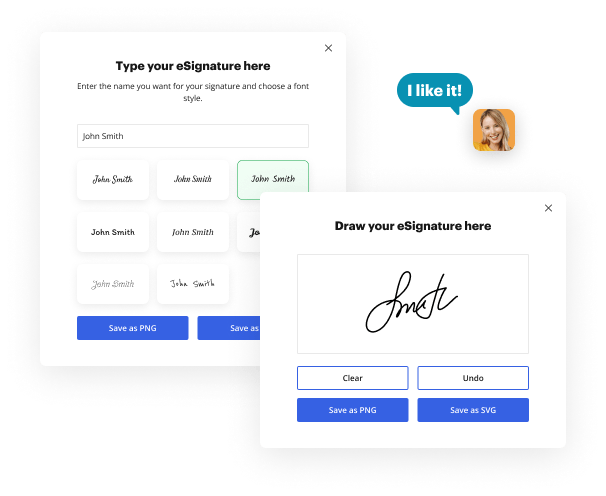
With Exit Interview Form Signature Maker by DocHub, users can effortlessly add signatures to their essential documents, saving time and minimizing the hassle of document-centered processes. Whether you are a business professional or just someone who needs to sign documents consistently, having a digital signature can greatly improve your workflow. Here's a step-by-step instruction to use DocHub's electronic signature generator and document editor.
DocHub's eSignature simplifies the procedure of signing and sharing documents, making it an indispensable tool for pros. Start using DocHub right now to use this signature generator, simplify your document management tasks, and boost your productivity!


You may use Liability Waiver Signature Maker for documents such as contracts, NDAs, agreements and other legal forms. Send out and receive documents for approval without slow downs. However, be sure to consult with your legal team or representative prior to utilizing signatures.
As certain standards are fulfilled, eSignatures hold the same legal weight as traditional handwritten signatures. One of the most commonly acknowledged law is the Electronic Signatures in Global and National Commerce (ESIGN) Act. Additionally, individual states may have their own laws and regulations governing eSignature utilization, so it is essential to research and know the specific regulations in your state. Examples of these state-specific laws are the Uniform Electronic Transactions Act (UETA) and the Uniform Commercial Code (UCC).
A variety of documents, such as contracts, agreements and forms, and other legal documents, might be signed with a signature generator. The list of documents might involve NDAs, hiring contracts, statements, etc. It is essential to keep in mind that not all documents may be eligible for eSignature utilization, so it is recommended to consult with legal counsel for help with which documents could be legally signed using electronic signatures.




