Type text, add images, blackout confidential details, add comments, highlights and more.
02. Sign it in a few clicks
Draw your signature, type it, upload its image, or use your mobile device as a signature pad.
03. Share your form with others
Send it via email, link, or fax. You can also download it, export it or print it out.
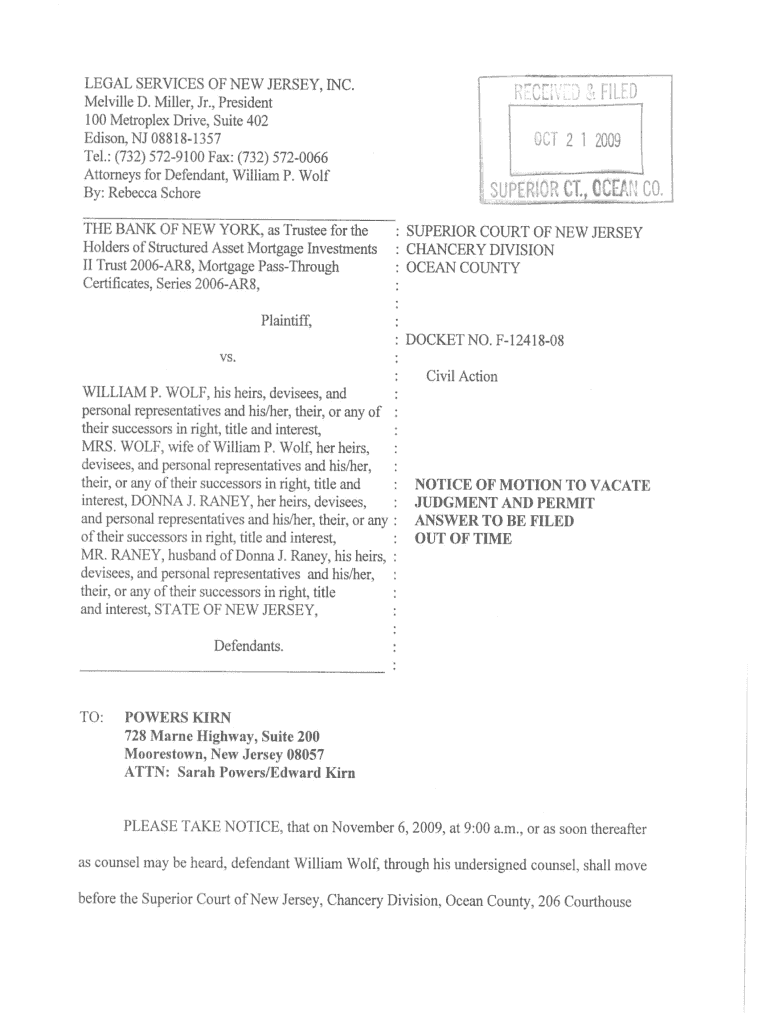
How to use or fill out How to File an Answer to a Foreclosure Complaint - New Jersey ... - lsnj with our platform
Ease of Setup
DocHub User Ratings on G2
Ease of Use
DocHub User Ratings on G2
Click ‘Get Form’ to open it in the editor.
Begin by entering your personal information in the designated fields, including your name, address, and contact details. This ensures that the court can reach you regarding your case.
Next, review the sections outlining the complaint against you. Carefully read each statement and respond accurately in the provided spaces, ensuring your answers are clear and concise.
If applicable, include any defenses or counterclaims you wish to assert. Use our platform's text tools to elaborate on your points effectively.
Finally, sign and date the document electronically. Ensure all required fields are completed before submitting your answer to avoid delays in processing.
Start using our platform today for free to complete your foreclosure answer efficiently!
Fill out How to File an Answer to a Foreclosure Complaint - New Jersey ... - lsnj online It's free
Sample answer to foreclosure complaint NJNJ courts Foreclosure lookupNotice of Intent to Foreclose NJForeclosure process in NJHow to answer a foreclosure complaintForeclosure timeline NJNJ Foreclosure Mediation ProgramHow to stop foreclosure in NJ
Security and compliance
At DocHub, your data security is our priority. We follow HIPAA, SOC2, GDPR, and other standards, so you can work on your documents with confidence.
This manual gives information about landlord and tenant law. It cannot answer every question and it does not provide specific advice about a particular legalRead more
If you choose to file an answer, you must do so within 35 days from the date that you receive the summons and complaint; and you must include a completedRead more
Cookie consent notice
This site uses cookies to enhance site navigation and personalize your experience.
By using this site you agree to our use of cookies as described in our Privacy Notice.
You can modify your selections by visiting our Cookie and Advertising Notice.