
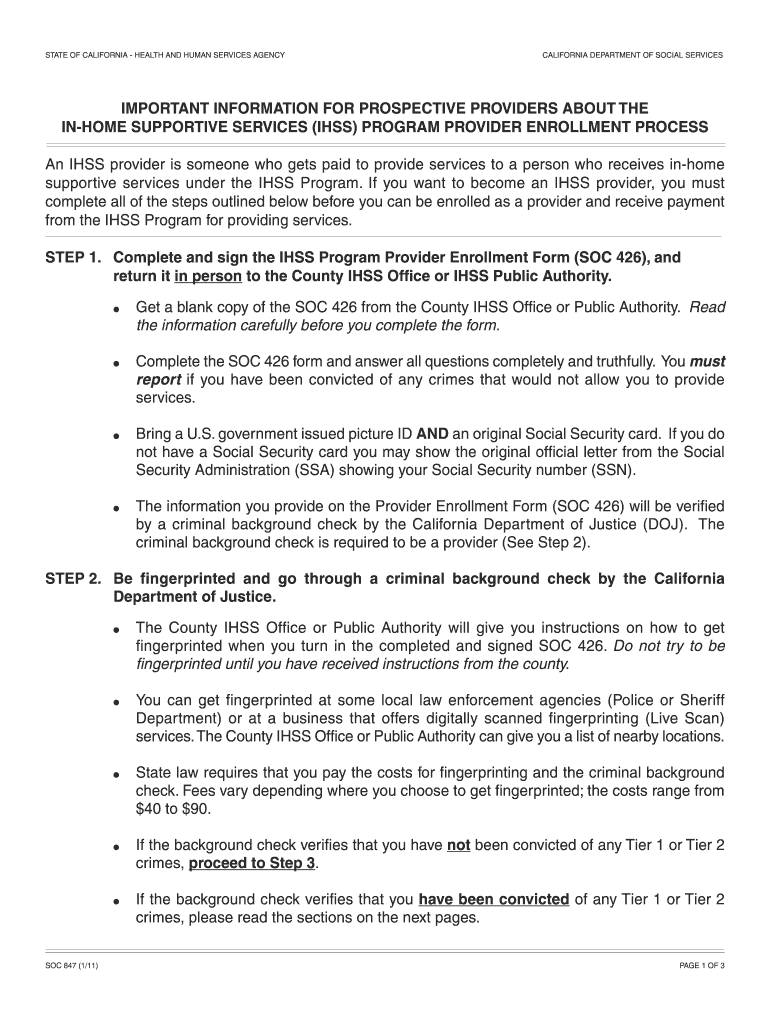



Claim of inaccuracy ca dept of justice form 8706-2026

Get Form
form bcia 8706 pdf Preview on Page 1

Here's how it works

01. Edit your form bcia 8706 pdf online
Type text, add images, blackout confidential details, add comments, highlights and more.

02. Sign it in a few clicks
Draw your signature, type it, upload its image, or use your mobile device as a signature pad.

03. Share your form with others
Send bcia 8706 via email, link, or fax. You can also download it, export it or print it out.

How to use or fill out claim of inaccuracy ca dept of justice form 8706 with our platform

Form edit decoration
9.5
Ease of Setup
DocHub User Ratings on G2
9.0
Ease of Use
DocHub User Ratings on G2
  1. Click ‘Get Form’ to open the Claim of Inaccuracy CA Dept of Justice Form 8706 in the editor.
  2. Begin by entering your personal information in the designated fields, including your full name, address, and contact details. Ensure that all information is accurate and up-to-date.
  3. In the section regarding the alleged inaccuracies, clearly describe the specific information you believe is incorrect. Be as detailed as possible to facilitate a thorough review.
  4. Attach any supporting documents that validate your claim. Use our platform's upload feature to easily add these files directly to your form.
  5. Review all entered information for accuracy before submitting. Utilize our platform’s editing tools to make any necessary adjustments.
  6. Once satisfied with your form, click ‘Submit’ to send it electronically or download it for mailing, depending on your preference.

Start using our platform today for free and streamline your document editing process!

See more claim of inaccuracy ca dept of justice form 8706 versions

We've got more versions of the claim of inaccuracy ca dept of justice form 8706 form. Select the right claim of inaccuracy ca dept of justice form 8706 version from the list and start editing it straight away!
Versions Form popularity Fillable & printable
2016 4.8 Satisfied (92 Votes)
2011 4 Satisfied (30 Votes)
be ready to get more

Complete this form in 5 minutes or less

Get form

Got questions?

We have answers to the most popular questions from our customers. If you can't find an answer to your question, please contact us.
Contact us
If you think your FBI RAP sheet is inaccurate or incomplete, there are 2 ways to correct the information: OPTION 1: Contact the court or agency that sent your information to the FBI. How to contact the California Bureau of Criminal Information and Analysis: OPTION 2: Go through the FBI directly.
Expungement can seriously improve your chances of securing a job or housing. Sealing a record hides it from most background checks but does not eliminate it. Law enforcement agencies could still see sealed records.
You have the right to correct your report. Once you receive your Criminal History Report from the DOJ, if you want to challenge the contents, you must complete the Claim of Alleged Inaccuracy or Incompleteness form (form BCIA 8706), which will be included with your Criminal History Report.
Fill out the Claim of Alleged Inaccuracy or Incompleteness form, or write your letter. Whether you are filling out the form or writing a letter, you need to explain, as specifically as possible, what the error iswhy and how your record is inaccurate or incomplete. Examples of common errors include: Mismatched names.
To challenge the contents of a DOJ report, a person must complete a Claim of Alleged Inaccuracy or Incompleteness form (BCIA 8706). The DOJ reviews the challenge and returns a written response. If the challenge is denied, a person may request the DOJ to refer the matter for an administration hearing.

Security and compliance

At DocHub, your data security is our priority. We follow HIPAA, SOC2, GDPR, and other standards, so you can work on your documents with confidence.

Learn more
ccpa2
pci-dss
gdpr-compliance
hipaa
soc-compliance
be ready to get more

Complete this form in 5 minutes or less

Get form

