Type text, add images, blackout confidential details, add comments, highlights and more.
02. Sign it in a few clicks
Draw your signature, type it, upload its image, or use your mobile device as a signature pad.
03. Share your form with others
Send it via email, link, or fax. You can also download it, export it or print it out.
How to use or fill out carrier submitted form with our platform
Ease of Setup
DocHub User Ratings on G2
Ease of Use
DocHub User Ratings on G2
Click ‘Get Form’ to open the carrier submitted form in the editor.
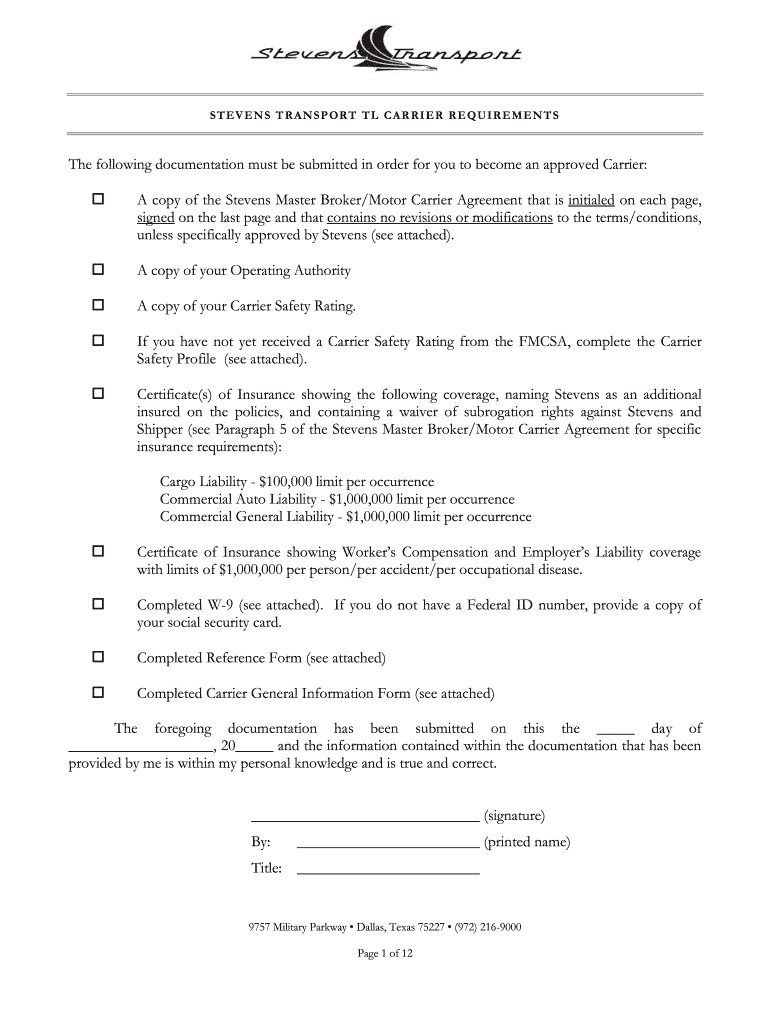
Begin by reviewing the required documentation section. Ensure you have a copy of the Stevens Master Broker/Motor Carrier Agreement, Operating Authority, and Carrier Safety Rating ready for upload.
Fill out your company details in the General Information Form, including your Carrier Name, DOT Number, and contact information. Make sure all fields are completed accurately.
If applicable, complete the Carrier Safety Profile if you do not yet have a Carrier Safety Rating. Provide details about your safety management controls and attach any necessary documentation.
Complete the Reference Form by listing at least four references with their contact information. This is essential for approval as a carrier.
Review all filled sections for accuracy before submitting. Use our platform’s tools to sign where required and ensure all documents are attached.
Start using our platform today to streamline your document submission process for free!
Fla. Admin. Code Ann. R. 69L-31.004 - Carrier Response to
(2) The Response Form is the only form accepted by the Department upon which a Carrier may submit its response, pursuant to Section 440.13(7)(b), F.S., to aRead more
Cookie consent notice
This site uses cookies to enhance site navigation and personalize your experience.
By using this site you agree to our use of cookies as described in our Privacy Notice.
You can modify your selections by visiting our Cookie and Advertising Notice.