




01. Edit your pcor online
Type text, add images, blackout confidential details, add comments, highlights and more.

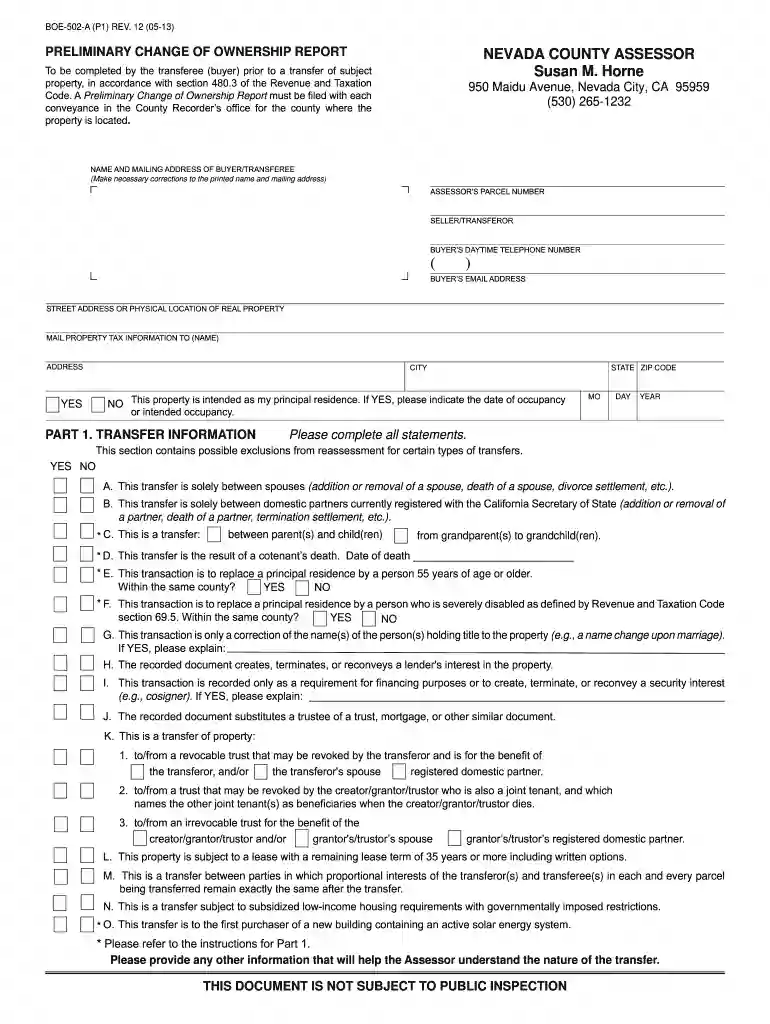
Type text, add images, blackout confidential details, add comments, highlights and more.

Draw your signature, type it, upload its image, or use your mobile device as a signature pad.

Send pcor full form via email, link, or fax. You can also download it, export it or print it out.

Start using our platform today for free to streamline your document editing and form completion!
At DocHub, your data security is our priority. We follow HIPAA, SOC2, GDPR, and other standards, so you can work on your documents with confidence.
By the end of this training, you will be able to: 1. Describe elements for successful PCOR team dynamics. 2. Describe how to create conditions for
PRELIMINARY CHANGE OF OWNERSHIP REPORT. To be completed by the transferee (buyer) prior to a transfer of subject property, in accordance with section 480.3Read more
Preliminary Close Out Report (PCOR): The report that documents that construction completion has been achieved. It is prepared when the final operable unitRead more


