Type text, add images, blackout confidential details, add comments, highlights and more.
02. Sign it in a few clicks
Draw your signature, type it, upload its image, or use your mobile device as a signature pad.
03. Share your form with others
Send it via email, link, or fax. You can also download it, export it or print it out.
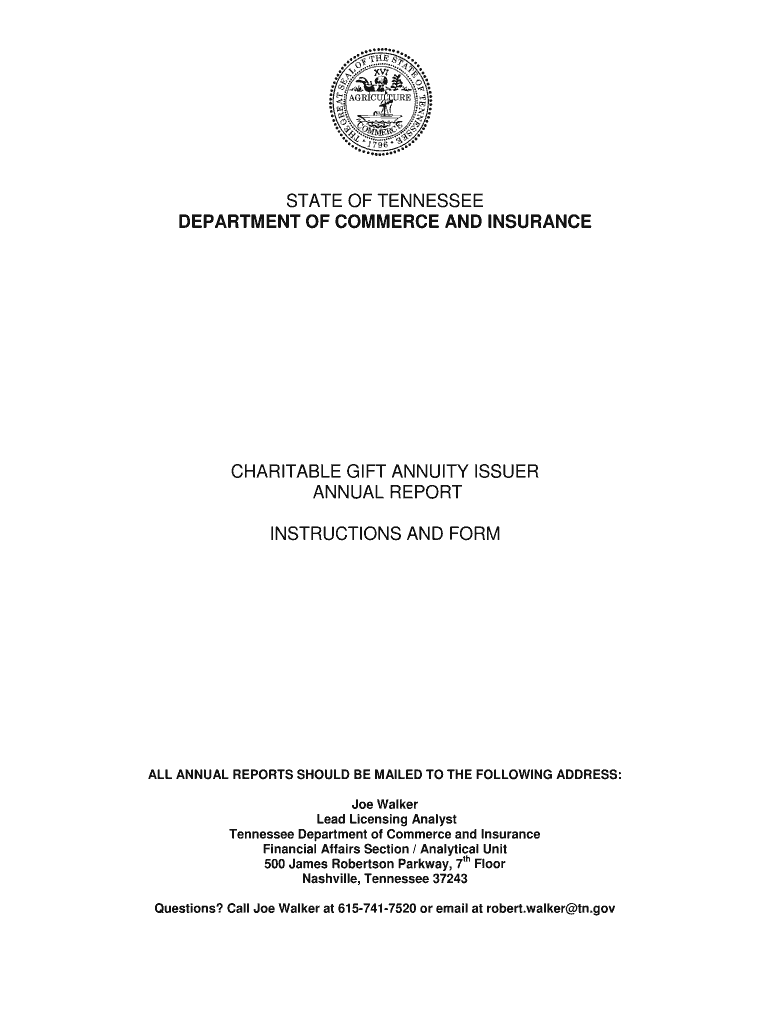
How to use or fill out Charitable Gift Annuity Issuer Annual Report Form - TN.gov - tn with DocHub
Ease of Setup
DocHub User Ratings on G2
Ease of Use
DocHub User Ratings on G2
Click ‘Get Form’ to open it in the editor.
Begin by entering the name of your charitable organization and its physical address in the designated fields. Ensure accuracy as this information is crucial for identification.
Provide a mailing address if it differs from the physical address. If they are the same, simply write 'same'.
Fill in the contact person's details, including their name, phone number, and email address for any inquiries regarding the report.
Complete the financial statement section by indicating whether you are submitting CPA-audited or verified financial data. Attach necessary documents as specified.
Report on gift annuity activity by filling in all relevant figures for contracts outstanding, issued, terminated, and payments made during the reporting year.
Certify that no commission-based individuals were involved in selling or soliciting gift annuities by initialing where indicated.
Finally, ensure that two principal officers sign and notarize the form before submission to comply with legal requirements.
Start using our platform today to streamline your form completion process for free!
Fill out Charitable Gift Annuity Issuer Annual Report Form - TN.gov - tn online It's free
Tennessee Department of Commerce and InsuranceTennessee Department of Commerce and Insurance rulesTennessee insurance codeTennessee tpa license requirementsState Regulated Insurance companyHow to get health insurance license in TNTN Insurance License CE RequirementsWhat are the different types of insurance companies
Security and compliance
At DocHub, your data security is our priority. We follow HIPAA, SOC2, GDPR, and other standards, so you can work on your documents with confidence.
Cookie consent notice
This site uses cookies to enhance site navigation and personalize your experience.
By using this site you agree to our use of cookies as described in our Privacy Notice.
You can modify your selections by visiting our Cookie and Advertising Notice.