




01. Edit your ky dwc lms online
Type text, add images, blackout confidential details, add comments, highlights and more.

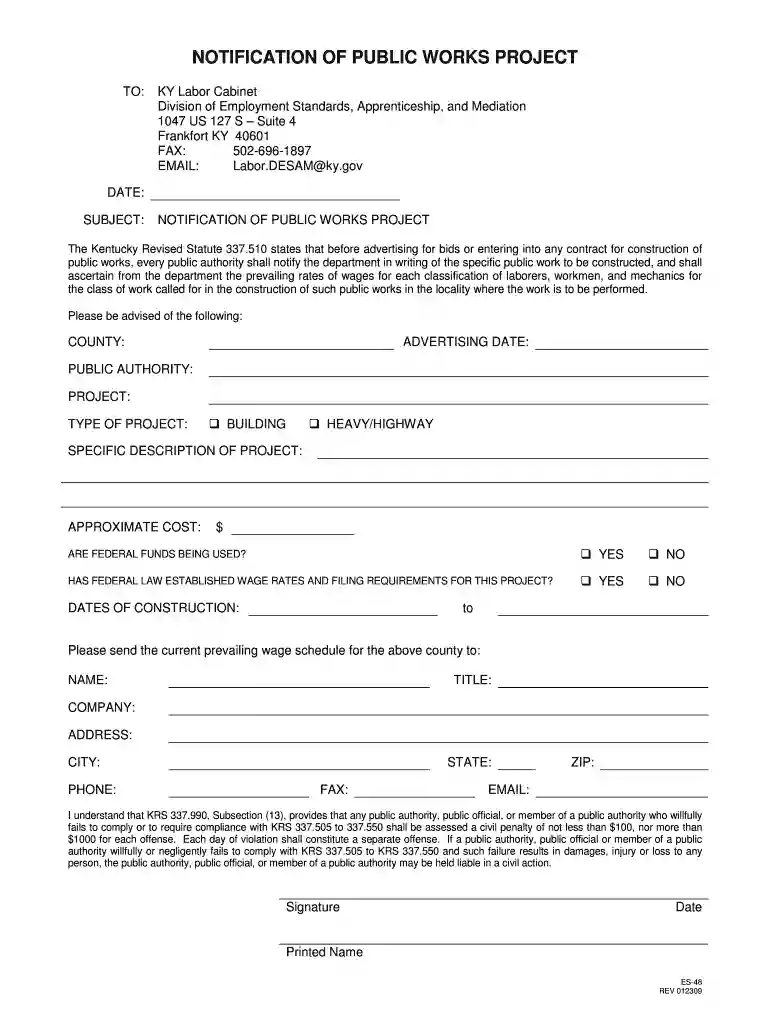
Type text, add images, blackout confidential details, add comments, highlights and more.

Draw your signature, type it, upload its image, or use your mobile device as a signature pad.

Send kentucky department of workers claims lms via email, link, or fax. You can also download it, export it or print it out.

Start using our platform today to fill out your Kentucky Labor Cabinet Form ES-48 online for free!
We've got more versions of the ky dwc lms form. Select the right ky dwc lms version from the list and start editing it straight away!
| Versions | Form popularity | Fillable & printable |
|---|---|---|
| 2009 | 4.8 Satisfied (48 Votes) |
At DocHub, your data security is our priority. We follow HIPAA, SOC2, GDPR, and other standards, so you can work on your documents with confidence.
This administrative regulation establishes the requirements for filing proof of coverage and policy change or termination of coverage.Read more
The employees of the Commonwealth are one of its greatest resources and we are pleased to have you join our team. The information contained in this handbookRead more
As of February 2011, coal is the source of 92 percent of the states electricity, and brings in $3.5 billion in export revenue.[1]


