Nys doh 5065-2026

Get Form
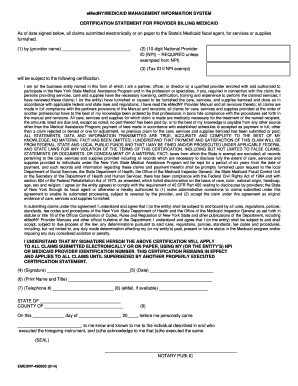
doh 5065 Preview on Page 1

Here's how it works

01. Edit your doh 5065 online
Type text, add images, blackout confidential details, add comments, highlights and more.
02. Sign it in a few clicks
Draw your signature, type it, upload its image, or use your mobile device as a signature pad.
03. Share your form with others
Send doh 3312 via email, link, or fax. You can also download it, export it or print it out.

How to use or fill out nys doh 5065 with DocHub

Form edit decoration
9.5
Ease of Setup
DocHub User Ratings on G2
9.0
Ease of Use
DocHub User Ratings on G2
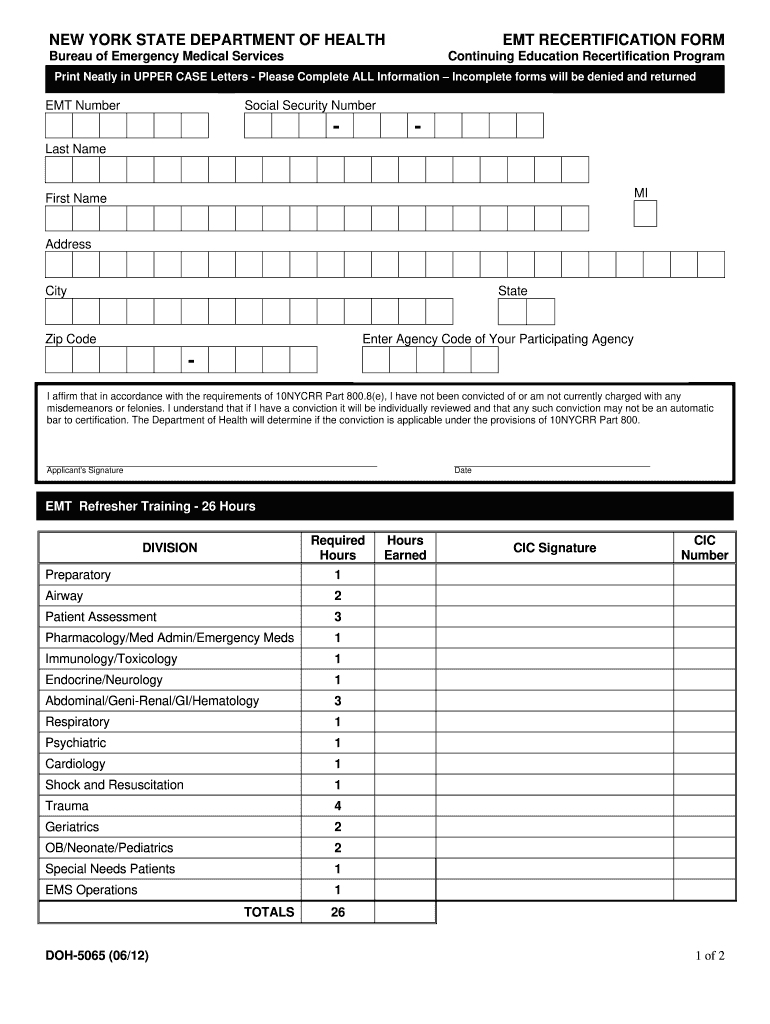
  1. Click ‘Get Form’ to open the NYS DOH 5065 in our platform.
  2. Begin by filling in your EMT Number and Social Security Number. Ensure that you print neatly in UPPER CASE letters as required.
  3. Complete your personal information, including Last Name, First Name, Address, City, State, and Zip Code.
  4. Enter the Agency Code of your participating agency. This is crucial for processing your recertification.
  5. Affirm your legal status regarding misdemeanors or felonies by signing and dating the affirmation section.
  6. Document your completed EMT Refresher Training hours in the designated section. Make sure to total them accurately.
  7. Attach a copy of your current CPR certification card (front and back) as instructed.
  8. Fill out the Skill Competency Verification section, ensuring that both the Medical Director/Training Officer signs it.
  9. Finally, affirm that all statements are true by signing and dating at the bottom of the form before mailing it postmarked no less than 45 days prior to expiration.

Start using our platform today for free to streamline your NYS DOH 5065 completion!

be ready to get more

Complete this form in 5 minutes or less

Get form

Got questions?

We have answers to the most popular questions from our customers. If you can't find an answer to your question, please contact us.
Contact us

Microsoft Word doesn’t have signing tools to generate valid eSignatures and enforceable documents. Fortunately, DocHub is an online eSignature-compliant editor that works with different file formats, such as .doc files. Log in to your account and add the Word version of your nys doh ems forms from your device and cloud, or URL - our editor will automatically turn it into an editable PDF. Make all essential alterations in your document and click Sign to generate your own legally-binding eSignature. There are four signing options from which to choose.

You can complete and eSign your nys doh 5065 on the internet, even on a tight deadline. All you need to access high quality editing instruments on any device is a DocHub account, which you can sign up within a few moments. When you sign up, add your file or find what you are looking for in our catalog, complete it using the editing instruments you need, and place your electronic signature on it at the end.

Security and compliance

At DocHub, your data security is our priority. We follow HIPAA, SOC2, GDPR, and other standards, so you can work on your documents with confidence.

Learn more
ccpa2
pci-dss
gdpr-compliance
hipaa
soc-compliance