




01. Edit your wage verification form online
Type text, add images, blackout confidential details, add comments, highlights and more.

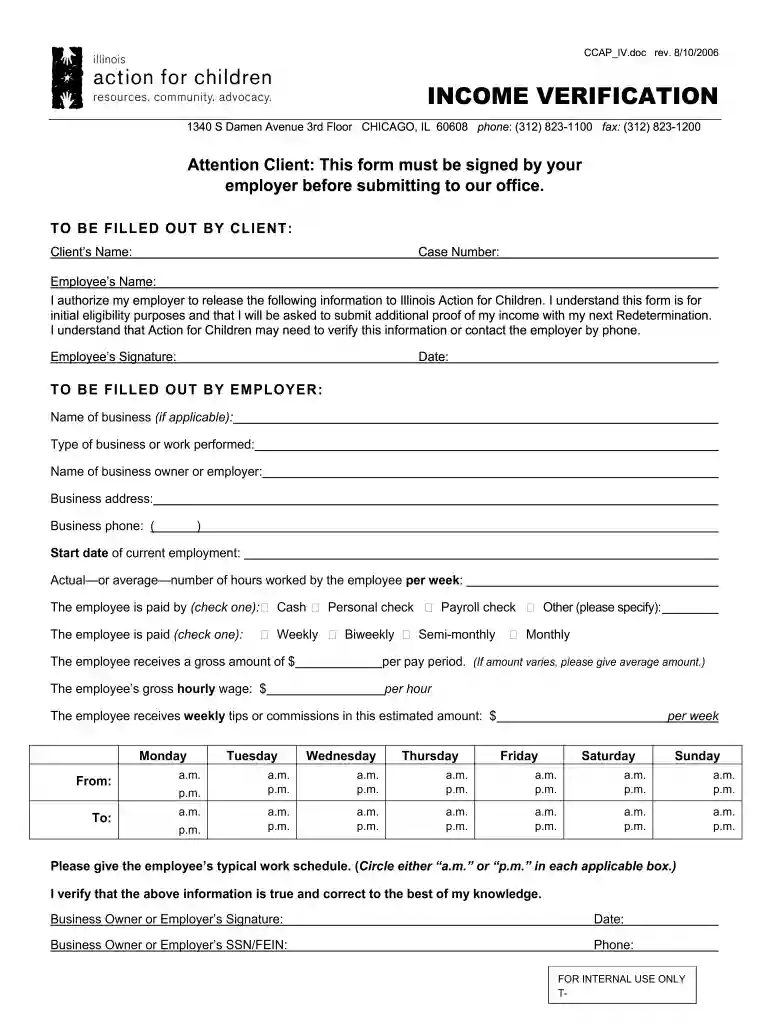
Type text, add images, blackout confidential details, add comments, highlights and more.

Draw your signature, type it, upload its image, or use your mobile device as a signature pad.

Send dhs wage verification form via email, link, or fax. You can also download it, export it or print it out.

Start using our platform today to easily fill out and manage your Illinois Income Verification form for free!
We've got more versions of the wage verification form form. Select the right wage verification form version from the list and start editing it straight away!
| Versions | Form popularity | Fillable & printable |
|---|---|---|
| 2006 | 4.9 Satisfied (42 Votes) |
Electronic signatures are a great alternative to traditional signing, as they save time, effort, and costs people spend on printing, scanning, and paper delivery. You can electronically sign your 217 782 8667 using a reliable and robust online document management tool like DocHub. It complies with major eSignature standards (ESIGN and UETA), so all forms approved there are legally binding and have the same validity as physically signed ones.
You can complete and sign your illinois income verification questionnaire online, even on a tight deadline. All you need to access high quality editing instruments on any device is a DocHub profile, which you can register in just a few moments. After you sign up, add your file or find what you are searching for in our catalog, complete it using the editing instruments you need, and put your electronic signature on it at the end.
At DocHub, your data security is our priority. We follow HIPAA, SOC2, GDPR, and other standards, so you can work on your documents with confidence.
This report is required for every class I railroad operating within the United States. Three copies of this Annual. Report should be completed.Read more
Instructions. You must send us this completed questionnaire only if you received a Return Correction Notice requesting it, along.Read more
The Work Number simplifies the verification process through an online system available to verifiers 24 hours a day, 7 days a week.Read more


