
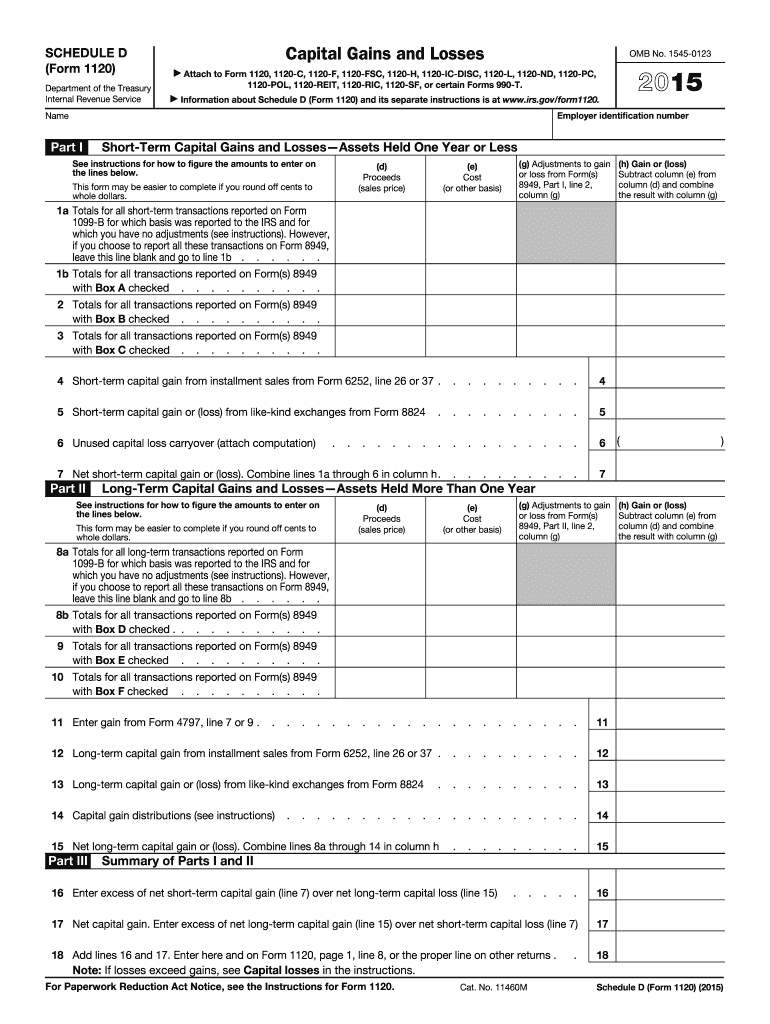







Definition and Purpose of the 2015 IRS Schedule D Form
The 2015 IRS Schedule D Form is a tax document used to report capital gains and losses from the sale of capital assets. It applies to individuals, estates, trusts, and some business entities. This form is vital for those who have sold assets like stocks, bonds, or real estate during the year and need to declare the resulting financial changes. Reporting accurately on this form ensures compliance with federal tax laws and helps determine potential liabilities or refunds arising from capital transactions.
How to Use the 2015 IRS Schedule D Form
To effectively utilize the 2015 IRS Schedule D Form, begin by identifying all relevant capital assets sold within the fiscal year. You must gather details such as original purchase date and price, sale date, and selling price for each asset. Use this information to calculate the capital gain or loss for each transaction. The form then guides you through reporting these calculations, categorizing them into short-term or long-term based on how long you held the assets. Completing these entries accurately will align your financial reporting with IRS requirements.
Steps to Complete the 2015 IRS Schedule D Form
-
Gather Documentation: Collect all necessary documents including purchase and sale records, brokerage statements, and any previous carryover loss information.
-
Identify Transactions: Determine which transactions need to be reported, categorizing them into short-term (held for a year or less) and long-term (held for more than a year) gains or losses.
-
Calculate Gains and Losses: Subtract the purchase price from the sale price to find out if you incurred a gain or loss. Adjust for any fees or expenses related to the sale.
-
Complete the Sections: Use the form sections to input your calculated gains and losses. Follow the instructions for special conditions, like carryover losses.
-
Attach Additional Forms: If necessary, append supplementary forms such as Form 8949, listing individual transactions elaborating on the summary provided in the Schedule D.
-
Review and Submit: Check all entries for accuracy and ensure all calculations are correct before submission. Submit the completed form along with your annual tax return.
How to Obtain the 2015 IRS Schedule D Form
The 2015 IRS Schedule D Form can be obtained by visiting the IRS website, where you can download a PDF version directly. Alternatively, tax preparation software often includes the form and guidelines. For those preferring a physical copy, visiting a local IRS office or requesting mail delivery through the IRS’s forms ordering service are viable options.
Important Terms Related to the 2015 IRS Schedule D Form
- Capital Gain: The profit from the sale of property or an investment.
- Capital Loss: The loss incurred when a capital asset is sold for less than its purchase price.
- Short-term Gain/Loss: Gains or losses from the sale of assets held for one year or less.
- Long-term Gain/Loss: Gains or losses from the sale of assets held for more than one year.
- Carryover Loss: A previous year's loss that is permissible to report in future tax years to offset gains.
IRS Guidelines for the 2015 IRS Schedule D Form
Comply with IRS guidelines by ensuring all figures reported on the Schedule D align with provided documentation and correlate correctly with Form 1040 or other primary tax returns. Keep thorough records of all transactions, as the IRS may request evidence to substantiate reported figures. Follow specific IRS instructions on Form 8949 attachments and capital gain tax rates relevant to your filing status.
Filing Deadlines and Important Dates
Generally, the deadline for submitting the 2015 IRS Schedule D Form coincides with the annual tax return due date, typically April 15th of the following year. Extensions to file can be requested if needed, but the filing of Schedule D should align with the deadline for the overall tax filing to avoid penalties.
Penalties for Non-Compliance
Failing to accurately file the 2015 IRS Schedule D Form can lead to penalties, including fines for late submission, misreporting, or underpaying taxes due to incorrect calculations. The IRS may also charge interest on any overdue amounts. Maintaining accuracy and timely submission is essential to avoid these additional charges.
Software Compatibility for Filing
The 2015 IRS Schedule D Form is compatible with most popular tax software, such as TurboTax and QuickBooks. These platforms often provide step-by-step guidance for entering necessary data and auto-populating the Schedule D based on entered information, ensuring compliance and accuracy in reporting. Their integration capability with online tools and cloud technologies further streamlines the process.


