




01. Edit your form online
Type text, add images, blackout confidential details, add comments, highlights and more.

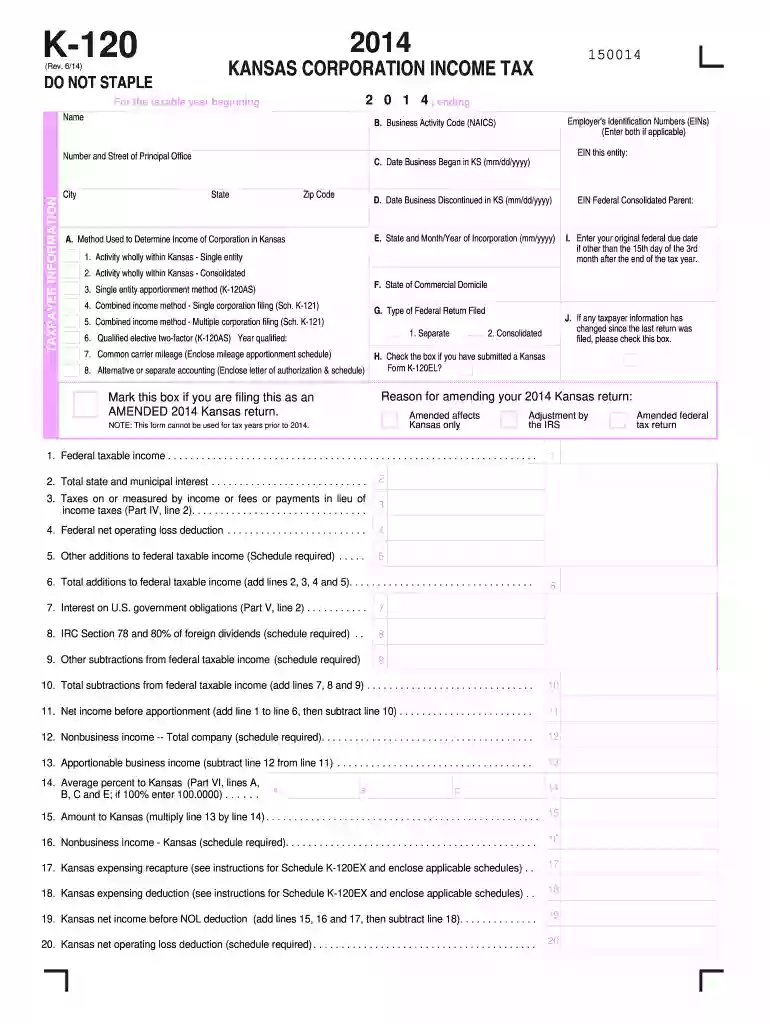
Type text, add images, blackout confidential details, add comments, highlights and more.

Draw your signature, type it, upload its image, or use your mobile device as a signature pad.

Send it via email, link, or fax. You can also download it, export it or print it out.

Start filling out your 2014 K-120 form today using our platform for free!
We've got more versions of the 2014 k 120 form form. Select the right 2014 k 120 form version from the list and start editing it straight away!
| Versions | Form popularity | Fillable & printable |
|---|---|---|
| 2025 | 4.3 Satisfied (23 Votes) | |
| 2024 | 4.8 Satisfied (40 Votes) | |
| 2023 | 4.1 Satisfied (48 Votes) | |
| 2022 | 4.7 Satisfied (34 Votes) | |
| 2021 | 4.8 Satisfied (90 Votes) | |
| 2020 | 4.3 Satisfied (208 Votes) | |
| 2019 | 4 Satisfied (38 Votes) | |
| 2018 | 4.4 Satisfied (187 Votes) | |
| 2015 | 4.4 Satisfied (559 Votes) | |
| 2014 | 4.4 Satisfied (44 Votes) | |
| 2013 | 4 Satisfied (56 Votes) | |
| 2011 | 4.3 Satisfied (70 Votes) |
At DocHub, your data security is our priority. We follow HIPAA, SOC2, GDPR, and other standards, so you can work on your documents with confidence.
If the employee is not available for signature or refuses to sign the form, this should be indicated on the appropriate line of the transaction form. .120Read more
Feb 28, 2026 Indicate by check mark if the registrant is a well-known seasoned issuer, as defined in Rule 405 of the Securities Act. ☒ Yes ☐ No.Read more
Total tax, interest penalty due (add lines 35 through 38). Complete Form K-120V and enclose it with your payment. 40. OVERPAYMENT (if line 27 plus line 38 isRead more


