Type text, add images, blackout confidential details, add comments, highlights and more.
02. Sign it in a few clicks
Draw your signature, type it, upload its image, or use your mobile device as a signature pad.
03. Share your form with others
Send pt1 via email, link, or fax. You can also download it, export it or print it out.
How to use or fill out pt1 form online with our platform
Ease of Setup
DocHub User Ratings on G2
Ease of Use
DocHub User Ratings on G2
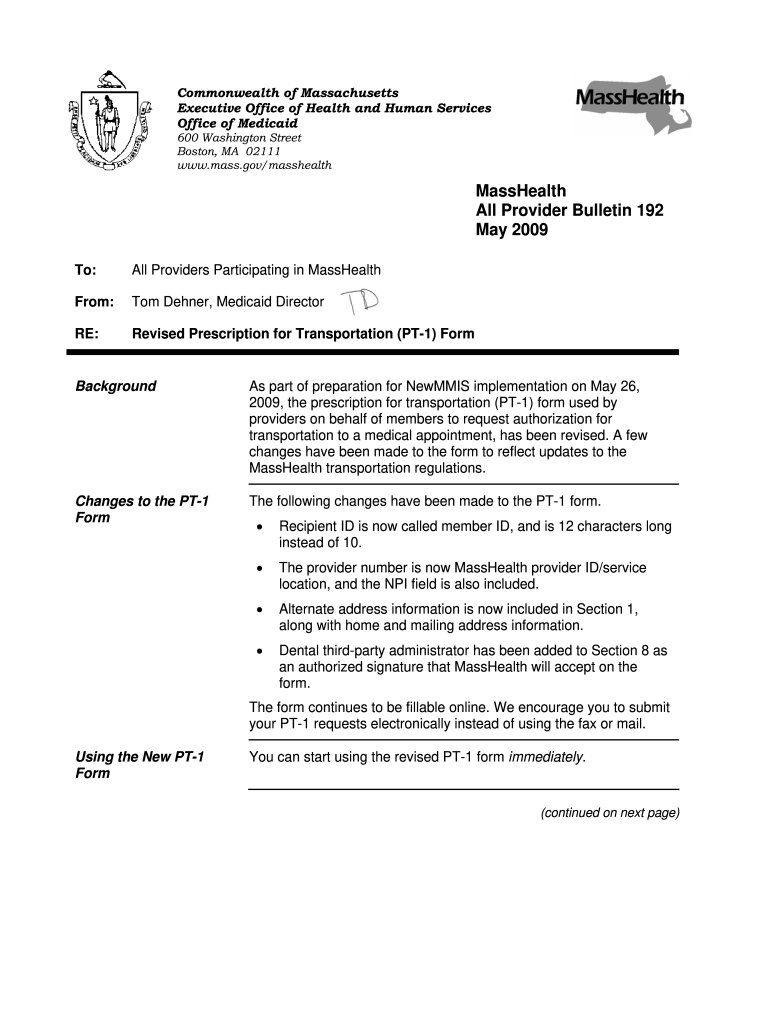
Click ‘Get Form’ to open the pt1 form in the editor.
In Section 1, enter the MassHealth member's last name, first name, date of birth, member ID, and telephone number. Provide the home address and any alternate pick-up address if applicable.
Proceed to Section 2 and fill in the provider's name, telephone number, address, MassHealth provider ID/service location, and NPI. Ensure that the provider is an active MassHealth participant.
In Section 3, indicate if the treating provider is the same as listed in Section 2 by checking the appropriate box. If different, provide their details.
Describe the medical treatment type in Section 4 and specify how long and how frequently transportation will be needed in Section 5.
In Section 6, explain any medical reasons preventing public transportation use. Indicate additional needs like a wheelchair van or escort in Section 7.
Finally, sign Section 8 to certify that all information is accurate before submitting your completed form.
Start filling out your pt1 form online for free today!
Pt1 form online pdfPt1 form online appointmentMasshealth pt1 form onlinePT1 onlineRequest pt1Masshealth pt1 form printablePt1 transportationMART Transportation PT1
Security and compliance
At DocHub, your data security is our priority. We follow HIPAA, SOC2, GDPR, and other standards, so you can work on your documents with confidence.
Login to your Customer Service Web Account. On the right hand menu, click PT-1 Request Management. Click Create New PT-1. Follow the instructions and fillRead more
Oct 10, 2025 instillation of chemotherapy after transurethral resection with transurethral resection alone in patients with stage pTa-pT1 urothelialRead more
Cookie consent notice
This site uses cookies to enhance site navigation and personalize your experience.
By using this site you agree to our use of cookies as described in our Privacy Notice.
You can modify your selections by visiting our Cookie and Advertising Notice.