




Here's how it works

01. Edit your difference between nc4 and nc 4ez online
Type text, add images, blackout confidential details, add comments, highlights and more.

02. Sign it in a few clicks
Draw your signature, type it, upload its image, or use your mobile device as a signature pad.

03. Share your form with others
Send nc 4ez form 2023 via email, link, or fax. You can also download it, export it or print it out.
How to use or fill out nc 4 2016 form with our platform

- Click ‘Get Form’ to open the nc 4 2016 form in the editor.
- Begin by entering your Social Security Number at the top of the form. This is essential for identification purposes.
- Select your marital status by checking the appropriate box: Single, Head of Household, Married, or Surviving Spouse.
- Fill in your name and address using capital letters. Ensure accuracy as this information is crucial for tax processing.
- Refer to the allowances table provided on the form. Based on your income and number of children under age 17, enter the total number of allowances you are claiming on line 1.
- If applicable, indicate any additional amount you wish to be withheld from each pay period on line 2.
- If you qualify for exemption from withholding, check the relevant boxes on lines 3 or 4 and provide any necessary details.
- Finally, sign and date the form at the bottom to certify that all information provided is accurate.
Start filling out your nc 4 2016 form online for free today!
Fill out nc 4 2016 form online
It's free
It's free
See more nc 4 2016 form versions
We've got more versions of the nc 4 2016 form form. Select the right nc 4 2016 form version from the list and start editing it straight away!
| Versions | Form popularity | Fillable & printable |
|---|---|---|
| 2025 | 4.9 Satisfied (58 Votes) | |
| 2024 | 4.6 Satisfied (57 Votes) | |
| 2021 | 4.8 Satisfied (154 Votes) | |
| 2019 | 4.4 Satisfied (102 Votes) | |
| 2018 | 4.4 Satisfied (74 Votes) | |
| 2017 | 4.3 Satisfied (69 Votes) | |
| 2016 | 4.4 Satisfied (518 Votes) | |
| 2014 | 4 Satisfied (51 Votes) | |
| 2013 | 4 Satisfied (54 Votes) |
Security and compliance
At DocHub, your data security is our priority. We follow HIPAA, SOC2, GDPR, and other standards, so you can work on your documents with confidence.
Learn more


Related forms

Other Source Health Insurance Information - child support office - portal cs oag state tx
Other Source Health Insurance Information - child support office - portal cs oag state tx
The document is a form from the Office of the Attorney General's Medical Support Unit, requesting health insurance infor ...
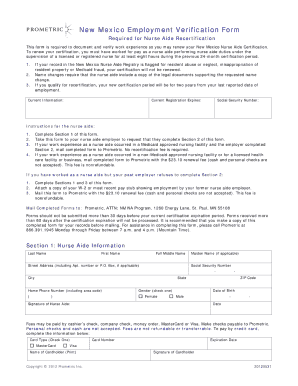
New Mexico Employment Verification Form
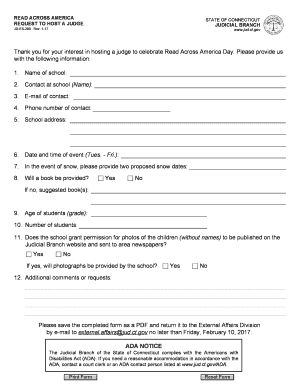
READ ACROSS AMERICA REQUEST TO HOST A JUDGE - jud ct
The document is a request form for schools in Connecticut to host a judge for Read Across America Day. It outlines the n ...

Index of Probate Court Forms - Michigan Courts
The document is a legal form from the State of Michigan Probate Court, titled 'Declaration of Intent to Give Notice by P ...
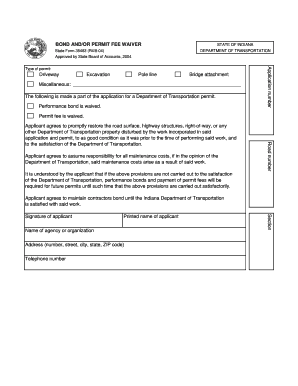
BOND AND OR PERMIT FEE WAIVER FORM - State of Indiana - state in
The document outlines the conditions for a waiver of performance bond and permit fees for applicants seeking permits fro ...

Wfp p11 form
The document is a Personal History form for applicants seeking employment with the United Nations. It includes sections ...
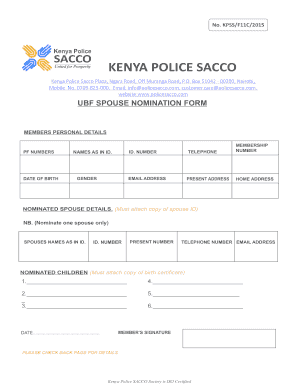
Police sacco loan form
The document is a notification from the Kenya Police SACCO regarding updates to the Utumishi Benevolent Fund (UBF) contr ...
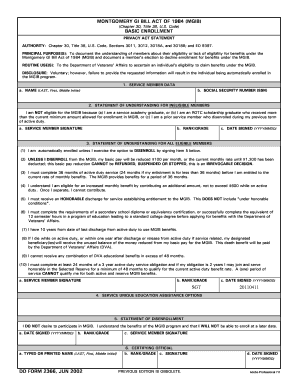
Dd form 2366
The Montgomery GI Bill Act of 1984 (MGIB) outlines the eligibility and enrollment process for service members seeking ed ...