




01. Edit your form online
Type text, add images, blackout confidential details, add comments, highlights and more.

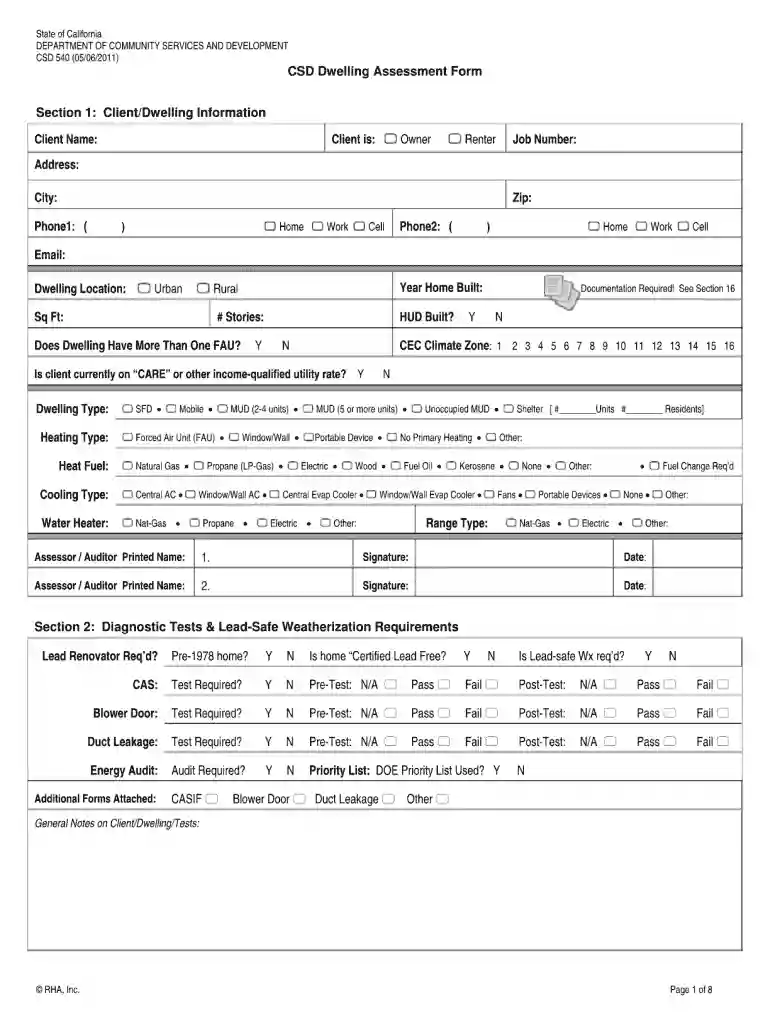
Type text, add images, blackout confidential details, add comments, highlights and more.

Draw your signature, type it, upload its image, or use your mobile device as a signature pad.

Send it via email, link, or fax. You can also download it, export it or print it out.

Start using our platform today for free to effortlessly complete your csd 540 form!
At DocHub, your data security is our priority. We follow HIPAA, SOC2, GDPR, and other standards, so you can work on your documents with confidence.
CSD 540. Course Title. Fluency Disorders. Short Title (max. 26 characters incl Paste syllabus in field below or attach and send digital copy with form.Read more
For line 7, line 8, line 9, and line 10: Multiply the number you enter in the box by the pre-printed dollar amount for that line. Whole dollars only.Read more
Nov 28, 1977 A form for readers comments is provided at the back of this publication. If the form has been removetl, comments may be addressed to IBMRead more


