




01. Edit your fema third party consent form online
Type text, add images, blackout confidential details, add comments, highlights and more.

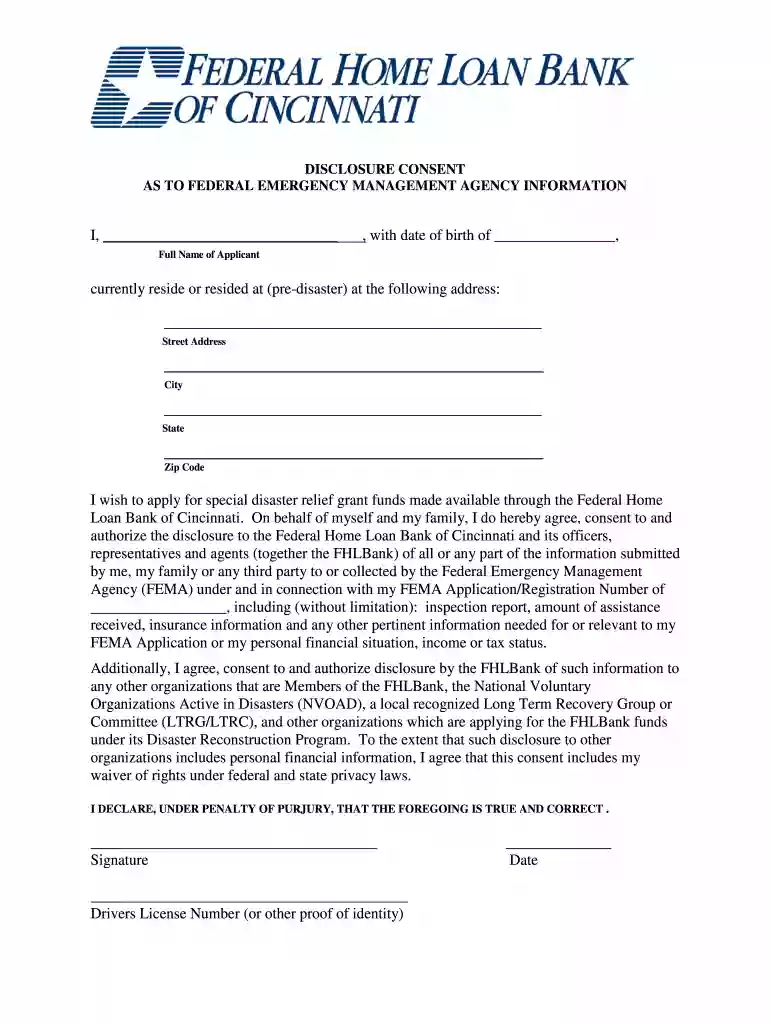
Type text, add images, blackout confidential details, add comments, highlights and more.

Draw your signature, type it, upload its image, or use your mobile device as a signature pad.

Send fema 3rd party authorization form via email, link, or fax. You can also download it, export it or print it out.

Start filling out your FEMA Written Consent Form online for free today!
We've got more versions of the fema third party consent form form. Select the right fema third party consent form version from the list and start editing it straight away!
| Versions | Form popularity | Fillable & printable |
|---|---|---|
| 2012 | 4.6 Satisfied (54 Votes) |
At DocHub, your data security is our priority. We follow HIPAA, SOC2, GDPR, and other standards, so you can work on your documents with confidence.
No employee of FEMA shall disclose any record to any person or to another agency without the express written consent of the subject individual unless theRead more
Representatives from the Diversion Authority will present the appraisal and initial purchase offer to the property owner for consideration and to begin.Read more


