




01. Edit your form 15 motion to change online
Type text, add images, blackout confidential details, add comments, highlights and more.

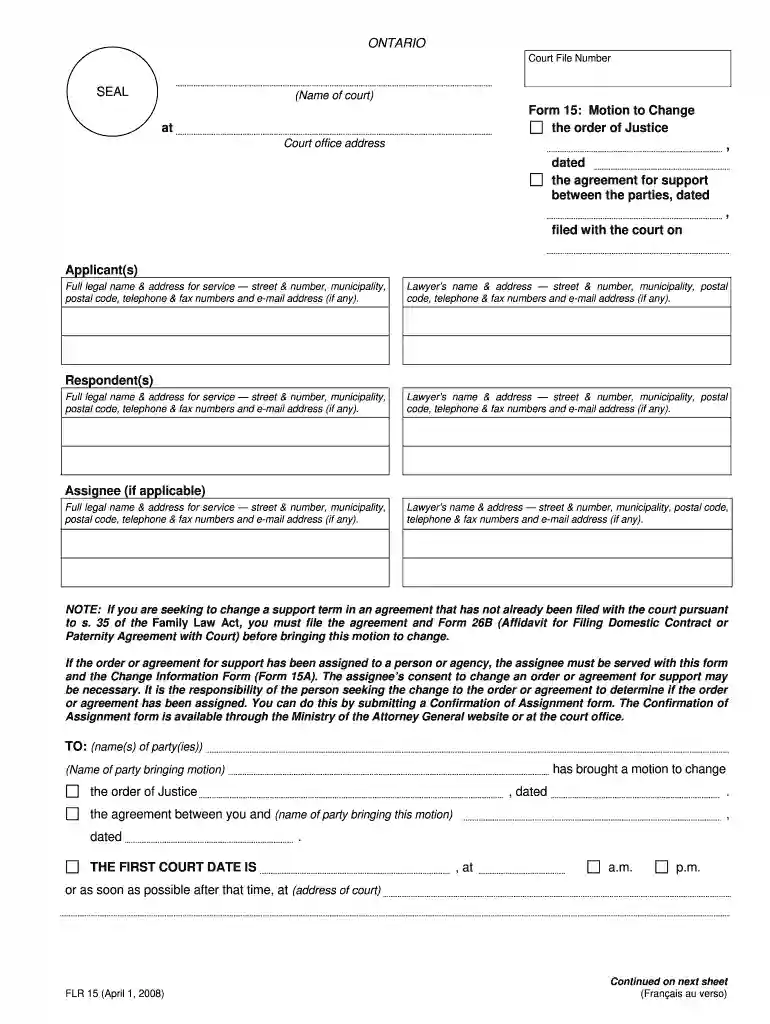
Type text, add images, blackout confidential details, add comments, highlights and more.

Draw your signature, type it, upload its image, or use your mobile device as a signature pad.

Send motion to change form via email, link, or fax. You can also download it, export it or print it out.

Start using our editor today for free and streamline your document completion process!
We've got more versions of the form 15 motion to change form. Select the right form 15 motion to change version from the list and start editing it straight away!
At DocHub, your data security is our priority. We follow HIPAA, SOC2, GDPR, and other standards, so you can work on your documents with confidence.
A party may amend its pleading once as a matter of course no later than: (A) 21 days after serving it, or (B) if the pleading is one to which a responsiveRead more
The Court shall NOT retain jurisdiction to modify the amount of the spousal support order. The Court shall retain jurisdiction to modify the duration of theRead more
Feb 12, 2015 Effective for tax years 2015 and 2016, section 606(vv) of the Tax Law was amended. The amendment did not change the credit for tax year 2014.Read more


