




01. Edit your form online
Type text, add images, blackout confidential details, add comments, highlights and more.

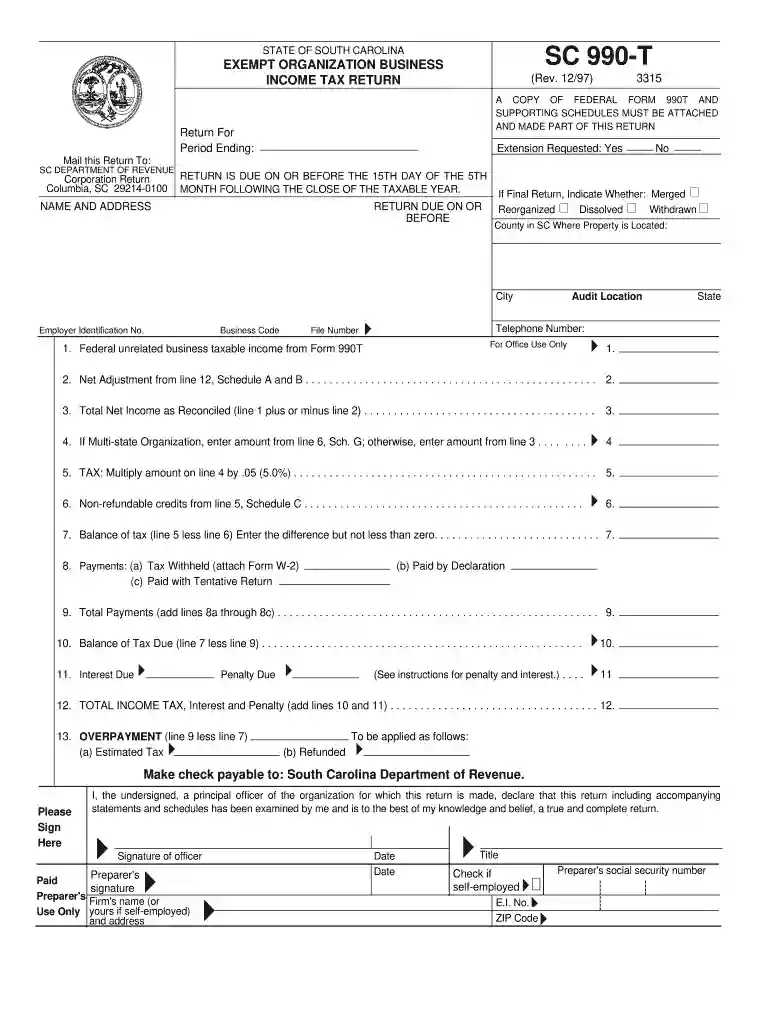
Type text, add images, blackout confidential details, add comments, highlights and more.

Draw your signature, type it, upload its image, or use your mobile device as a signature pad.

Send it via email, link, or fax. You can also download it, export it or print it out.

Start using our platform today for free to streamline your SC 990-T form completion!
At DocHub, your data security is our priority. We follow HIPAA, SOC2, GDPR, and other standards, so you can work on your documents with confidence.
Enter 0% on line 3 if the principal place of business is outside of South Carolina. Page 4. INSTRUCTIONS. Filing requirements: In general, every corporation orRead more
Jun 30, 2021 Under penalties of perjury, I declare that I have examined this return, including accompanying schedules and statements, and to the best ofRead more


