




01. Edit your cooking merit badge worksheet online
Type text, add images, blackout confidential details, add comments, highlights and more.

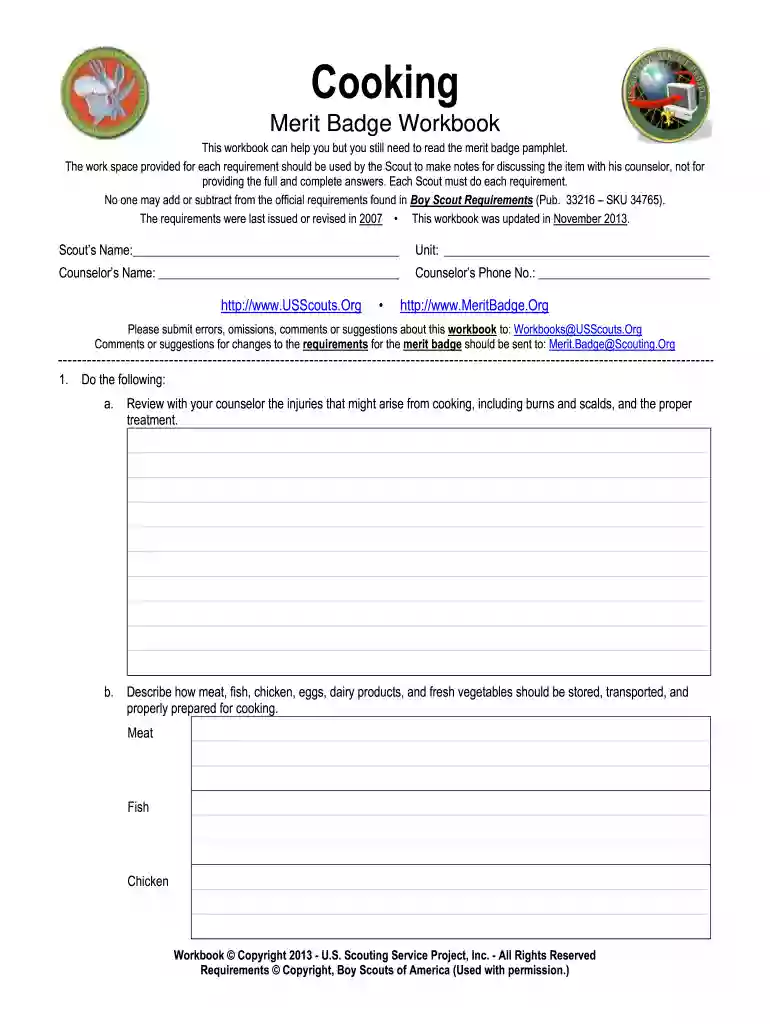
Type text, add images, blackout confidential details, add comments, highlights and more.

Draw your signature, type it, upload its image, or use your mobile device as a signature pad.

Send cooking merit badge workbook via email, link, or fax. You can also download it, export it or print it out.

Start using our platform today to easily fill out your cooking merit badge worksheet for free!
Microsoft Word doesn’t have signing tools to generate legitimate eSignatures and enforceable documents. Luckily, DocHub is an online eSignature-compliant editor that supports different document formats, such as .doc files. Log in to your account and upload the Word edition of your merit badge worksheets from your device and cloud, or URL - our editor will automatically transform it into an editable PDF. Make all necessary changes in your form and click Sign to generate your own legally-binding electronic signature. There are four signing options from which to choose.
Apart from a comprehensive toolset for editing PDFs on mobile phones, DocHub allows you to sign your cooking merit badge answers along the way. Open our editor in your web browser, make changes using DocHub’s toolset, and finish your editing by eSigning the finished form.
At DocHub, your data security is our priority. We follow HIPAA, SOC2, GDPR, and other standards, so you can work on your documents with confidence.
This Workbook can help you organize your thoughts as you prepare to meet with your merit badge counselor. Merit Badge Counselors may not require the use of thisRead more
Many good recipes can be found in the. Cooking merit badge pamphlet. Others can be found on these pages. Invite the Scouts families to join in the feast. Each.Read more


