




Here's how it works

01. Edit your az unemployment form online
Type text, add images, blackout confidential details, add comments, highlights and more.

02. Sign it in a few clicks
Draw your signature, type it, upload its image, or use your mobile device as a signature pad.

03. Share your form with others
Send azui com forms via email, link, or fax. You can also download it, export it or print it out.
How to use or fill out unemployment form ub106 with our platform

- Click ‘Get Form’ to open the unemployment form UB-106 in the editor.
- Begin by entering your name and social security number in the designated fields at the top of the form.
- Fill in the week ending date to specify the claim period for which you are applying.
- Answer questions regarding your work availability and job search efforts. For each question, select 'YES' or 'NO' as applicable.
- If you looked for work, provide details about your job search in the specified section, including contact dates and methods.
- Report any earnings if applicable. Complete sections 4a and 4b if you worked during this period.
- Indicate whether you have returned to full-time work or if you wish to decline filing for that week.
- Finally, review all entries for accuracy, sign the form electronically, and submit it via fax or mail as instructed.
Start using our platform today to fill out your unemployment form UB-106 easily and for free!
Fill out unemployment form ub106 online
It's free
It's free
See more unemployment form ub106 versions
We've got more versions of the unemployment form ub106 form. Select the right unemployment form ub106 version from the list and start editing it straight away!
Security and compliance
At DocHub, your data security is our priority. We follow HIPAA, SOC2, GDPR, and other standards, so you can work on your documents with confidence.
Learn more


Related forms
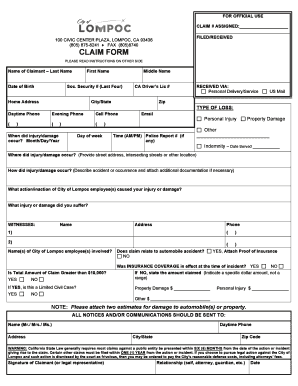
Claim form - City of Lompoc
The document is a claim form for individuals seeking to file a claim against the City of Lompoc, California. It includes ...

Special Event Permit Application - City of Pensacola
The document is a comprehensive Special Event Permit Application for the City of Pensacola, detailing the requirements a ...

Sarasota County - Florida Department of Highway Safety and Motor
The document outlines the procedures and requirements for applying for a sign permit in Sarasota County, Florida. It inc ...

Fulton county parenting plan
The document is a Consent Parenting Plan from the Superior Court of Fulton County, Georgia, outlining an agreement betwe ...
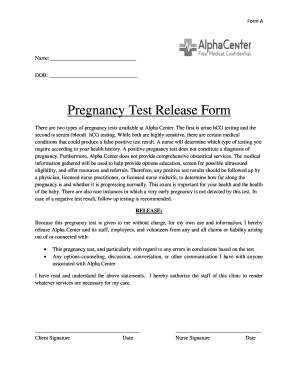
Pregnancy Test Release Form
The document is a Pregnancy Test Release Form from Alpha Center, outlining the types of pregnancy tests available (urine ...

Counselor observation checklist
The document is a Peer Counselor Observation Checklist for the Georgia WIC Program, designed to evaluate the effectivene ...

DocHub 455922967--TOWN-OF-AMHERST-NYGet the free TOWN OF AMHERST, NY NEW DOG LICENSE APPLICATION
DocHub 455922967--TOWN-OF-AMHERST-NYGet the free TOWN OF AMHERST, NY NEW DOG LICENSE APPLICATION
The document is a dog license application form for the Town of Amherst, requiring owners to provide personal and dog inf ...
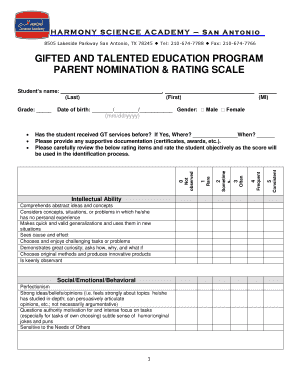
Fax 210-674-7766 GIFTED AND TALENTED EDUCATION PROGRAM - hsasa
The document is a nomination and rating scale for the Gifted and Talented Education Program at Harmony Science Academy i ...