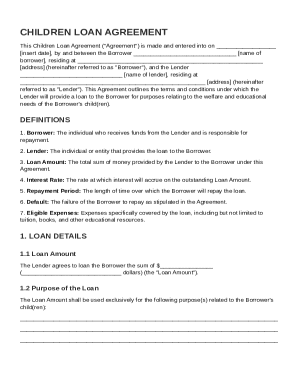
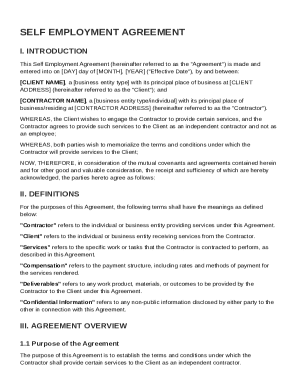
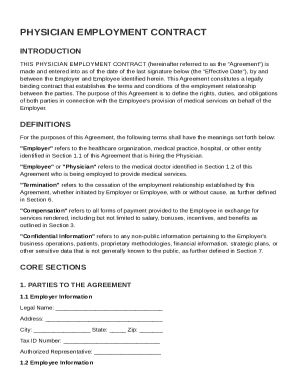
Type text, add images, blackout confidential details, add comments, highlights and more.
02. Sign it in a few clicks
Draw your signature, type it, upload its image, or use your mobile device as a signature pad.
03. Share your form with others
Send employment application software via email, link, or fax. You can also download it, export it or print it out.
How to Use or Fill Out the Application for Employment
Ease of Setup
DocHub User Ratings on G2
Ease of Use
DocHub User Ratings on G2
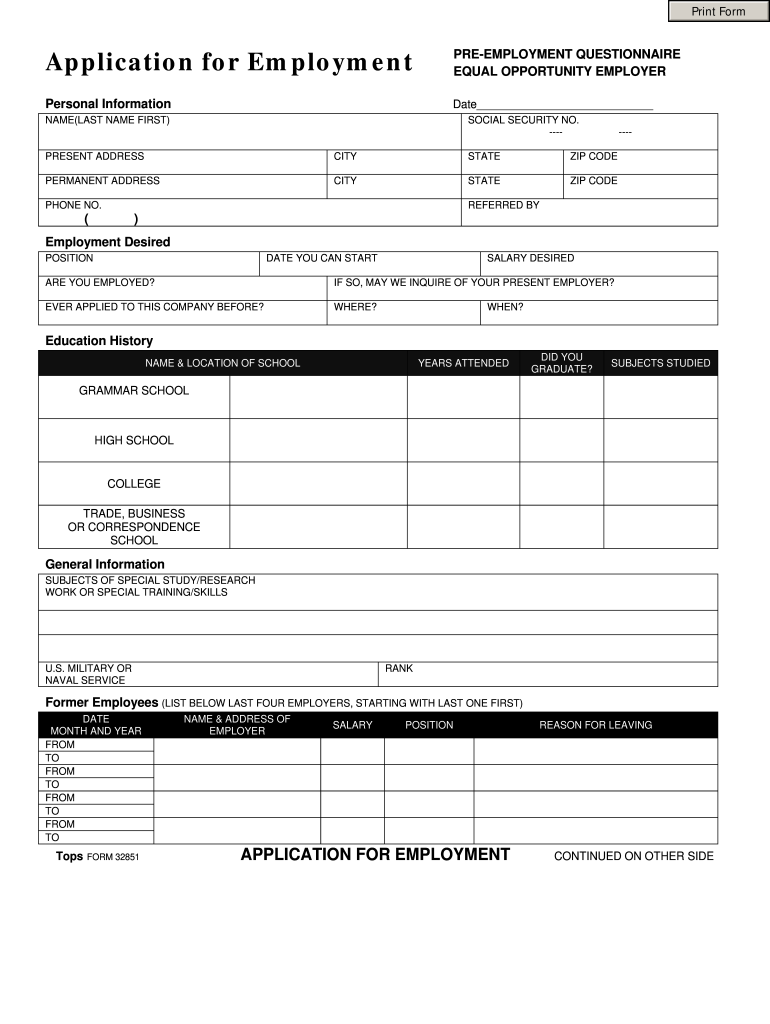
Click 'Get Form' to open the application in our editor.
Begin by entering your personal information, including your name, social security number, and addresses. Ensure accuracy as this information is crucial for your application.
In the 'Employment Desired' section, specify the position you are applying for, your desired salary, and your availability to start. If currently employed, indicate whether we can contact your present employer.
Fill out your education history by listing schools attended, years of attendance, and whether you graduated. Include any relevant subjects studied.
Provide details about your work experience by listing your last four employers along with dates of employment and reasons for leaving.
List three references who are not related to you. Include their names, addresses, years known, and business affiliations.
Finally, read and sign the authorization statement certifying that all information provided is true. Date the application before submitting it.
Start filling out your application today using our platform for free!
Apply to college with Common App | Your future starts here
Common App streamlines college applications for over 1000 schools, saving time, tracking deadlines, and supporting students, counselors, and recommenders.
Cookie consent notice
This site uses cookies to enhance site navigation and personalize your experience.
By using this site you agree to our use of cookies as described in our Privacy Notice.
You can modify your selections by visiting our Cookie and Advertising Notice.