Sba form 2483 download-2026

Get Form
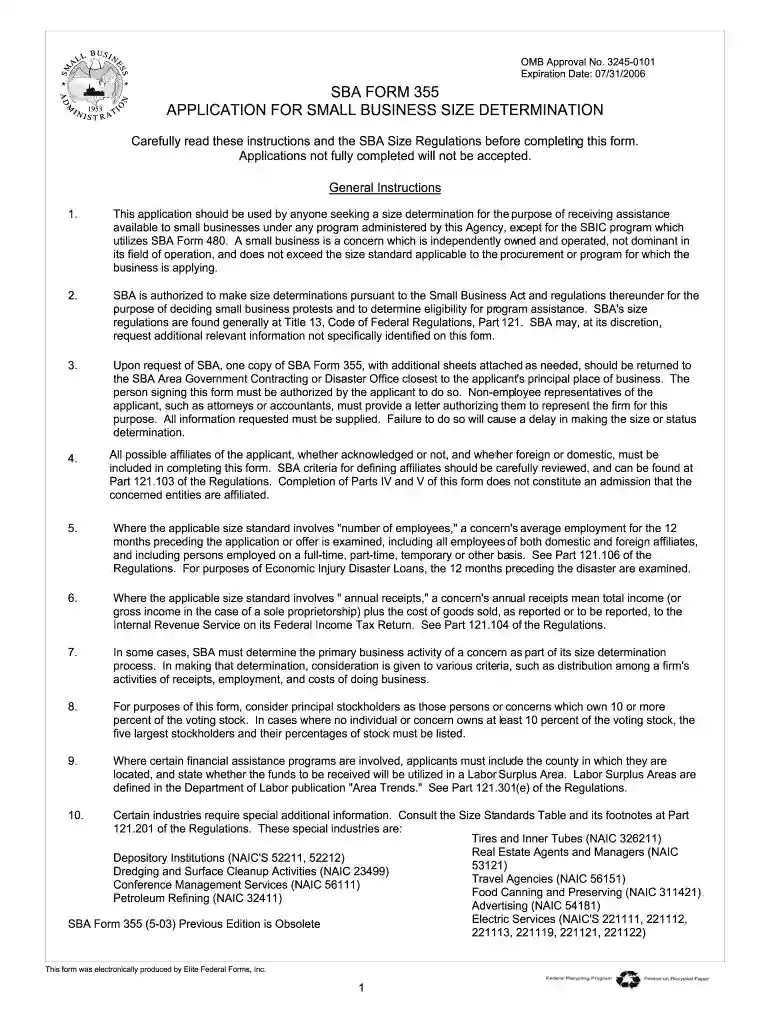
2483 Preview on Page 1

Here's how it works

01. Edit your 2483 online
Type text, add images, blackout confidential details, add comments, highlights and more.

02. Sign it in a few clicks
Draw your signature, type it, upload its image, or use your mobile device as a signature pad.

03. Share your form with others
Send 2483 form via email, link, or fax. You can also download it, export it or print it out.

How to use or fill out SBA Form 2483 download with our platform

Form edit decoration
9.5
Ease of Setup
DocHub User Ratings on G2
9.0
Ease of Use
DocHub User Ratings on G2
  1. Click ‘Get Form’ to open it in the editor.
  2. Begin by filling out Part I, which includes your name, address, and contact information. Ensure that all details are accurate to avoid delays.
  3. In Part II, provide information regarding your number of employees. This is crucial for determining eligibility based on employee size standards.
  4. Move to Part III and enter your total sales or receipts for the last three fiscal years. This data is essential for revenue-based size standards.
  5. Complete Part IV by listing any affiliates, including their addresses and ownership percentages. Attach necessary documents as specified.
  6. Finally, review all sections for completeness and accuracy before submitting the form electronically through our platform.

Start using our platform today to fill out SBA Form 2483 easily and for free!

be ready to get more

Complete this form in 5 minutes or less

Get form

Got questions?

We have answers to the most popular questions from our customers. If you can't find an answer to your question, please contact us.
Contact us
You can apply through any existing SBA lender or through any FDIC institution, federally insured credit union, and Farm Credit System institution that is participating. See .sba.gov for a list of SBA lenders.
Citizens can complete their Family ID download, updates, or mobile number change online or through authorized centers. Key Highlights: Temporary PPP Family IDs start with T for non-resident applicants. Families can complete Family ID download online through the Parivar Pehchan Patra portal using Aadhaar verification.
Log in to the official PPP portal using your Family ID. Navigate to the Print PPP or Download Family ID section.
From anywhere Swipe up from the bottom of your screen to the top. If you get All Apps , tap it. Tap the app that you want to open.

Security and compliance

At DocHub, your data security is our priority. We follow HIPAA, SOC2, GDPR, and other standards, so you can work on your documents with confidence.

Learn more
ccpa2
pci-dss
gdpr-compliance
hipaa
soc-compliance
be ready to get more

Complete this form in 5 minutes or less

Get form