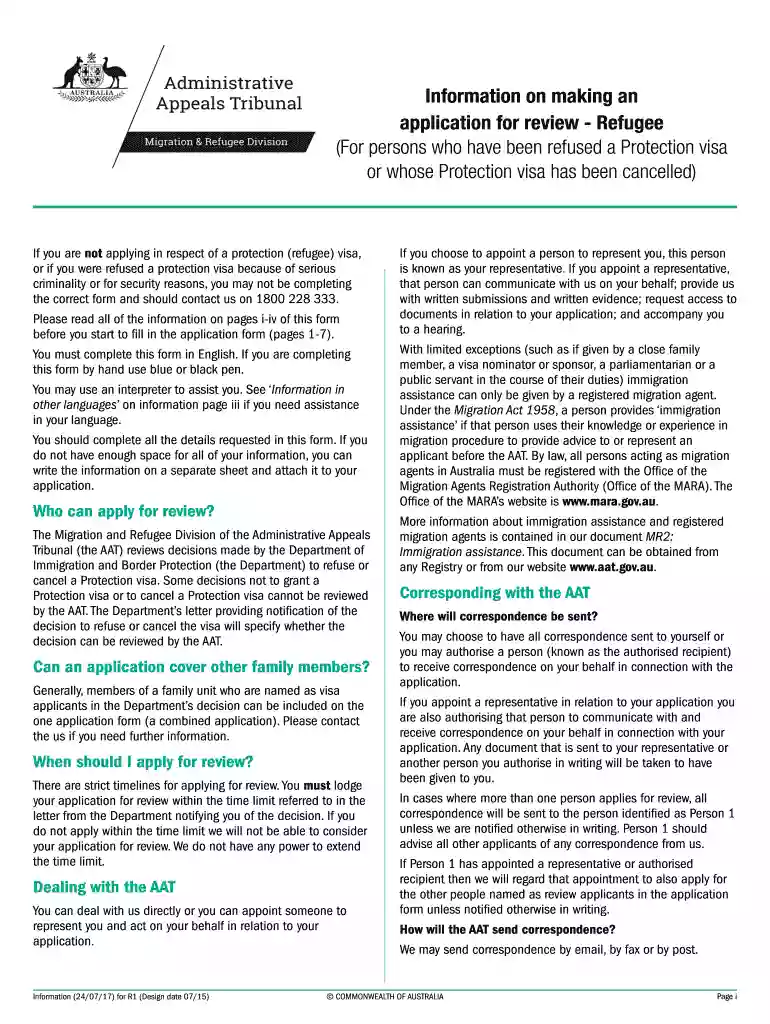
Tribunalonline 2026

Get Form
tribunalonline Preview on Page 1

Here's how it works

01. Edit your form online
Type text, add images, blackout confidential details, add comments, highlights and more.

02. Sign it in a few clicks
Draw your signature, type it, upload its image, or use your mobile device as a signature pad.

03. Share your form with others
Send it via email, link, or fax. You can also download it, export it or print it out.

How to use or fill out tribunalonline with our platform

Form edit decoration
9.5
Ease of Setup
DocHub User Ratings on G2
9.0
Ease of Use
DocHub User Ratings on G2
  1. Click ‘Get Form’ to open the tribunalonline application in the editor.
  2. Begin with Part A, providing details of the person applying for review. Ensure you include all required information such as name, date of birth, and contact details.
  3. If applicable, indicate whether you need an interpreter by selecting 'Yes' or 'No' and specify the language if needed.
  4. In Part B, decide if you want to appoint a representative. If yes, fill in their details including name and contact information.
  5. Proceed to Part E to specify what decision you want reviewed. Attach any necessary documents like the Protection visa decision record.
  6. Complete the declaration in Part F by signing and dating it. Ensure all applicants sign if there are multiple persons involved.
  7. Finally, check your application against the checklist in Part G to confirm all sections are completed before submitting.

Start using our platform today for free to streamline your tribunalonline application process!

be ready to get more

Complete this form in 5 minutes or less

Get form

Got questions?

We have answers to the most popular questions from our customers. If you can't find an answer to your question, please contact us.
Contact us

If you often deal with documents stored in your Google Drive, DocHub is a superb solution for you to easily and quickly fill out, edit, and approve them. This editor integrates well with Google services, so you can export your tribunalonline from your Google Drive to the editor without the need of downloading and re-uploading it. Right-click on your document, choose Open With → DocHub PDF Sign and Edit. In our editor, add and assign Signature Fields for all parties involved, then click on the Menu button above → Send → select how you want to share your paperwork.

You can find the latest and most relevant version of the tribunalonline in our DocHub forms collection. Browse it by categories or use the search field to locate the exact template that fits your case. You may open this form for editing once you find it.

Trial Court Remote Video Hearings: public.courts.in.gov/incs The tool that trial courts use to stream and the website where the public can watch are provided by the Indiana Office of Court Technology.
Indiana is one of the few states that allows the public to search its civil and criminal court records for free. MyCase is an online database of records from civil and criminal cases within the Indiana court system. Tips and tricks for searching MyCase, Indianas legal records IndyStar news local 2025/09/02 IndyStar news local 2025/09/02
Search Indiana Legacy These records are available to the public at no charge and include a host of records such as: birth, marriage, death, divorce, obituaries, court records, newspapers, scrapbooks, yearbooks, military records, and many other record types. Indiana Legacy - Indiana State Library Indiana State Library legacy Indiana State Library legacy

Security and compliance

At DocHub, your data security is our priority. We follow HIPAA, SOC2, GDPR, and other standards, so you can work on your documents with confidence.

Learn more
ccpa2
pci-dss
gdpr-compliance
hipaa
soc-compliance
be ready to get more

Complete this form in 5 minutes or less

Get form

People also ask

Most courtroom proceedings are open to the public on a first come, first served basis. A person who wishes to observe a court in session may check their local federal court calendar online or at the courthouse and watch a proceeding in person.
Fees. Electronic and paper court records retained at the court site can be viewed at the courthouse for free, however there is a fee of 10 cents per page to print from a public access terminal. There is a fee of 10 cents per page to access a file through PACER, with a maximum charge of $3.00 per document. Find a Case (PACER) - United States Courts United States Courts court-records find-a-case-p United States Courts court-records find-a-case-p
Anyone may search mycase.in.gov for public (non-confidential) case information and documents. Many documents are available online, free of charge.

Related links