




01. Edit your maryland resale certificate online
Type text, add images, blackout confidential details, add comments, highlights and more.

Type text, add images, blackout confidential details, add comments, highlights and more.

Draw your signature, type it, upload its image, or use your mobile device as a signature pad.

Send maryland resale certificate pdf via email, link, or fax. You can also download it, export it or print it out.

Start filling out your Maryland Resale Certificate PDF for free today with our intuitive editor!
At DocHub, your data security is our priority. We follow HIPAA, SOC2, GDPR, and other standards, so you can work on your documents with confidence.
Notice to exempt organizations holding previously-issued exemption certificates. The Maryland Revenue, Administration Division is re-i58uwg Mks tuRead more
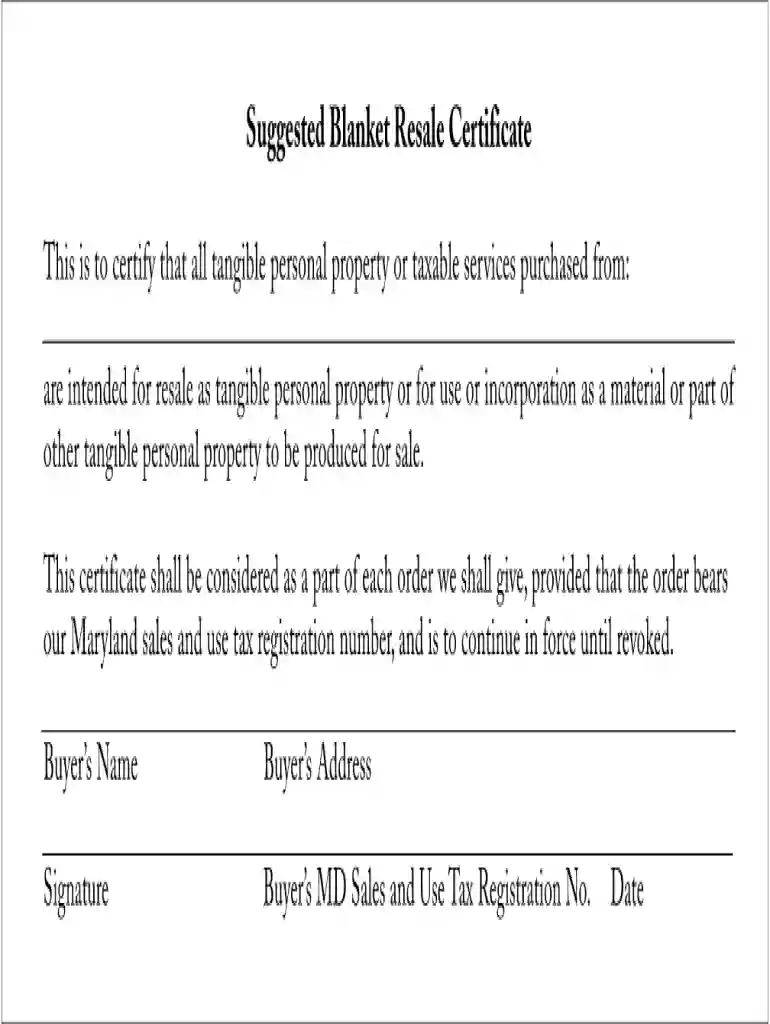
This is to DocHub that all tangible personal property or taxable services purchased from: are intended for resale as tangible personal property or for use orRead more
The Maryland Revenue Administration Division is re-issuing sales tax exemption certificates to all organizations which continue to qualify.Read more


